
Enable / Disable Risk Widget for specific Issue Type
You can Enable / Disable the Risk Register for certain issue types. To access the Risk Register feature within a specific Issue Type follow these steps:
-
Navigate to Advanced Settings inside the Risk Register.
-
Look out for the Risk Register for certain ticket types option in the settings.
-
Click on the dropdown to select the specific Issue Type.
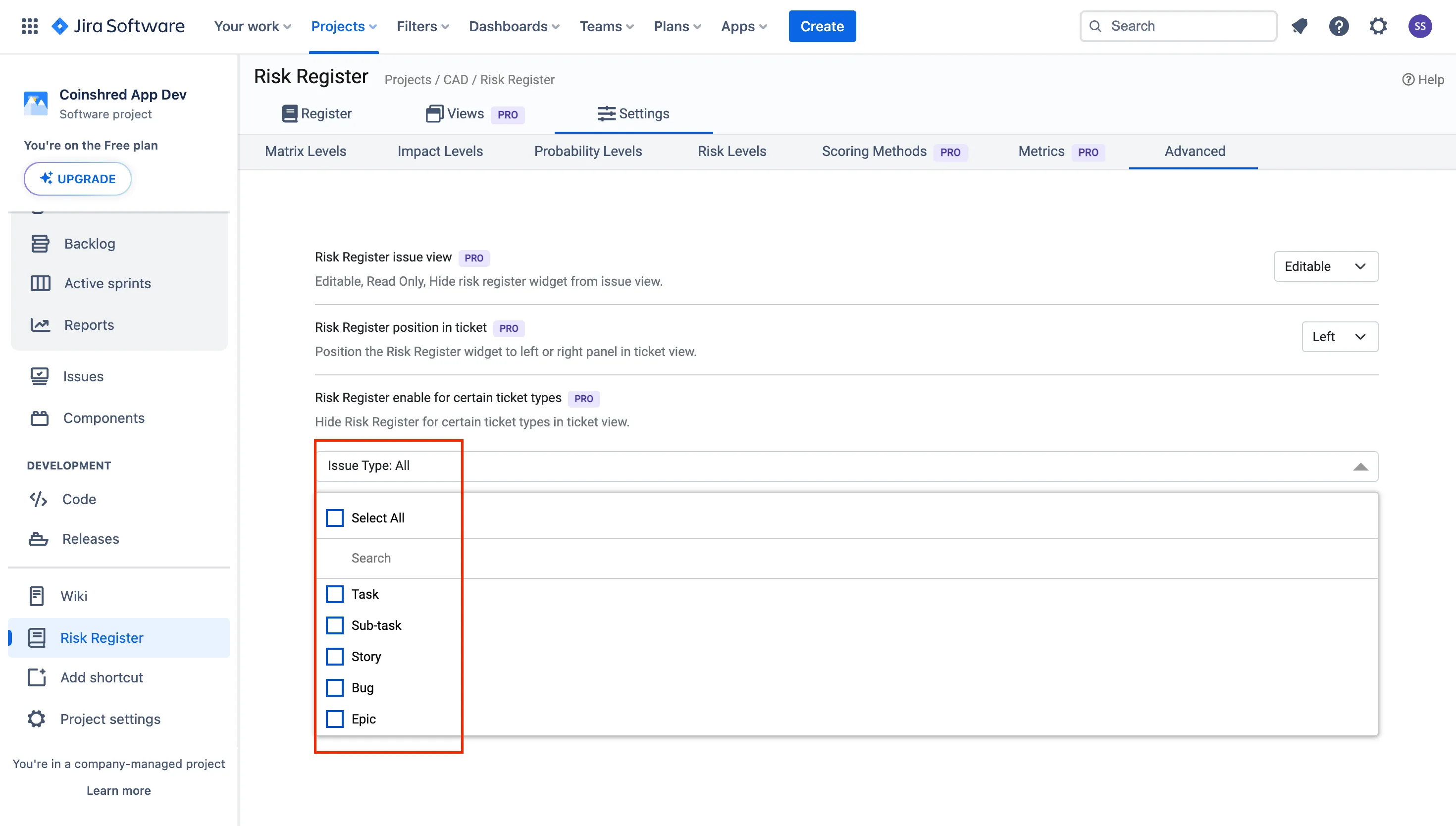
You will get the list of all issue type in the dropdown to select in order to enable / disable the Risk Widget.