Change Background of your Personal Checklist
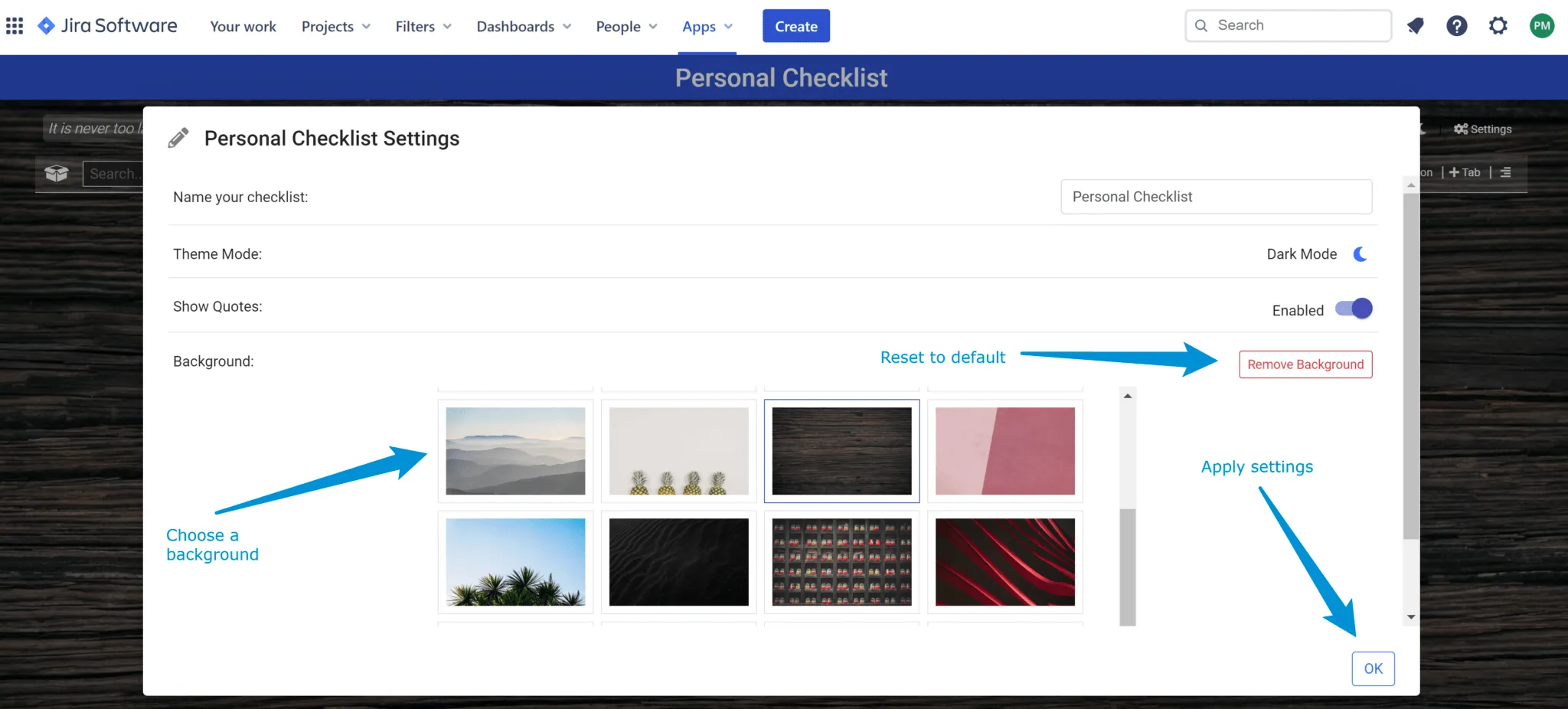
Personal Checklist for Jira Cloud comes with a variety of backgrounds that users can pick and personalize their checklist view.
Background Selection
Section titled “Background Selection”In order to change the background, follow the below steps.
-
Open Settings (top right corner)
-
Pick one of the available backgrounds from the background selection panel.
-
Click Ok to apply settings.
Note – Each background will come with a default mode (Dark or Light) which you can change if you prefer.
Remove Background
Section titled “Remove Background”You can remove a background by clicking the Remove Background button under settings.