Managing Global Templates
Templates are supported at the global level as well. Administrators in Jira can mange Global Level templates that are accessible in all the project.
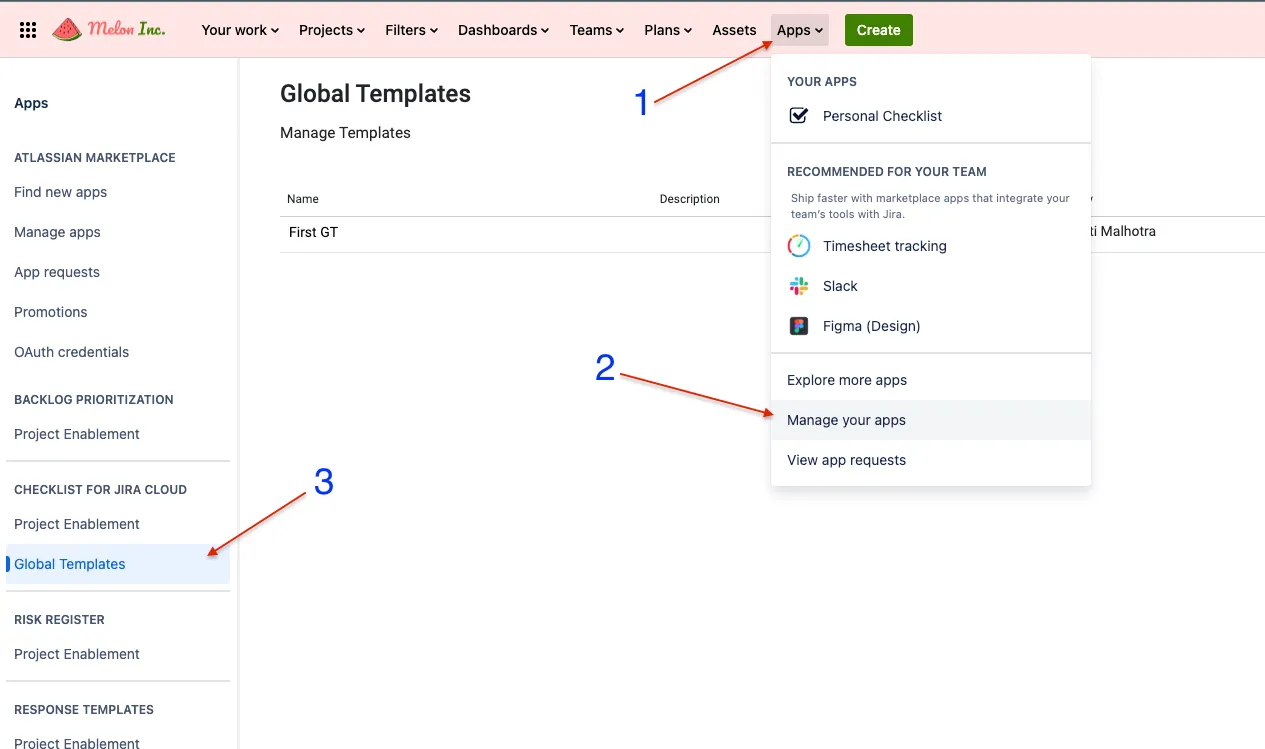
To create a Global template navigate to
Apps > Manage your Apps > Global Templates under Checklist for Jira Cloud
Please refer to the screenshot below.
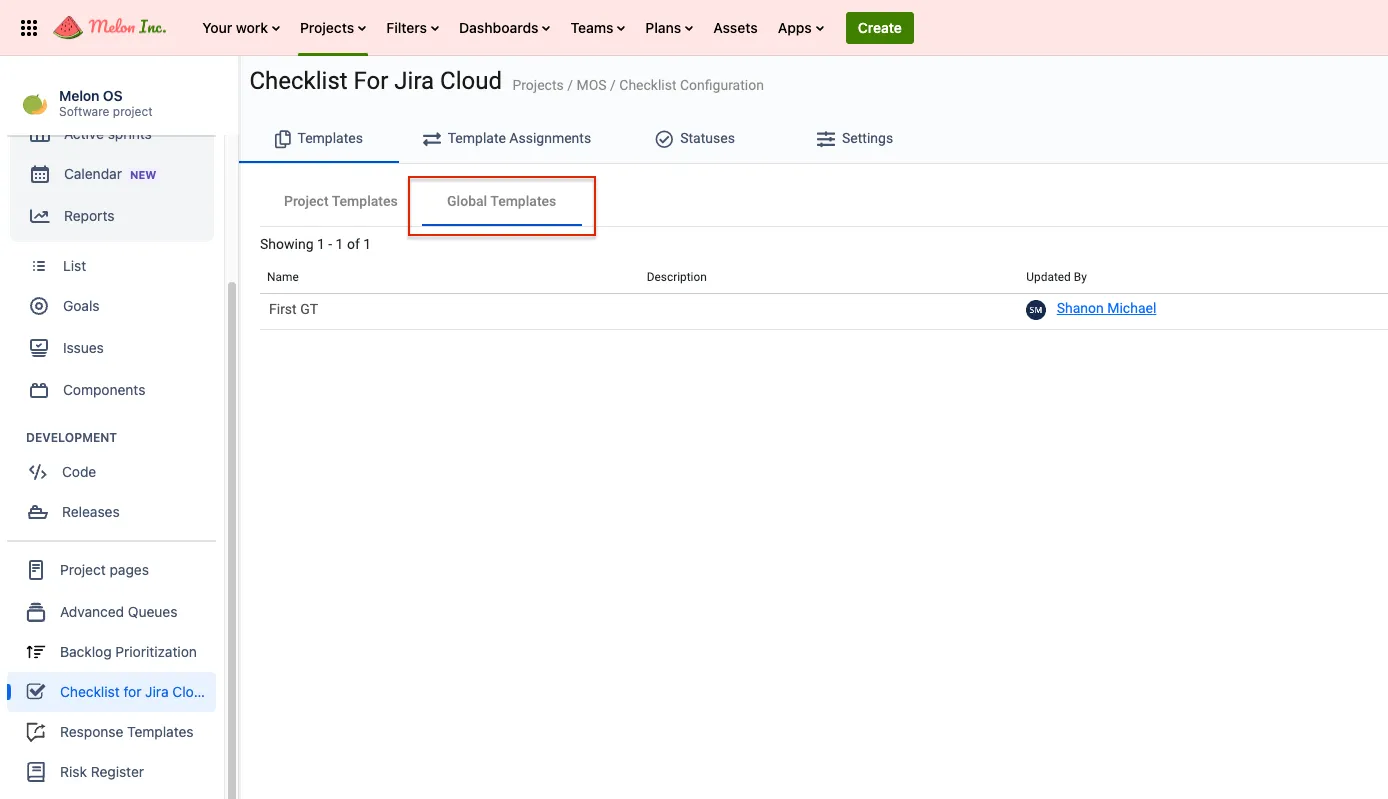
Accessing global templates inside project.
Section titled “Accessing global templates inside project.”Global templates are accessible under the Templates > Global templates
You can see the content of the template before using it.
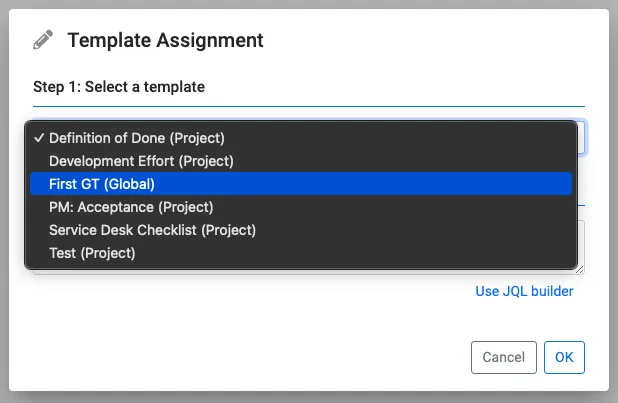
Configuring Global Template in template assignment
Section titled “Configuring Global Template in template assignment”All the global templates are available out-of-box to be used in template assignment. See the screenshot below.