
Administrator guide
The app’s page under Project settings → Apps is the admin console for Advanced Test Management in a project. From there you create the test schema, choose which work items count as requirements, and manage the automation import token.
The readiness tiles at the top of that page show what already exists; a healthy project has all work item types, link types and custom fields present.
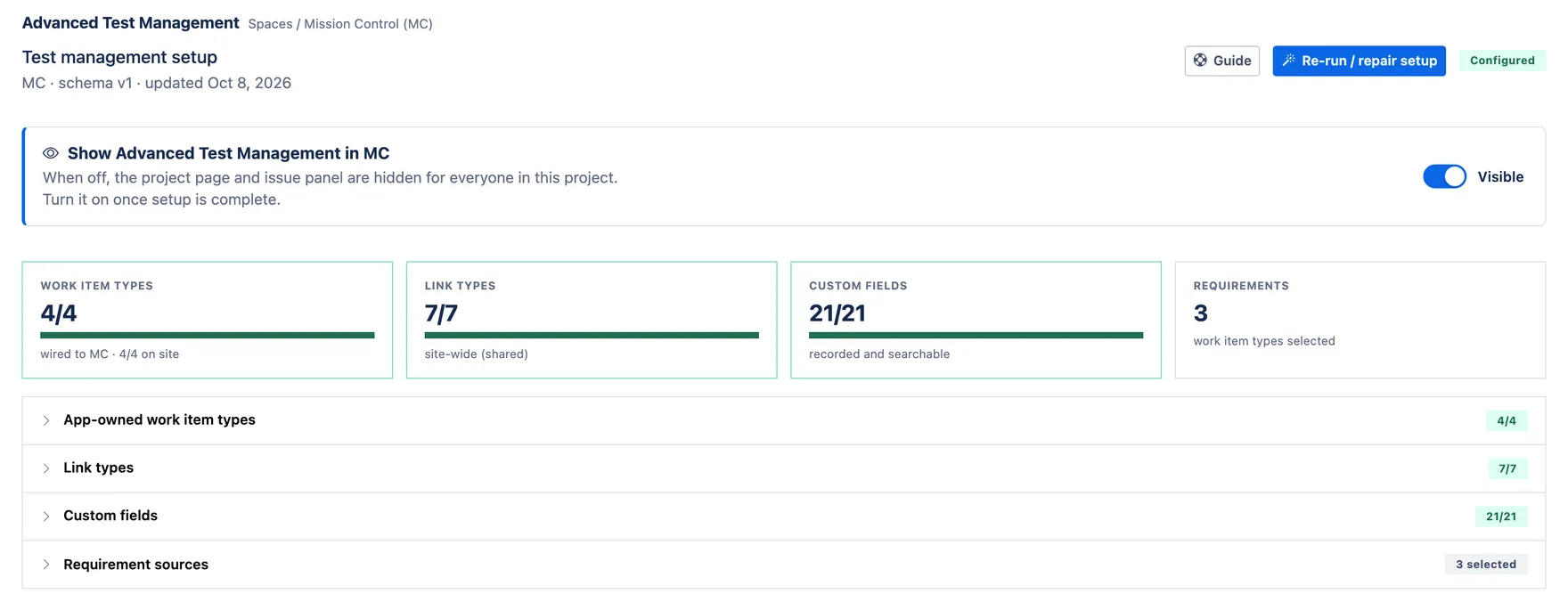
Each tile expands into the detail behind it, so you can see exactly which work item types, link types and fields the app is using, and which Jira types you have chosen as requirement sources.