Automation import
Let your CI record runs as Test Executions automatically. Your pipeline POSTs a JSON summary to a per-project Import URL, authenticated with an ingest token.
Set it up (once)
Section titled “Set it up (once)”- Open the Automation tab and copy the Import URL.
- Generate a token and copy it — it’s shown only once. Send it as the
X-TMF-Tokenheader. - Put an Automation Key on each Test Case (e.g.
suite.login.sso) so results can find the right case.
What a request looks like
Section titled “What a request looks like”curl -X POST "<IMPORT_URL>" \ -H "Content-Type: application/json" \ -H "X-TMF-Token: <YOUR_TOKEN>" \ -d '{ "externalRunId": "ci-build-1234", "projectKey": "AN", "source": "github-actions", "environment": "staging", "rows": [ { "automationKey": "suite.login.sso", "status": "passed" }, { "automationKey": "suite.login.reset", "status": "failed", "message": "timeout" } ] }'How rows are handled
Section titled “How rows are handled”- status accepts
passed,failed,skipped,error(and common aliases) — mapped to the app’s result values. - Each row is matched to a case by its Automation Key. A completed Test Execution is created and each case’s latest result is updated.
- Idempotent: re-posting the same
externalRunIdwon’t create a duplicate execution. - Per-row outcomes — matched, unknownKey, duplicateKey, unsupportedStatus, malformed — are recorded and shown in the import’s diagnostics, so nothing fails silently.
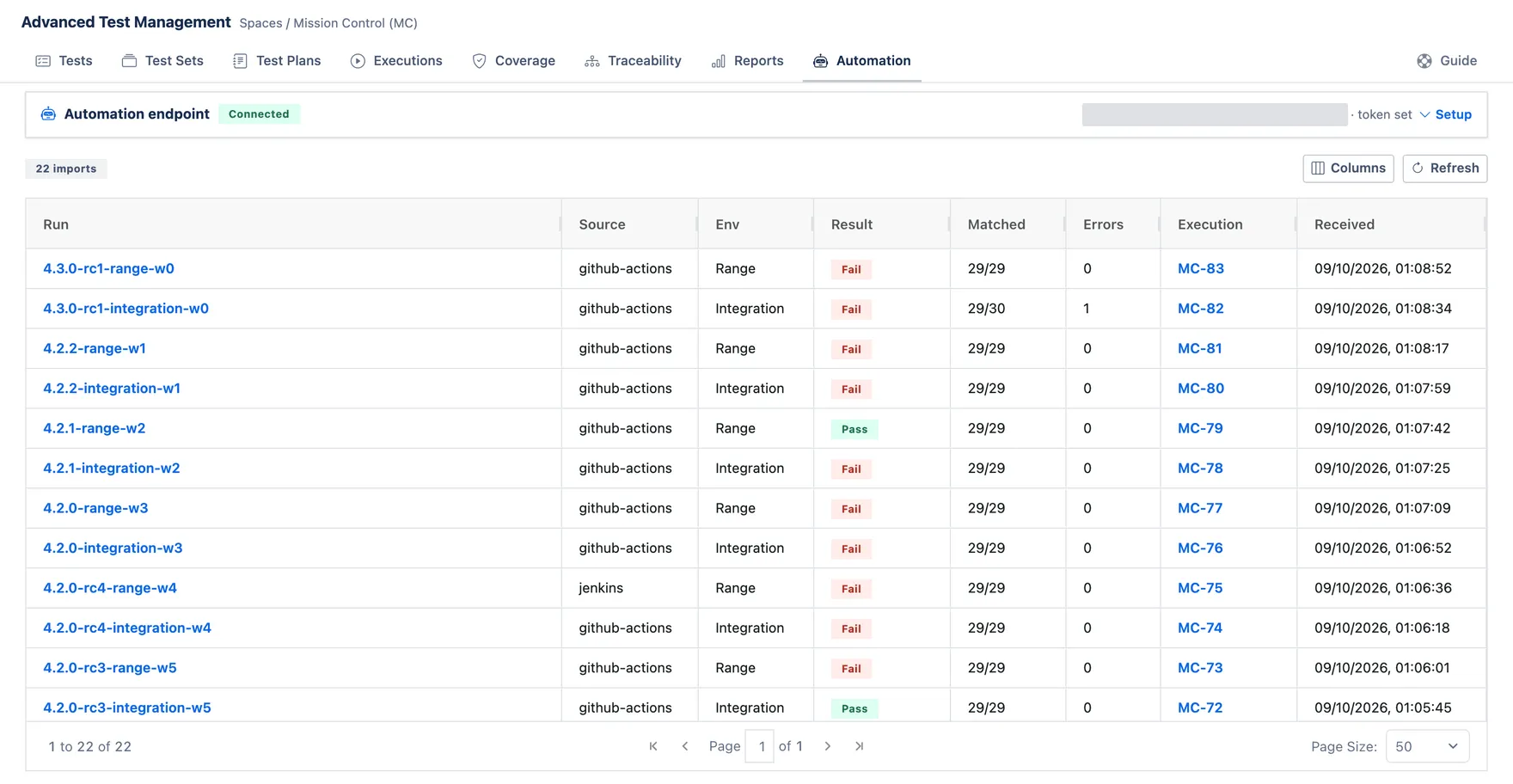
Every run that arrives is listed on the Automation tab. Matched is how many rows found a Test Case, so 29/30 with one error is a run where a single result had nowhere to land. Execution links to the Test Execution the import created. Click the run itself for its row-by-row diagnostics.