
Getting started
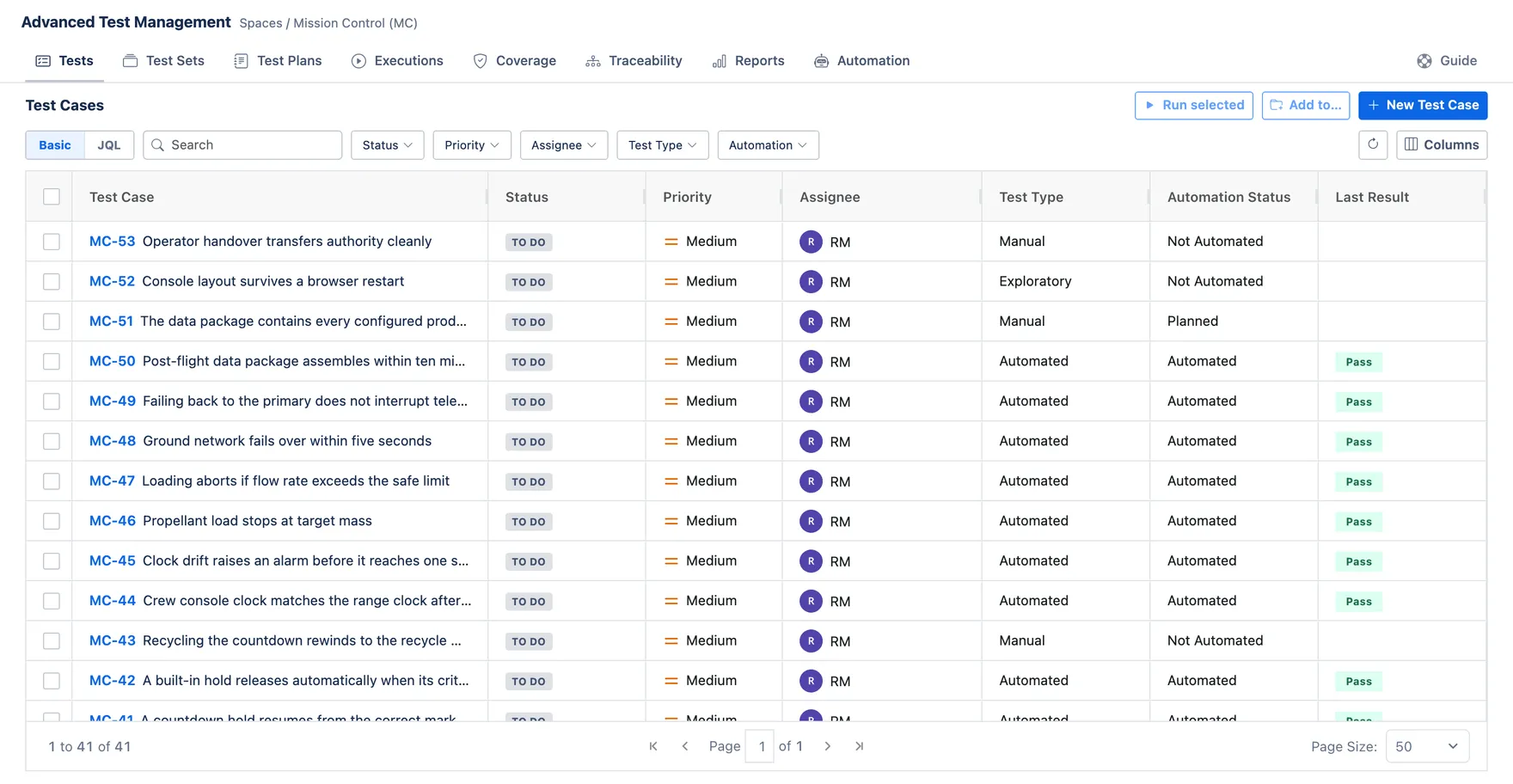
The app adds one tab to your Jira project. Everything on this page happens there: the library of Test Cases, the sets and plans you group them into, the runs that record results, and the reports that read them back.
How the pieces fit
Section titled “How the pieces fit”Test Case (Steps + custom fields — the atomic test) grouped into → Test Set (Reusable collection of cases) scheduled by → Test Plan (A testing campaign)
Test Execution (A run recording pass / fail per case) rolls up to → Reports & Coverage (Metrics + which requirements are tested)
Jira issues (stories, bugs…) are linked as requirements via Coverage & Traceability. Your CI can POST results to Automation import, which creates Executions for you.
Glossary
Section titled “Glossary”- Test Case — one test: a summary, preconditions and ordered steps (action / data / expected).
- Test Set — a named, reusable group of Test Cases (e.g. “Smoke suite”).
- Test Plan — a testing campaign with an environment scope and dates; pulls in sets/cases.
- Test Execution — the record of a run: each case marked Pass / Fail / Blocked / Skipped.
- Coverage — which requirements have at least one test linked.
- Traceability — the chain from requirement → test → execution.
- Automation Key — a stable id on a case that lets imported CI results find it.