Activities and timelines
An activity is anything that happened with a customer, or needs to: a call, a meeting, a note, an email, a task. Logged against a record, it shows on that record’s timeline, so anyone picking up the account sees the whole story.
Logging an activity
Section titled “Logging an activity”Select Log activity on a company, contact or deal page, or press ⌘K → Log activity anywhere.
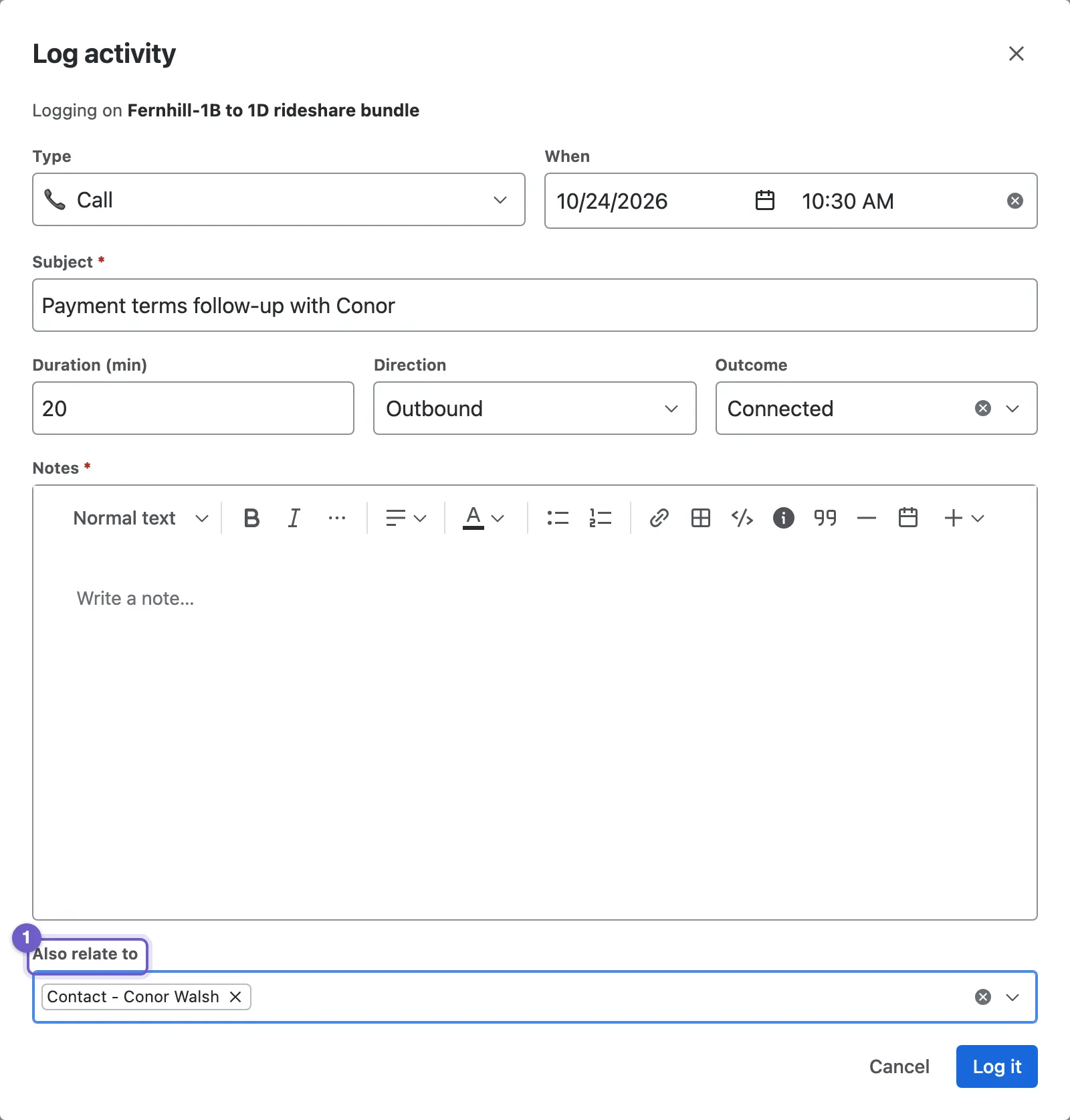
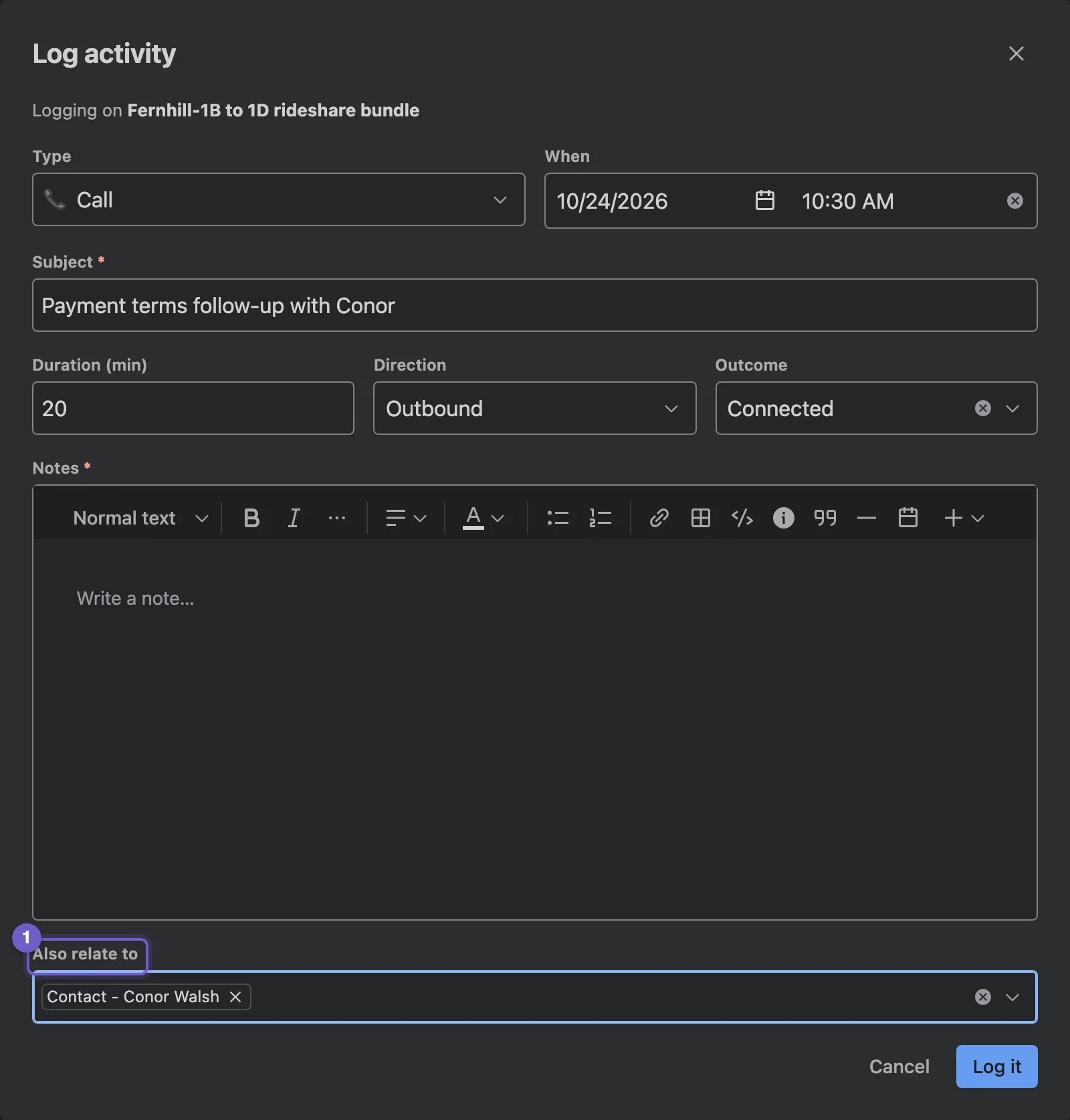
- Also relate to. Put the same activity on other records at once: the deal, the people in the meeting and their company.
- Type. Call, Meeting, Note, Email or Task. The form changes with it: calls take a direction and an outcome, meetings and calls a duration.
- When. Now by default; set an earlier time to log something that already happened.
- Subject and Notes. Notes are rich text, with tables, panels, colours and dates. Type / to insert.
- Log it.
Activities can be edited from the timeline, the Activities list or ⌘K. They can’t be deleted.
The timeline
Section titled “The timeline”Every record has a timeline, newest first, grouped by day.
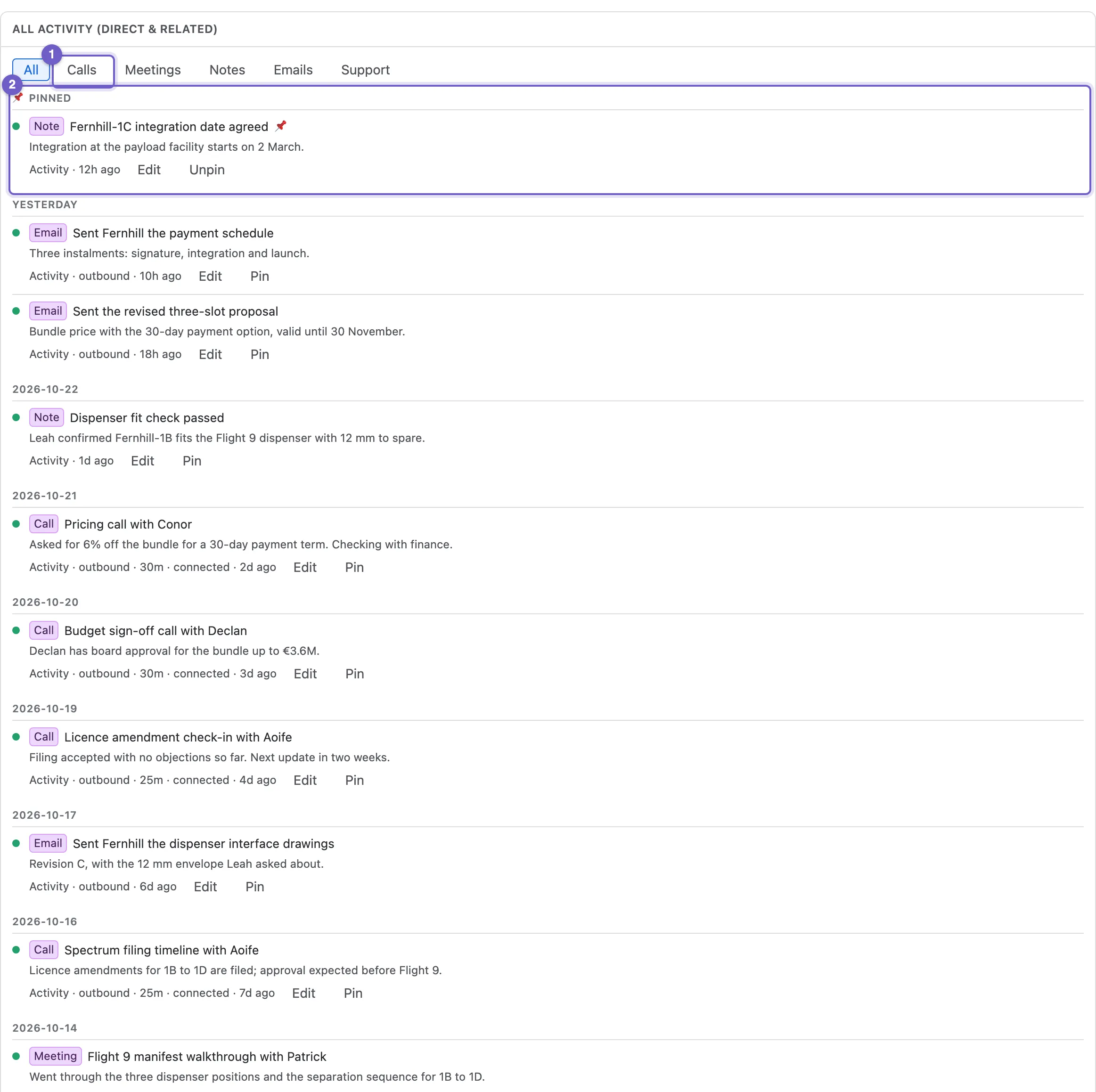
- Filters. Show everything, or only Calls, Meetings, Notes, Emails, Support (requests from Jira Service Management), Changes (edits to the record) or Jira (events on linked issues).
- Pinned. Pin an important entry to keep it at the top.
- An entry. Its type, direction, duration, outcome, when it happened and a preview of the notes. Edit opens it.
- Load older fetches the rest.
What shows on which timeline
Section titled “What shows on which timeline”An activity shows on every record it relates to. On top of that, a company’s, contact’s or deal’s Activities tab rolls up everything logged against its related records too: a company’s shows its contacts’ and deals’ activity, so it really does show the whole relationship. The Activity box on a record’s Summary shows the record’s own entries.
The Activities list
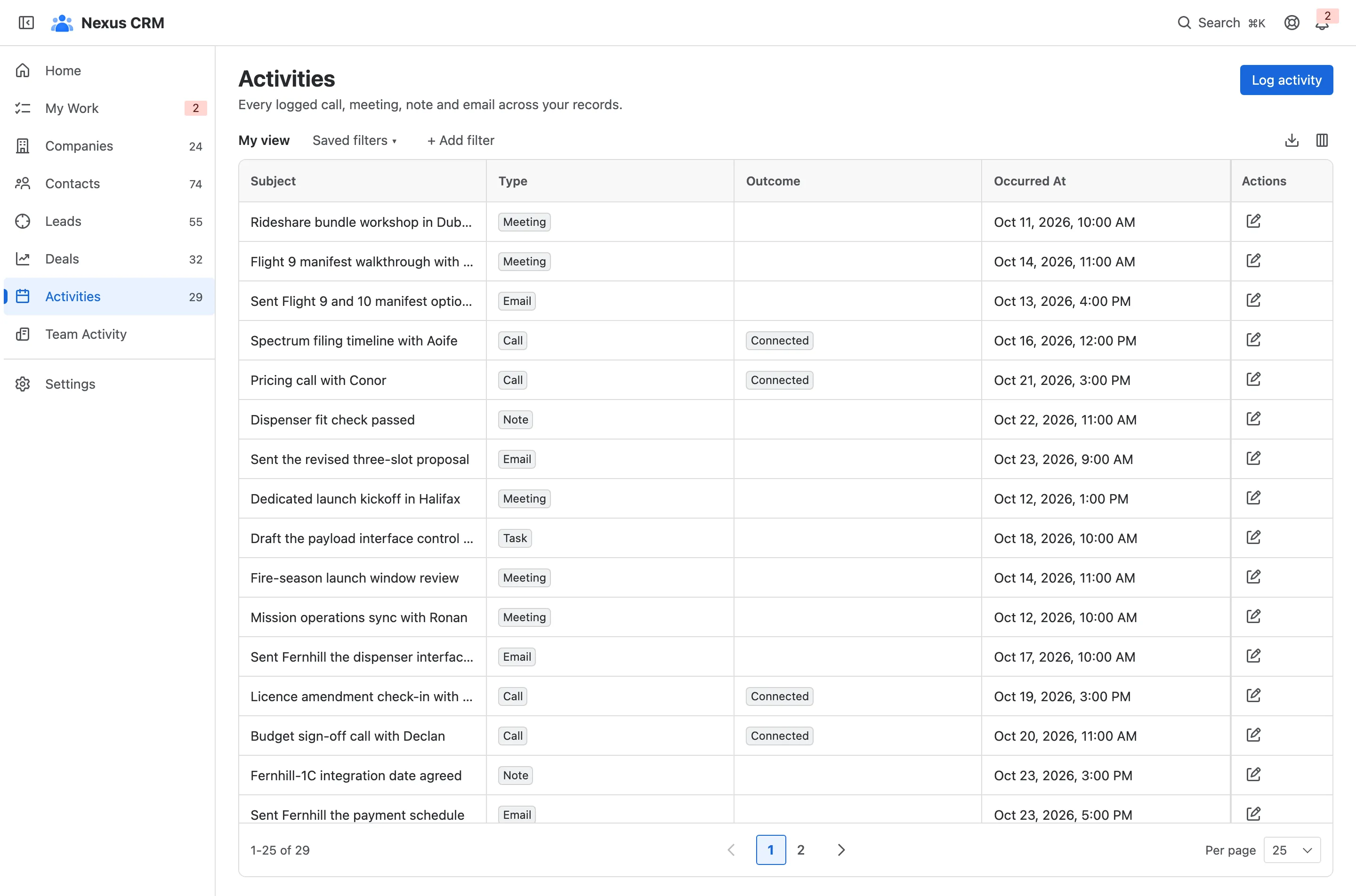
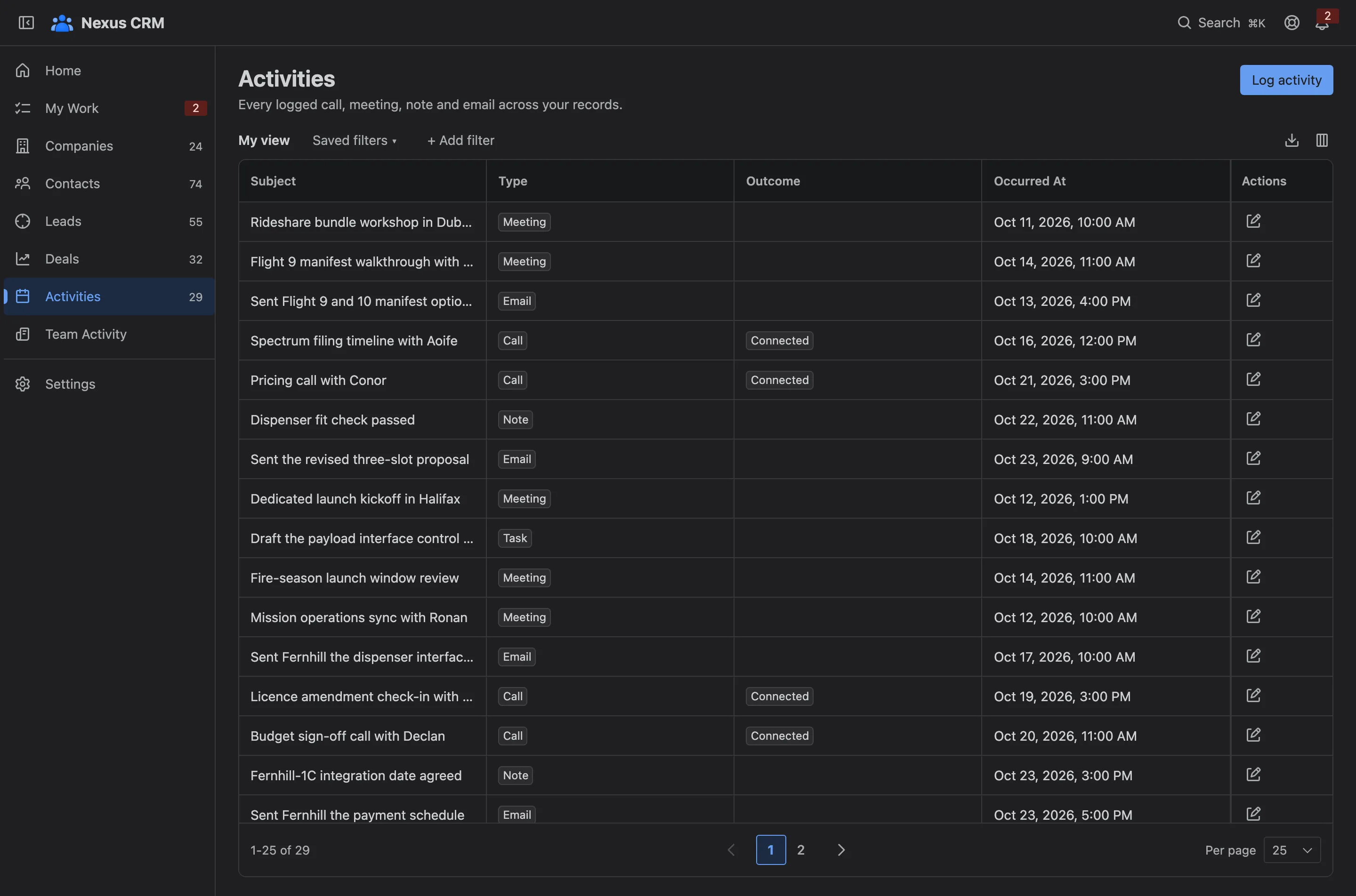
Section titled “The Activities list”Activities in the navigation lists every activity across the CRM, with the same filters, columns and export as any list. The pencil on a row opens it.