
Leads
A lead is someone who has shown interest but isn’t a customer yet: a form on your website, a card from a conference, a referral. Keeping leads apart from contacts keeps your address book clean until someone is worth tracking properly.
How a lead moves
Section titled “How a lead moves”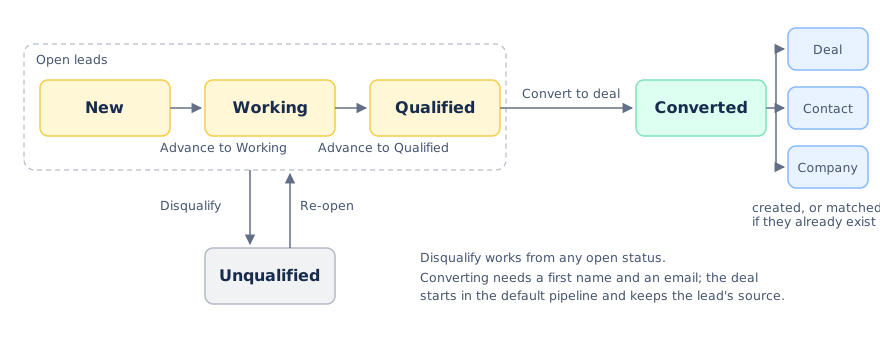
| Status | Meaning |
|---|---|
| New | Just came in. Nobody has followed it up yet. |
| Working | Someone is talking to them. |
| Qualified | It’s real: there’s a need, a budget and a timeline. Ready to convert. |
| Unqualified | Not a fit, for now. |
| Converted | It became a deal. The lead keeps links to everything it created. |
The Leads board
Section titled “The Leads board”Switch the Leads list to a board to see your funnel at a glance: one column per status, with a count in each. Drag a card to change its status.
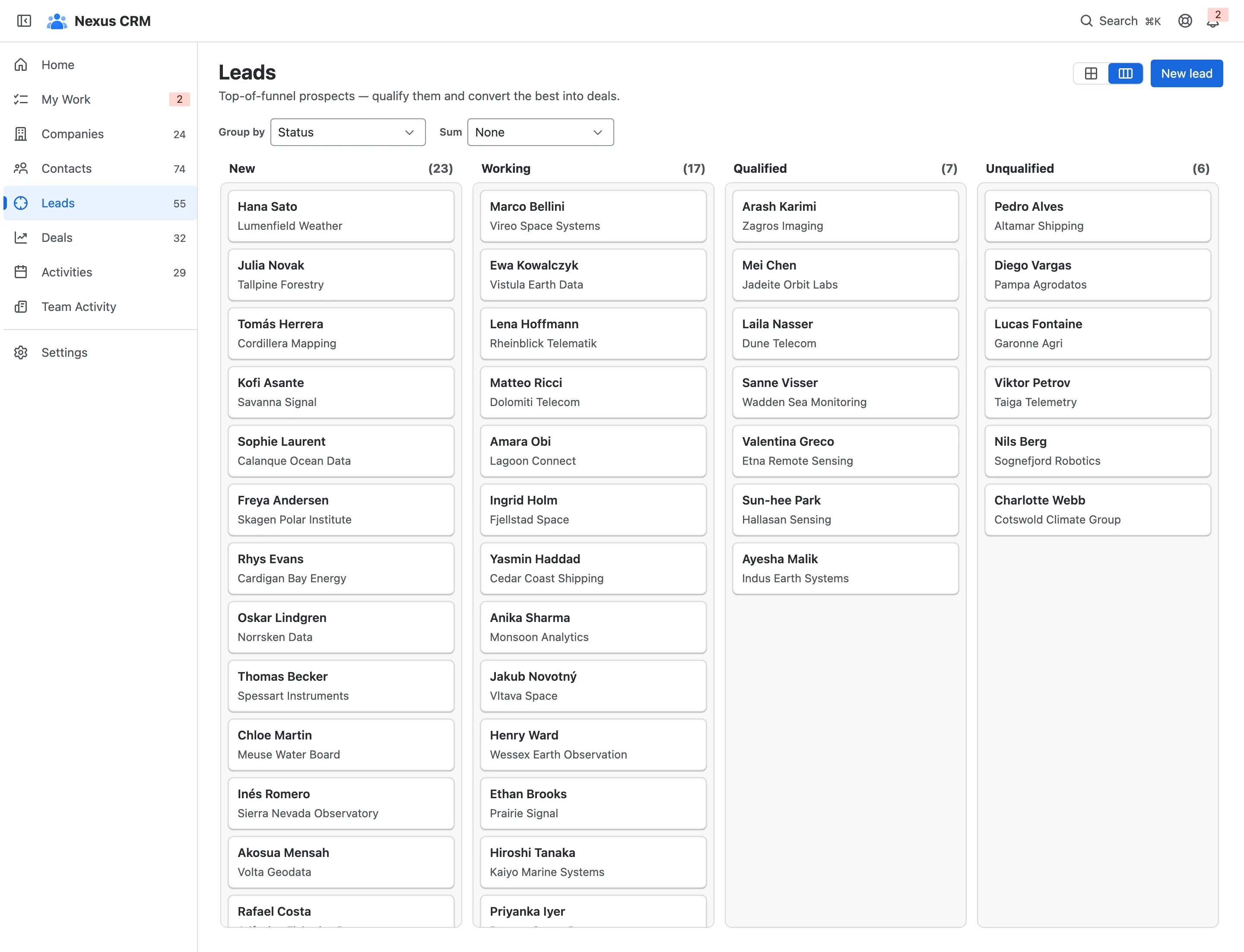
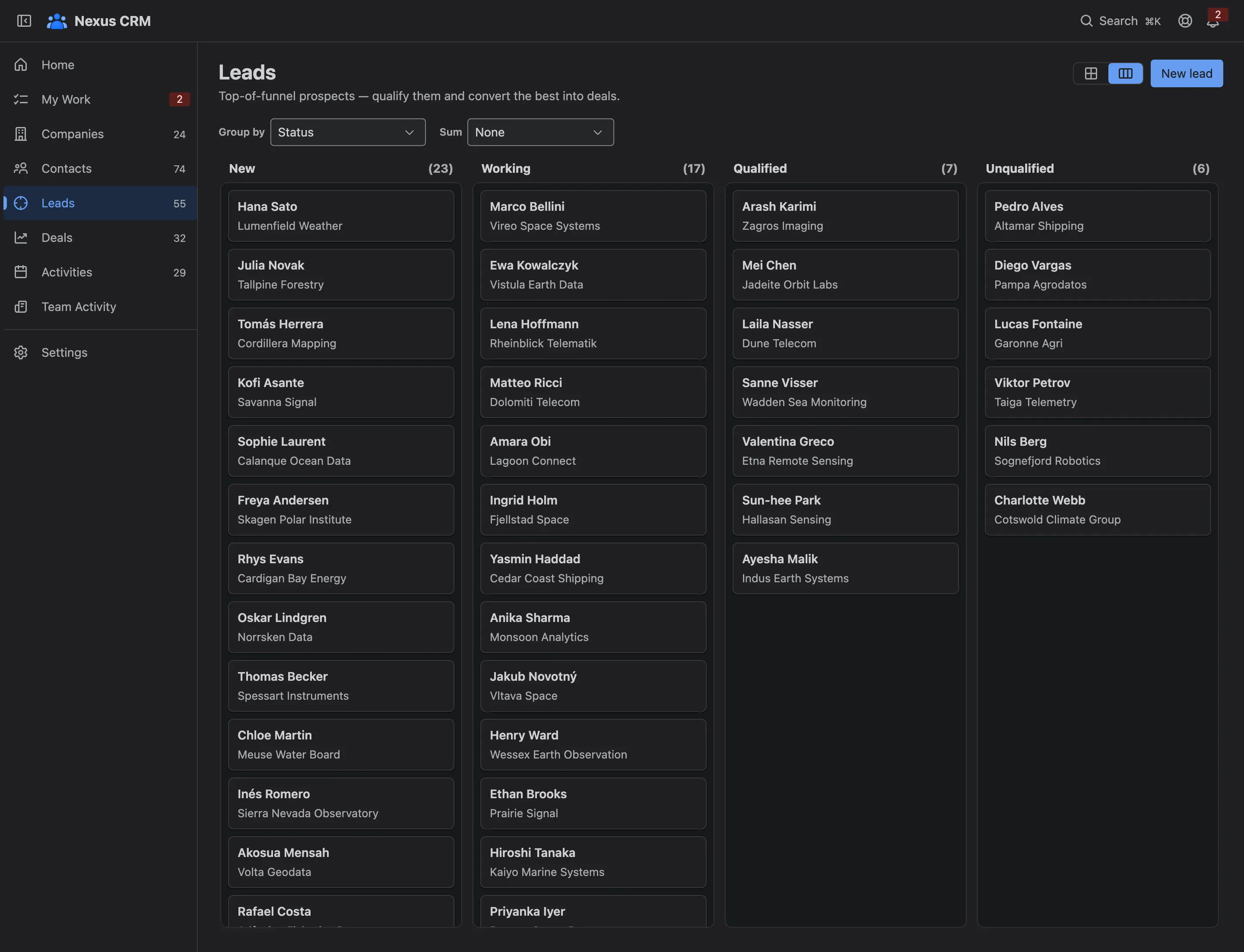
- Grid or board. Your choice is remembered.
- A status column, with how many leads are in it.
- A lead card. Drag it to another column, or select it to open the lead.
Adding a lead
Section titled “Adding a lead”Select New lead. As you type the Company, Nexus CRM suggests companies you already have; you can also type a new name. Source lists your lead sources, so you can tell later which channels bring in business. Rating (Hot, Warm, Cold) and Estimated value help you decide who to call first.
Nexus CRM warns you if another lead that hasn’t been converted has the same email.
Qualifying a lead
Section titled “Qualifying a lead”Open a lead to move it along.
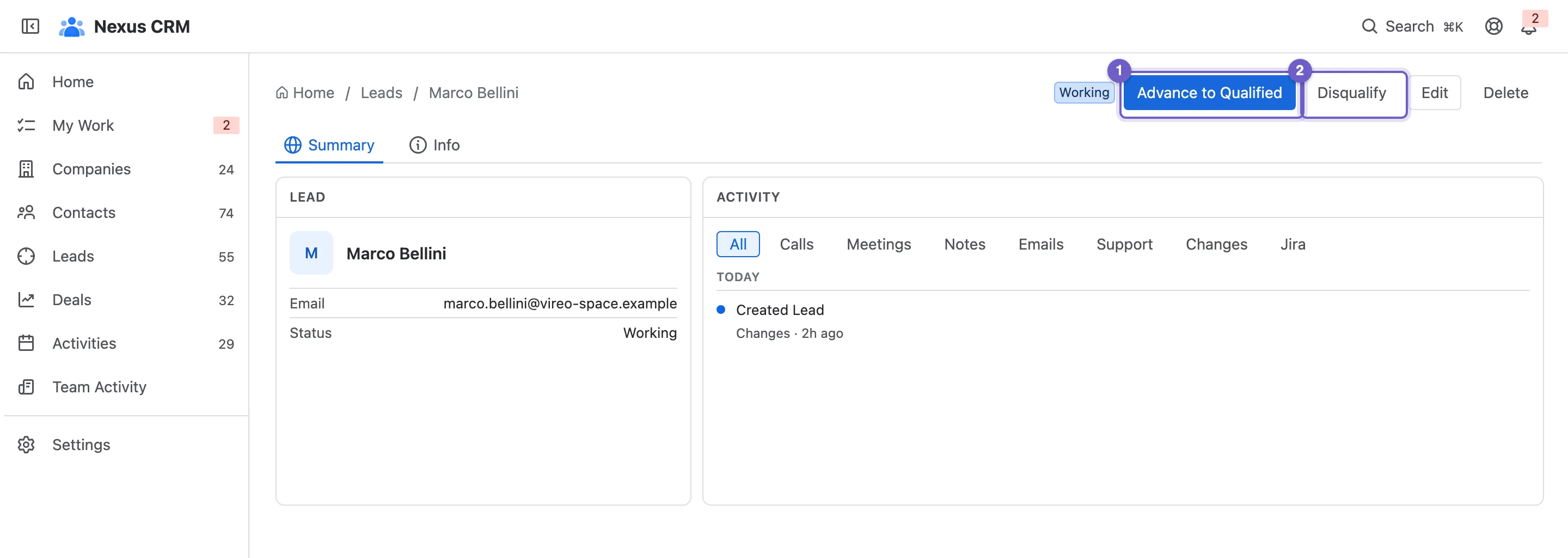
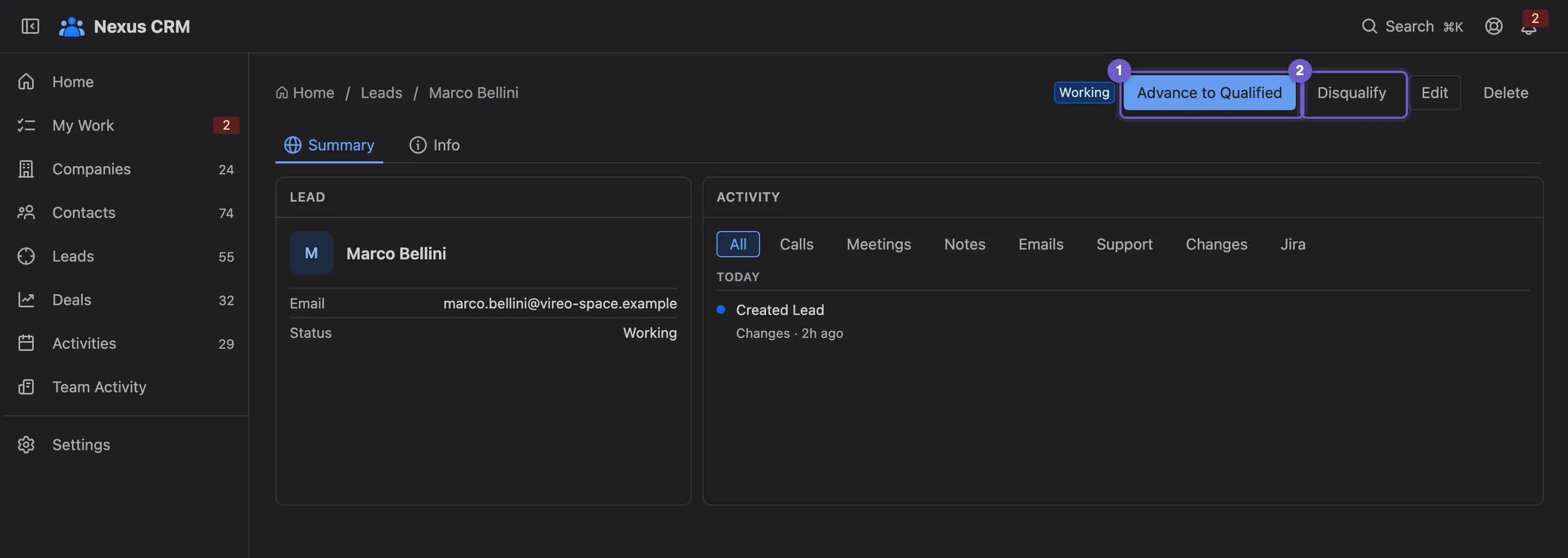
- Advance to Working, then Advance to Qualified: one step at a time.
- Disqualify parks a lead that isn’t a fit. Re-open brings it back to Working later.
- Status. Where the lead is now.
- Edit and Delete.
Converting a lead
Section titled “Converting a lead”When a lead is Qualified, select Convert to deal. In one step, Nexus CRM:
- finds the lead’s company, or creates it;
- finds the lead’s contact by email, or creates it, and links them to the company;
- creates a deal named after the company and person, with the lead’s estimated value and source, in the first stage of your default pipeline;
- marks the lead Converted, with links to the deal.
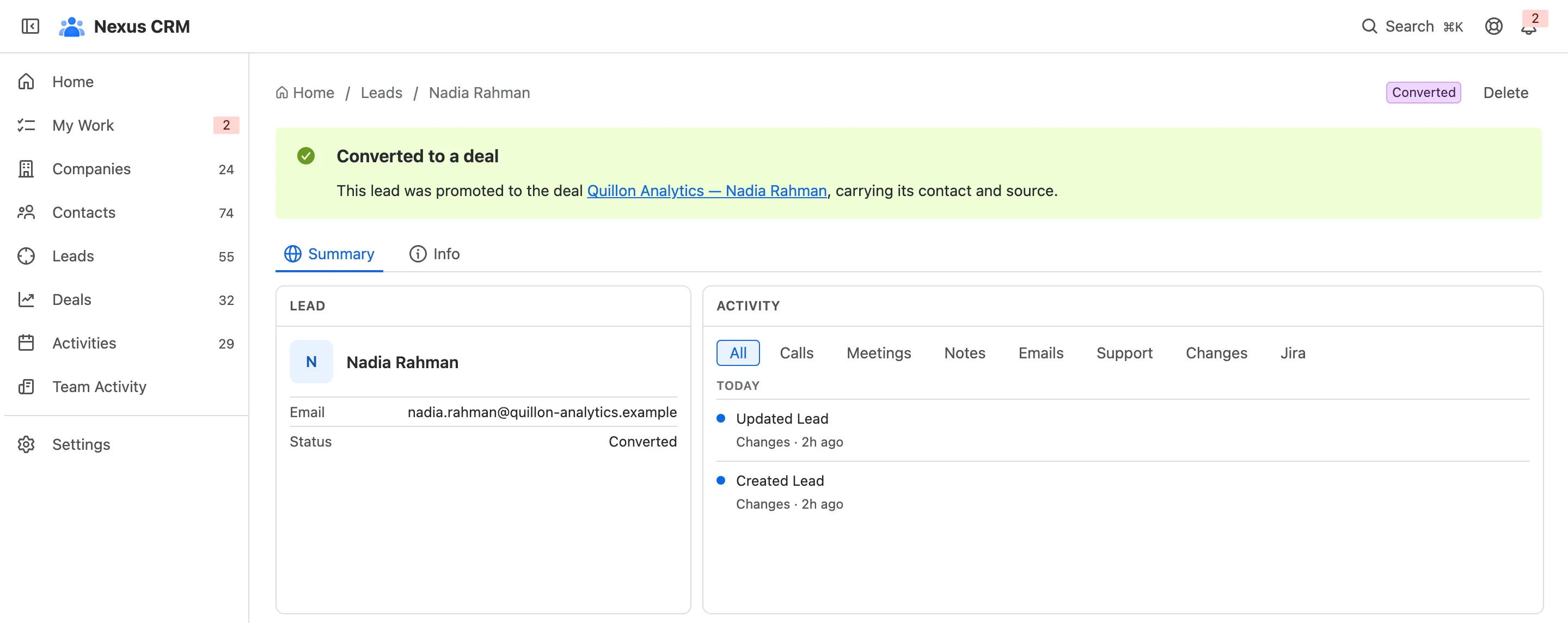
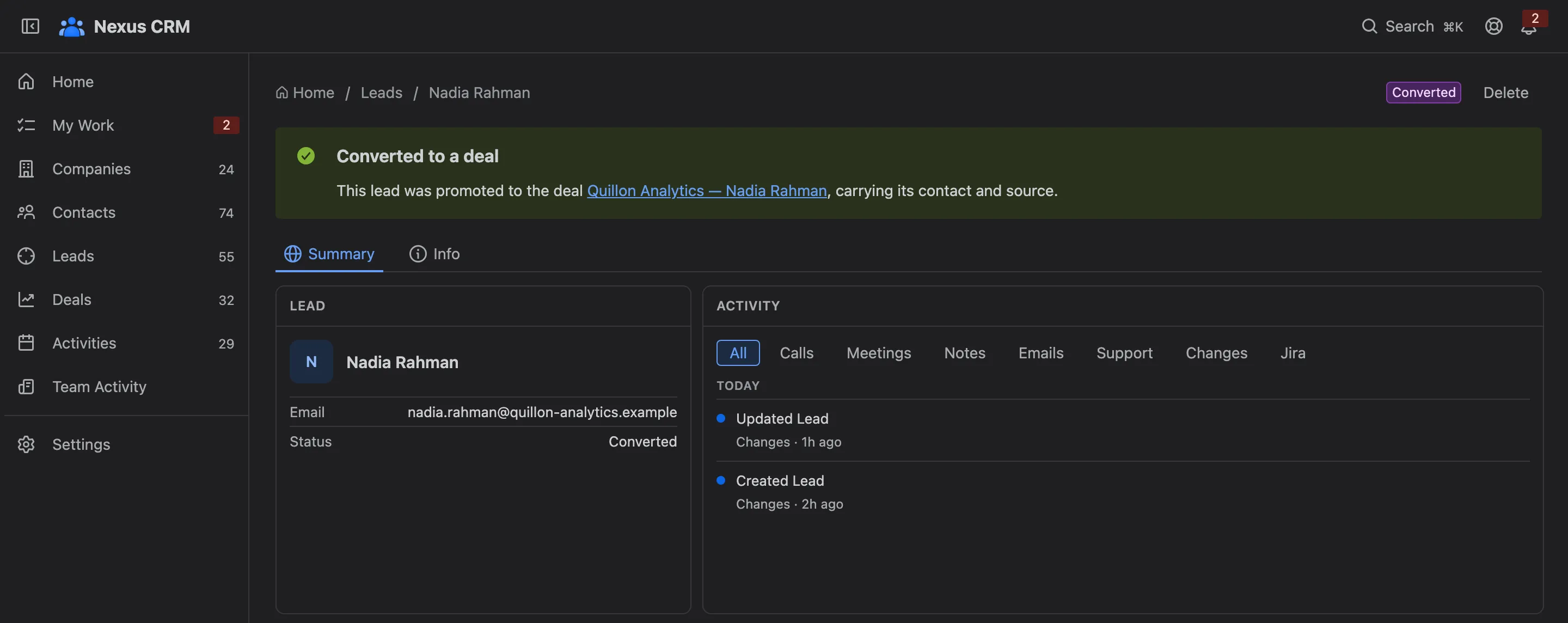
- Converted to a deal, with a link straight to it.
A lead needs a first name and a valid email to convert. Converting twice does nothing the second time, so a double click is safe.