
Finding your way
Nexus CRM opens as a full page in Jira: Apps → Nexus CRM. Everything happens on that one page, and it remembers where you were if you reload.
Home is the first thing you see. It sums up the business at a glance and every number on it is live.
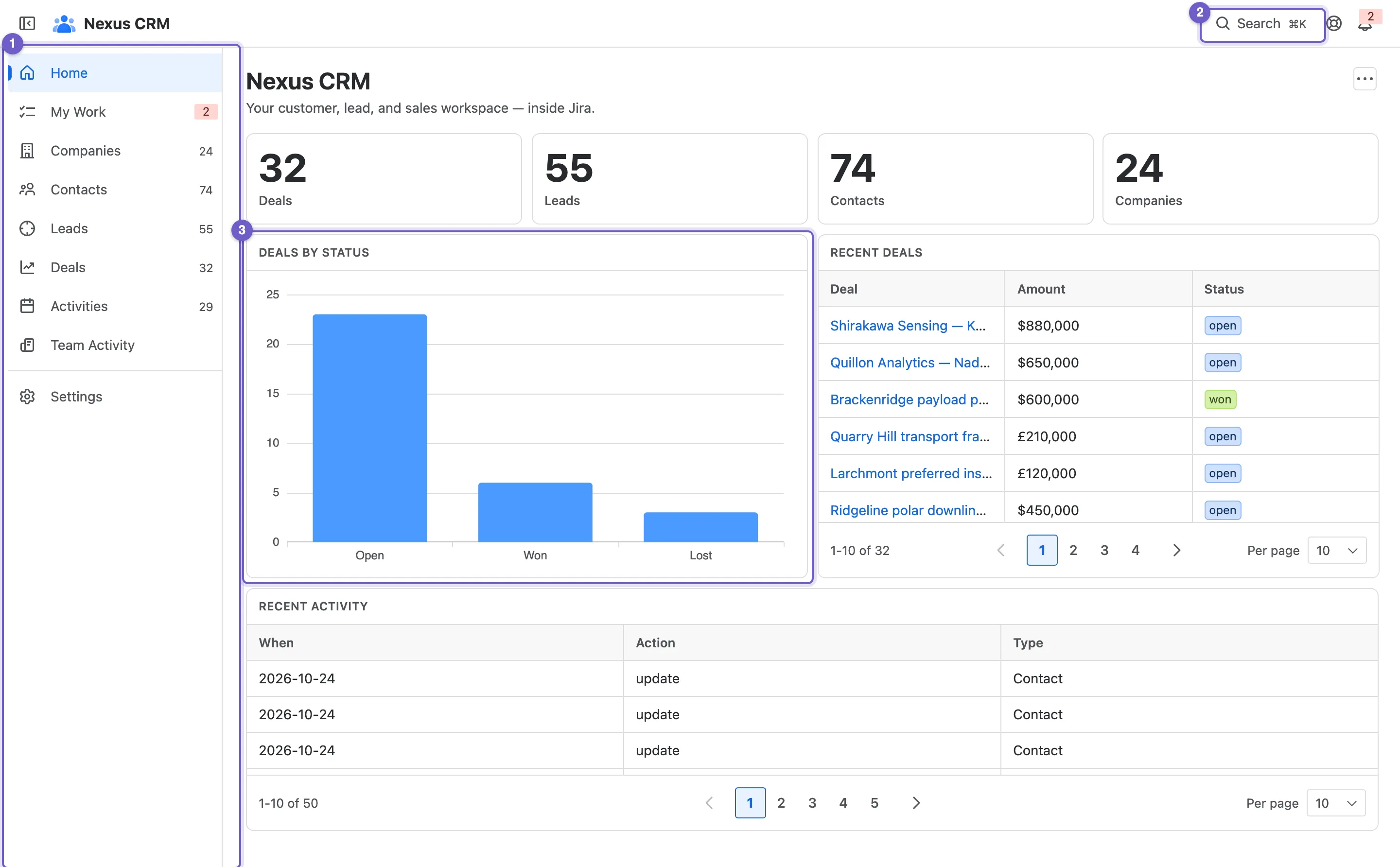
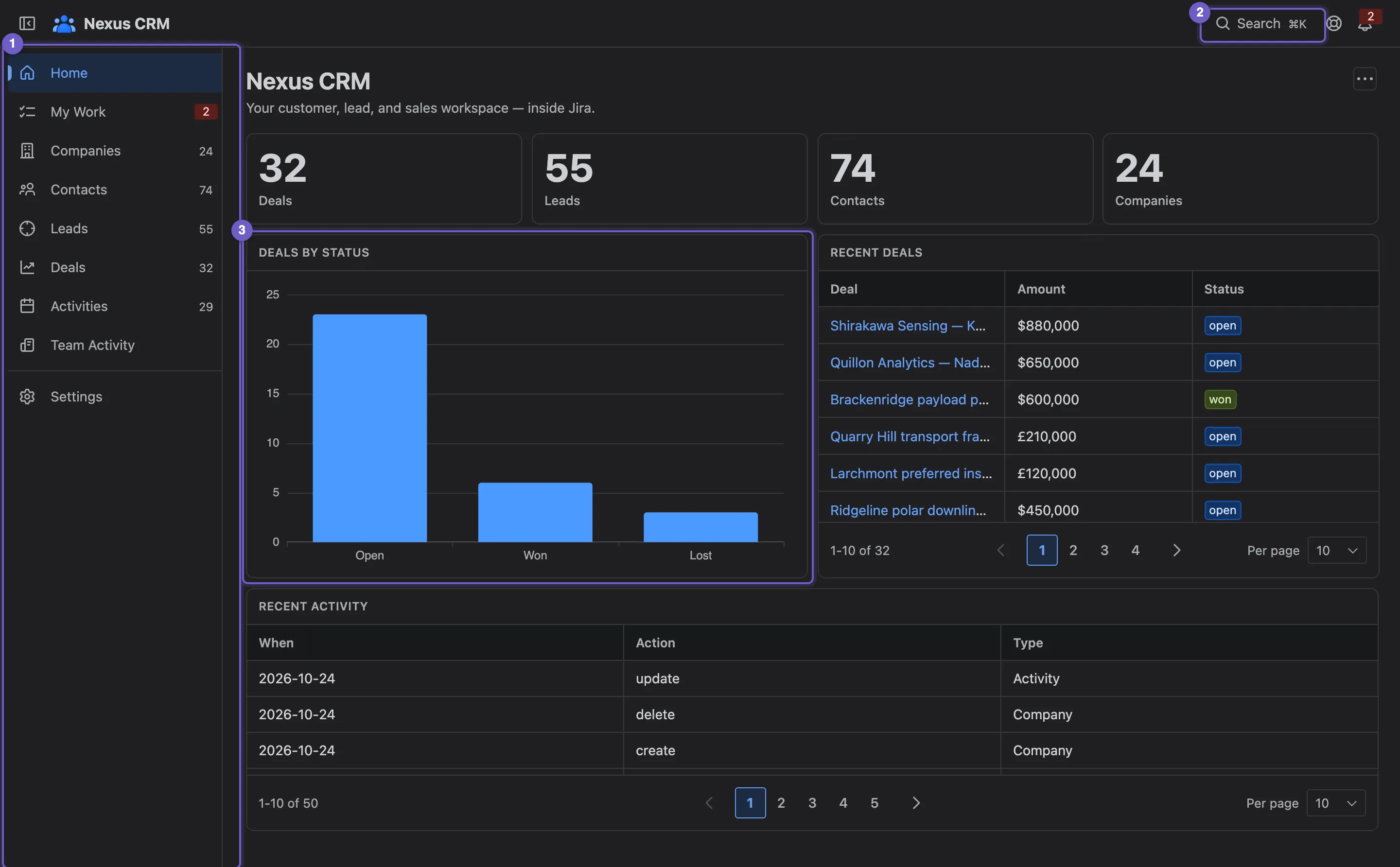
- Navigation. Every area of the CRM, each with a live count of its records. My Work shows a red count when you have reminders due. Settings, at the bottom, holds the admin pages and only appears for people whose role allows them.
- Search ⌘K. Opens the command palette (see below).
- Getting started. Six setup steps that tick themselves off as your team uses the app. Fold it away, or dismiss it once you’re done.
Beside Search are Guide & support (help for every feature, the product tour and the Trust & data page) and the notification bell. Below the checklist, the dashboard shows counts of deals, leads, contacts and companies, deals by status, and the latest deals and activity; see Dashboards to rearrange it.
The command palette
Section titled “The command palette”Press ⌘K (or Ctrl+K on Windows and Linux), or select Search in the top bar. The palette is the quickest way to get anywhere.
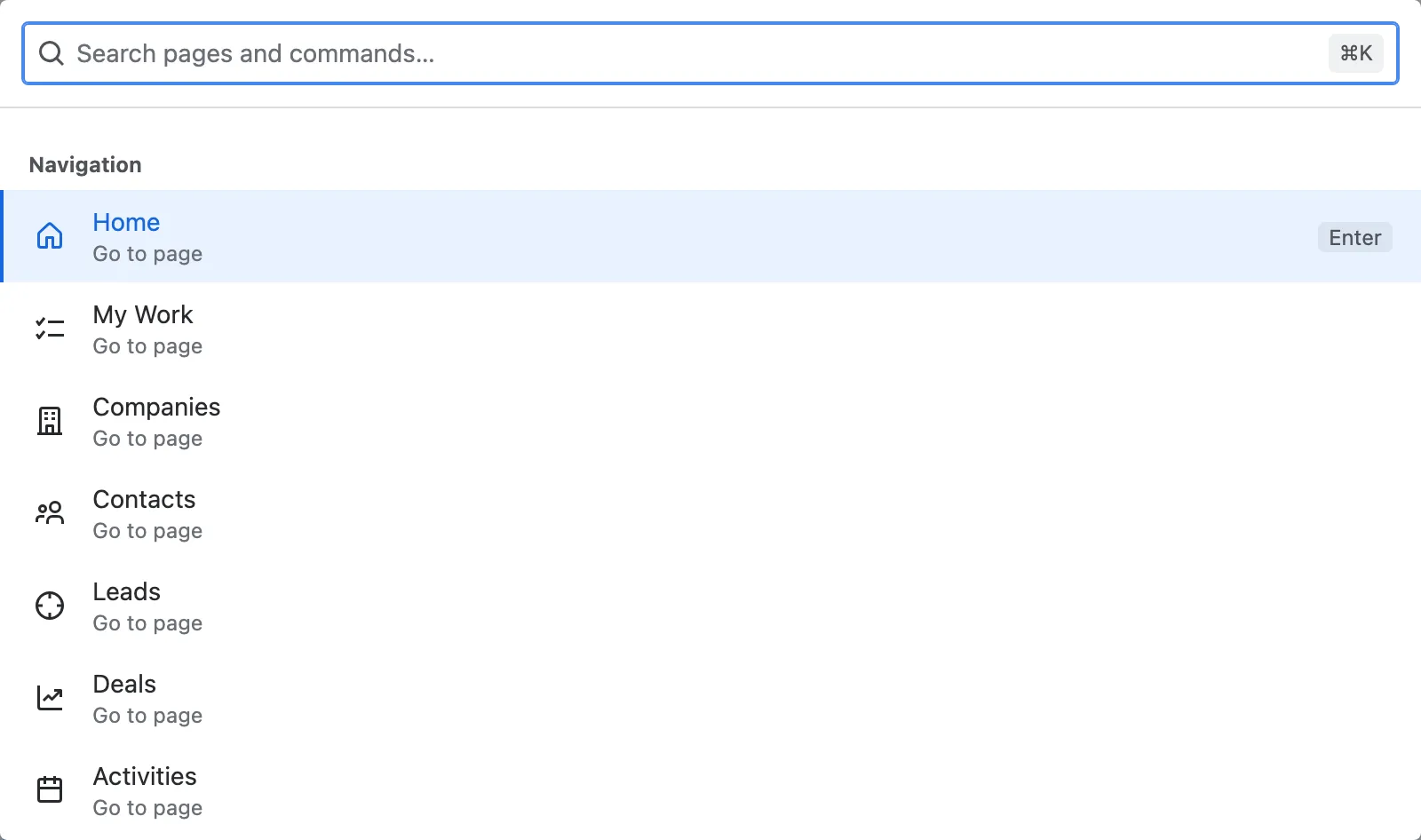
- Type to filter. Matching is fuzzy, so a few letters are enough.
- Search. Type two or more letters and the palette searches companies, contacts, leads, deals and activities. Pick one to open it.
- Create. Start a deal, lead, contact or company, or log an activity, without leaving the page you’re on.
- Actions. Open the guide, replay the tour, or hide and show the navigation.
Use the arrow keys to move, Enter to run, and Esc to go back. The palette only offers what your role allows.
Create a deal in seconds
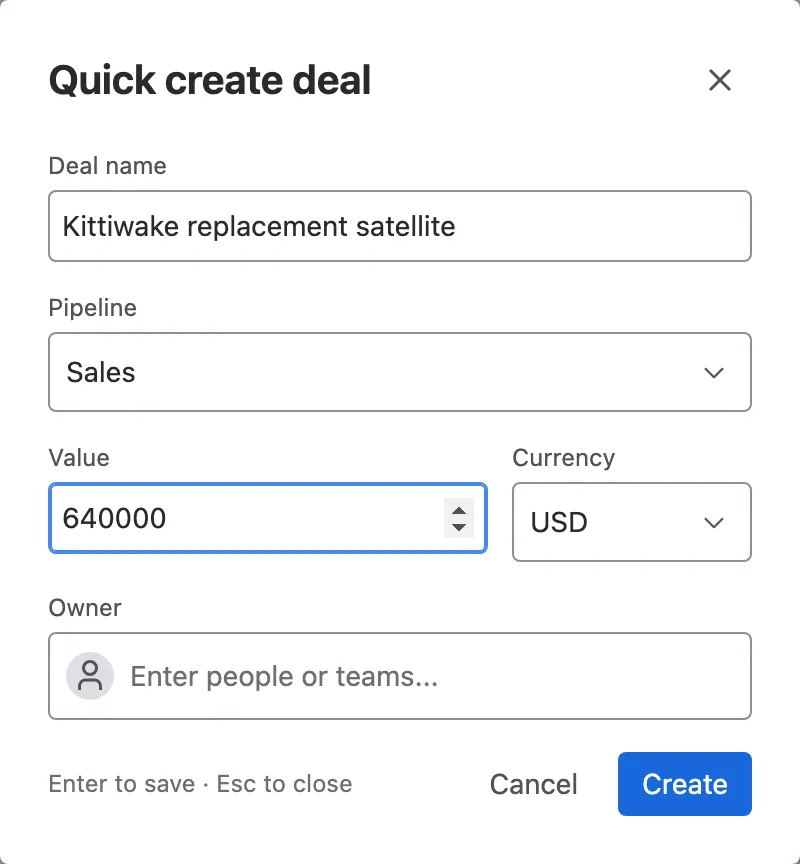
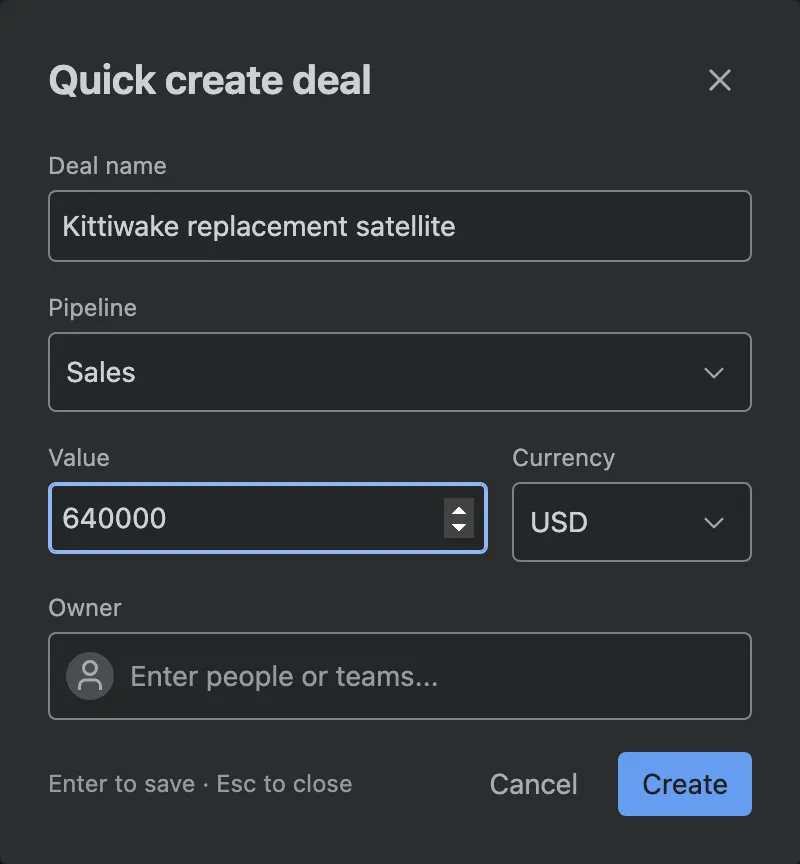
Section titled “Create a deal in seconds”Create deal in the palette opens a short form: name, pipeline, value, currency and owner. The currency starts as the pipeline’s own. Press Enter to save and the new deal opens.
Notifications
Section titled “Notifications”The bell in the top bar collects your reminders once they fall due. Each one shows the record it belongs to and when it was due.
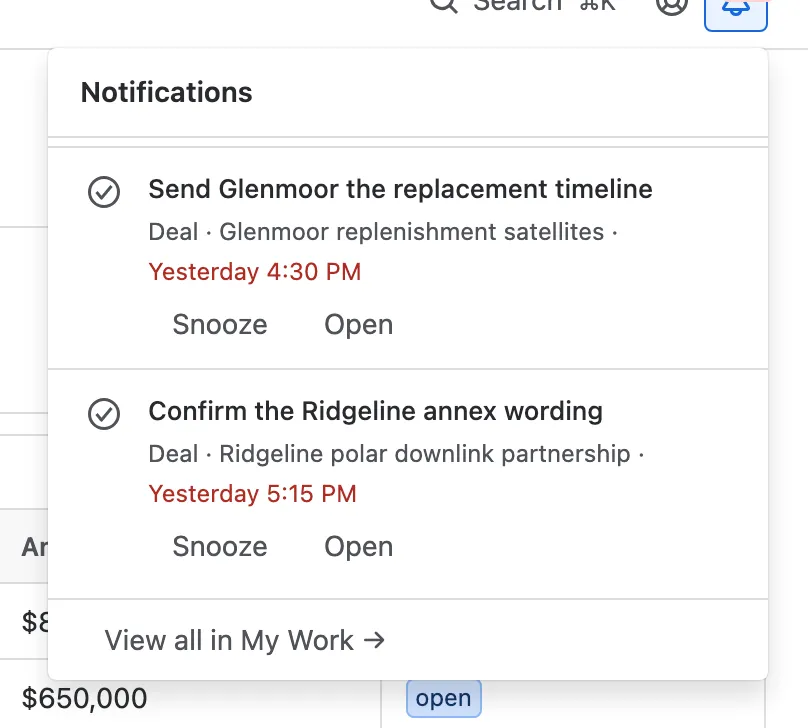
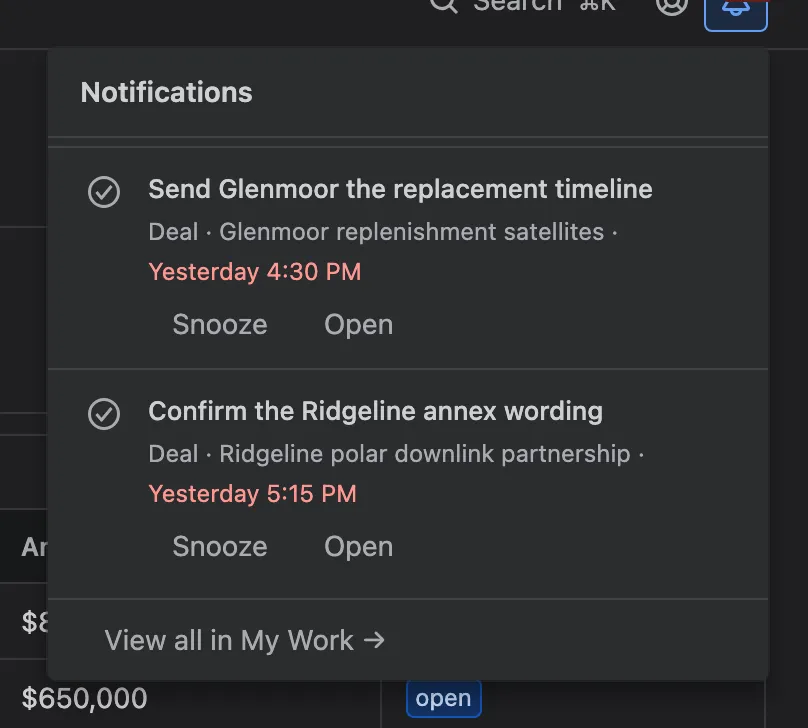
- Mark done clears it.
- Snooze brings it back in 1 hour, 3 hours, tomorrow or next week.
- Open jumps to the record.
View all in My Work opens your full list. The bell checks for new reminders every minute, and whenever you come back to the tab. See Reminders and My Work.
Things Nexus CRM remembers for you
Section titled “Things Nexus CRM remembers for you”These follow you to any browser or device:
- whether the navigation is collapsed;
- grid or board, for each list;
- your columns, their order and width, and the sort;
- the Weighted setting on the deal board;
- your favourite saved filters;
- whether you finished the tour and the getting-started checklist.