
Record layouts
A layout decides how a record’s fields are arranged: which sections there are, what order the fields come in, and how wide each one is. One layout per record type drives its create and edit forms, its Information tab, the form for creating a record from a Jira work item, and the record window you open from a work item.
Settings → Customize → Record layouts needs Settings: Admin.
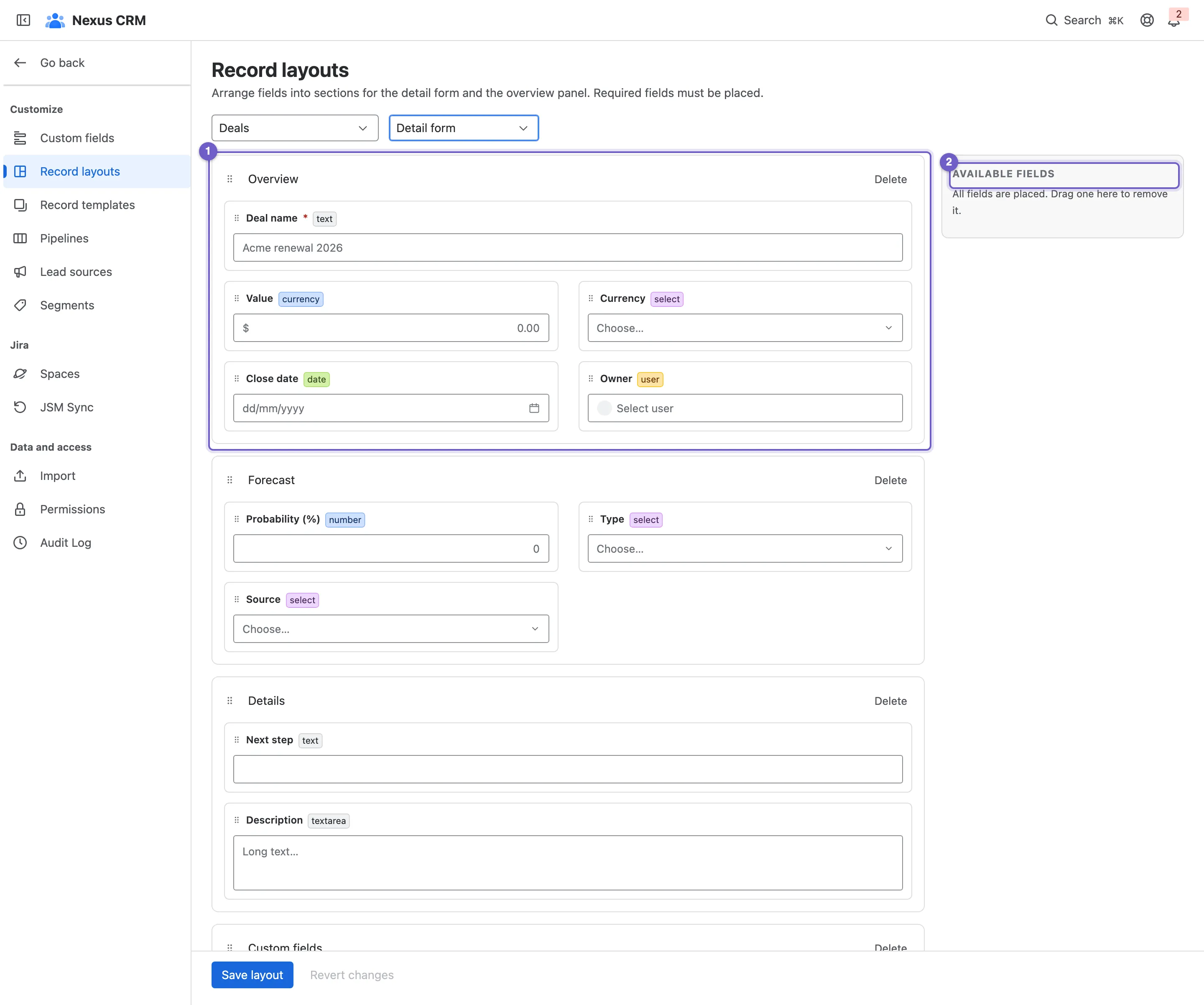
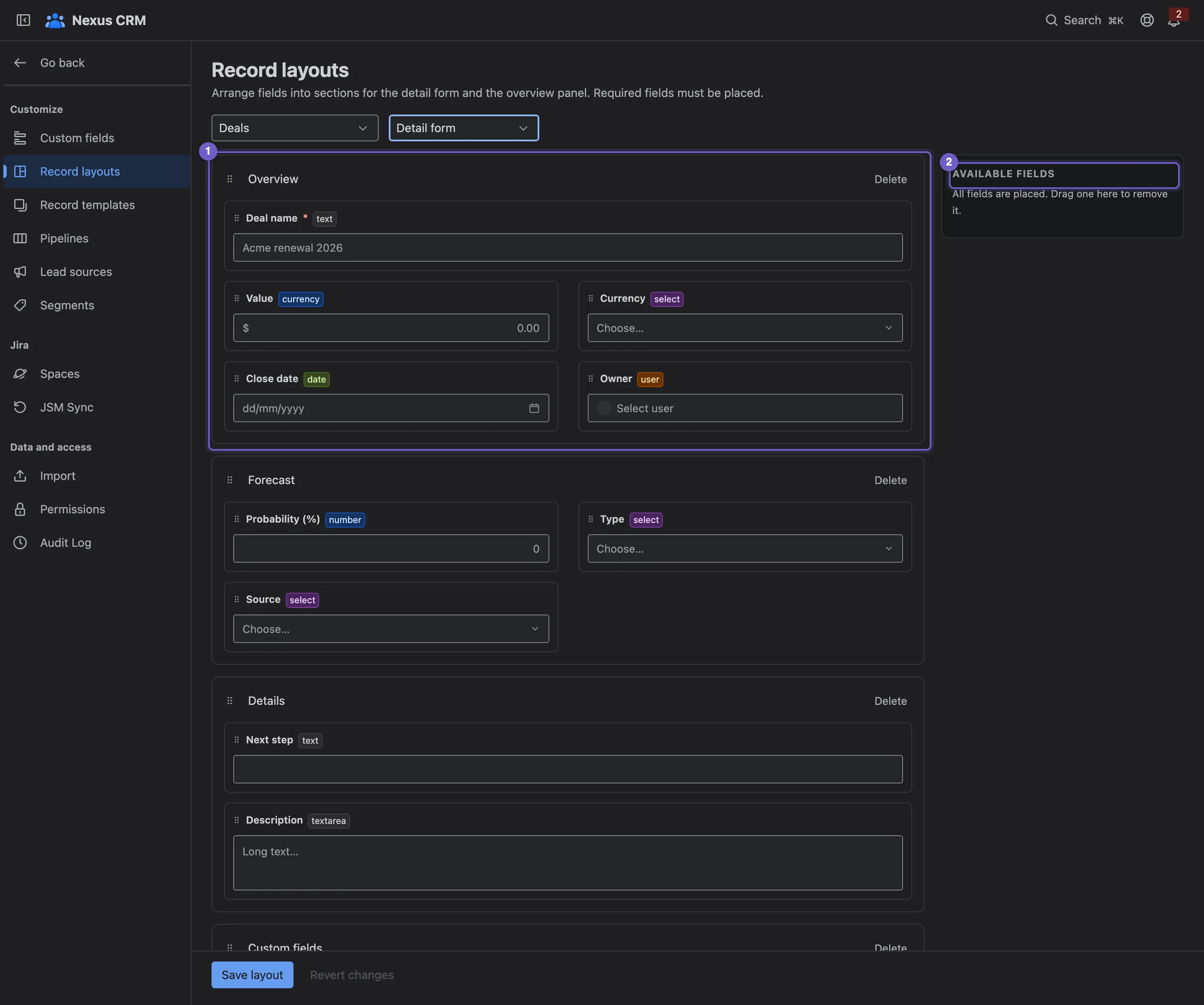
- A section. Rename it, delete it, or drag it to reorder.
- Available fields: fields not on the form yet, custom fields included. Drag one onto a section to place it, or drag a placed field back here to take it off.
- Record type.
- A field. Drag it to another place, or toggle it between half and full width.
- + Add section, such as Commercials or Mission.
- Save layout, or Revert changes.
Required fields must stay on the layout: Nexus CRM won’t save a layout that leaves one out.