
Getting started
Nexus CRM opens as its own page in Jira: Apps → Nexus CRM.
How the pieces fit
Section titled “How the pieces fit”The core records connect in one chain, so you rarely type anything twice:
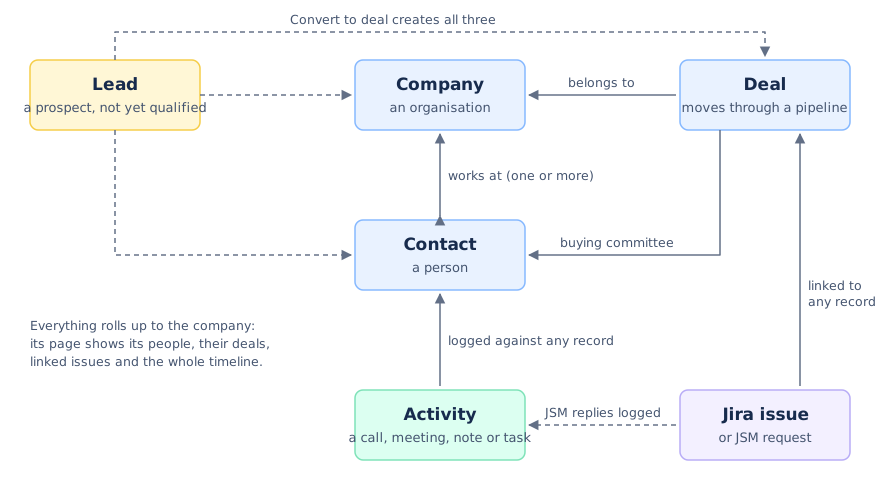
- Company: an organisation, such as a customer, a prospect or a partner. It holds many contacts and rolls up their deals and activity.
- Contact: a person, usually linked to a company. New contacts link to their company by email domain by themselves.
- Lead: a prospect you haven’t qualified yet. Convert it when it’s real and it becomes a deal, plus a contact and company if they don’t exist yet.
- Deal: an opportunity moving through a pipeline’s stages, with a value and a close date.
- Activity: a call, meeting, note, email or task, logged against any of the above.
- Jira work item: linked to any company, contact or deal, so the work and the customer stay connected.
Because a deal belongs to a company and a contact works at a company, a company’s page shows everything: its people, their deals, the linked work, and on its Activities tab, every activity logged against any of them.
Where things are
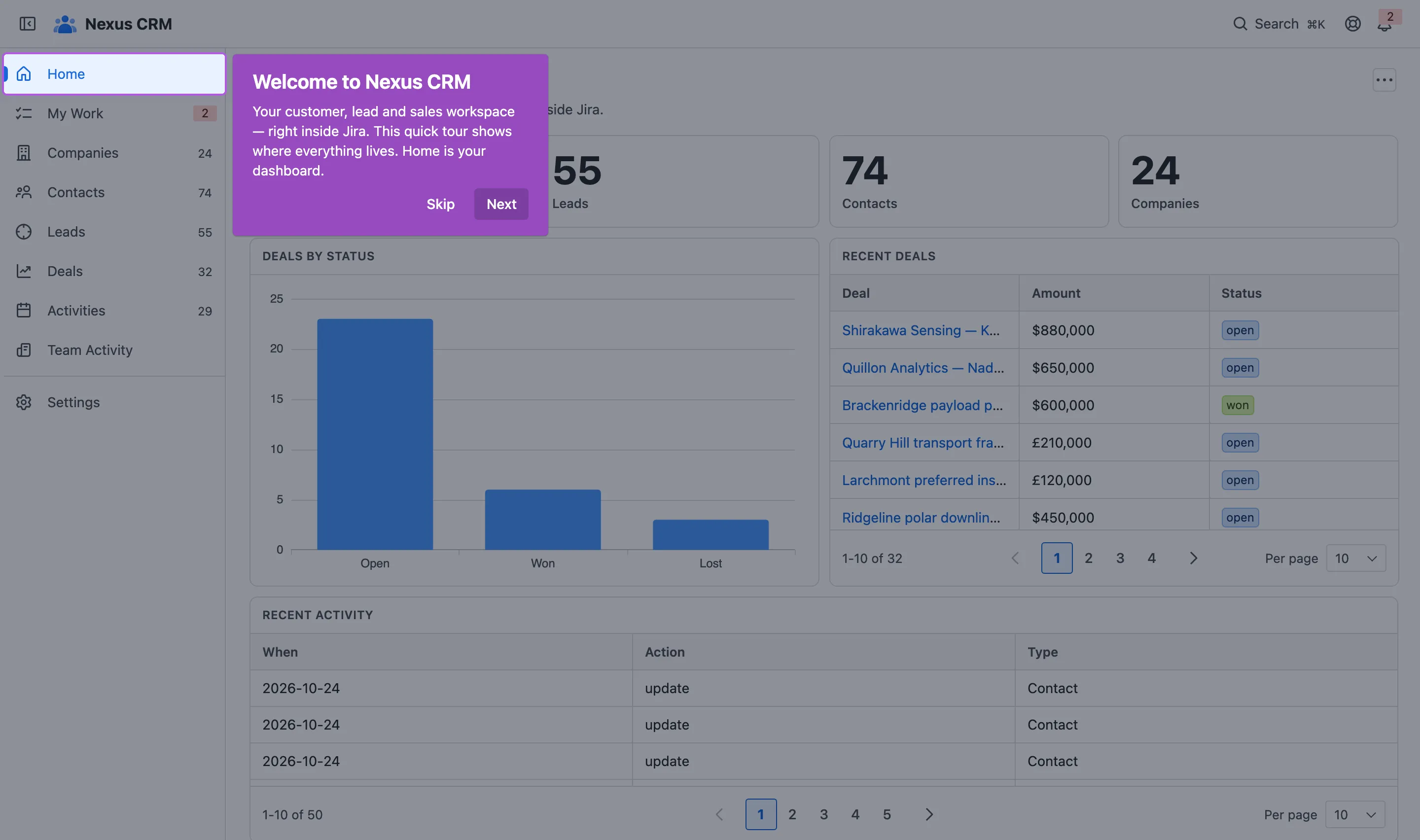
Section titled “Where things are”- Home sums up the business and walks a new team through setup.
- My Work is your list of reminders.
- Companies, Contacts, Leads, Deals and Activities are your records.
- Team Activity is what everyone logged, for managers.
- Settings holds the admin pages, for people allowed to change them.
- ⌘K gets you anywhere, from any page.
Finding your way covers all of it.
Help inside the app
Section titled “Help inside the app”The getting-started checklist
Section titled “The getting-started checklist”Home starts with six steps for a new team. Each ticks itself off as your team actually does it; you can also tick one by hand.
- Add contacts and companies, by hand or from a CSV.
- Review or create a pipeline (admins).
- Add a deal to your pipeline.
- Log your first activity.
- Link a Jira work item to a record.
- Configure permissions and access (admins).
People who can’t do the admin steps don’t see them. Fold the checklist away with the arrow, or dismiss it once you’re done.
The guide
Section titled “The guide”Guide & support in the top bar opens the guide beside whatever you’re doing: the checklist, a section for every part of the app, and Trust & data, on where your data lives.
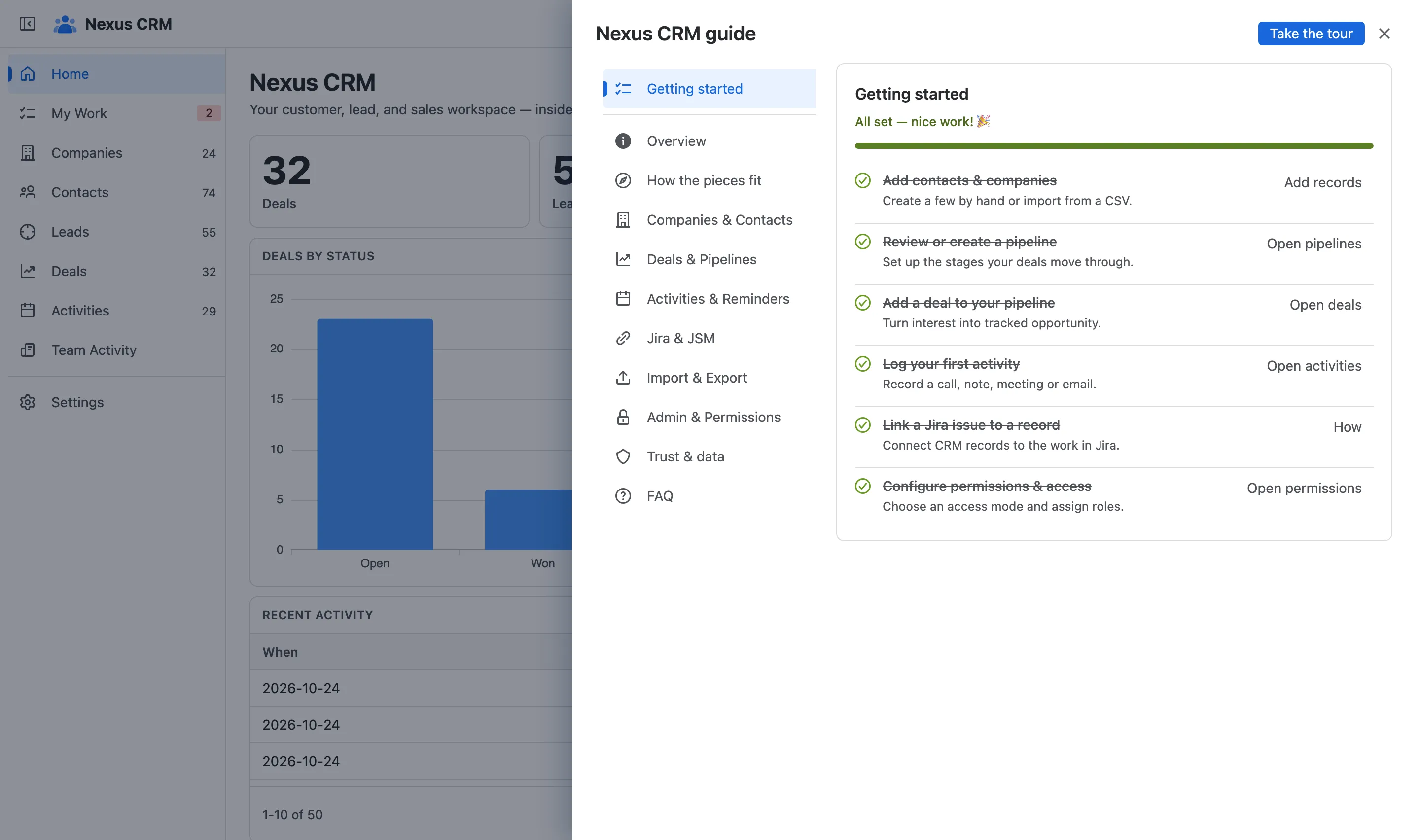
- Sections. Overview, How the pieces fit, and one for each area.
- Take the tour replays the product tour.
The product tour
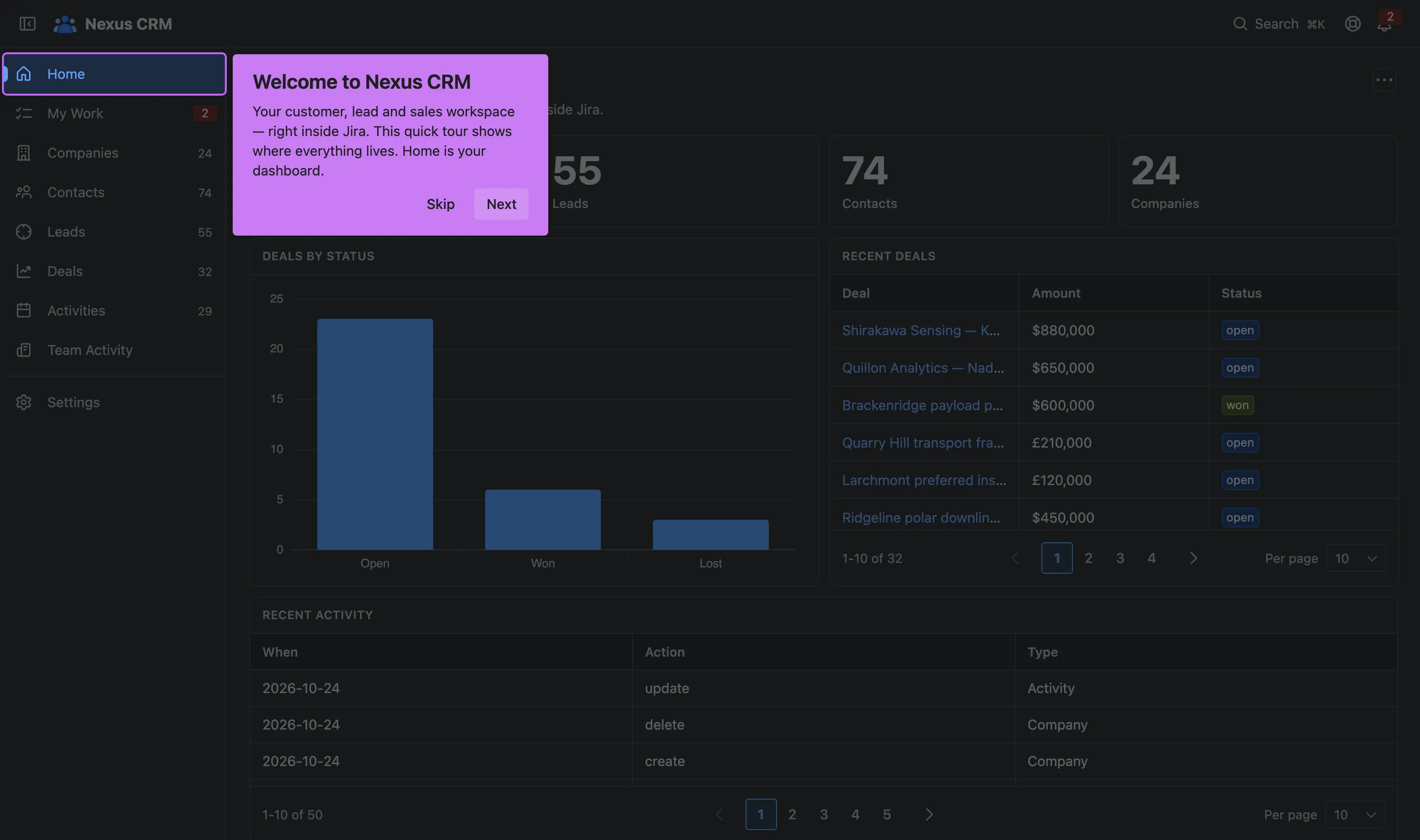
Section titled “The product tour”The first time you open Nexus CRM, a short tour points out each part of the navigation. Skip it if you like; replay it any time from the guide or ⌘K.
Glossary
Section titled “Glossary”- Pipeline: a named sales process with its own ordered stages.
- Stage: a step in a pipeline, such as Proposal or Negotiation, each with a default probability.
- Weighted value: a deal’s value times its probability, a risk-adjusted read on the pipeline.
- Buying committee: the people involved in a deal’s decision, each with a role.
- Segment: a group, label or role a contact is tagged with.
- Saved filter: a named slice of a list that you can share with the team.
- Space: what Jira calls a project.