
Reminders and My Work
A reminder is a follow-up you owe someone: send the revised pricing, chase the signed contract. Reminders are personal: only you see yours.
Setting a reminder
Section titled “Setting a reminder”Select New reminder in My Work, or Add reminder in a record’s Follow-ups.
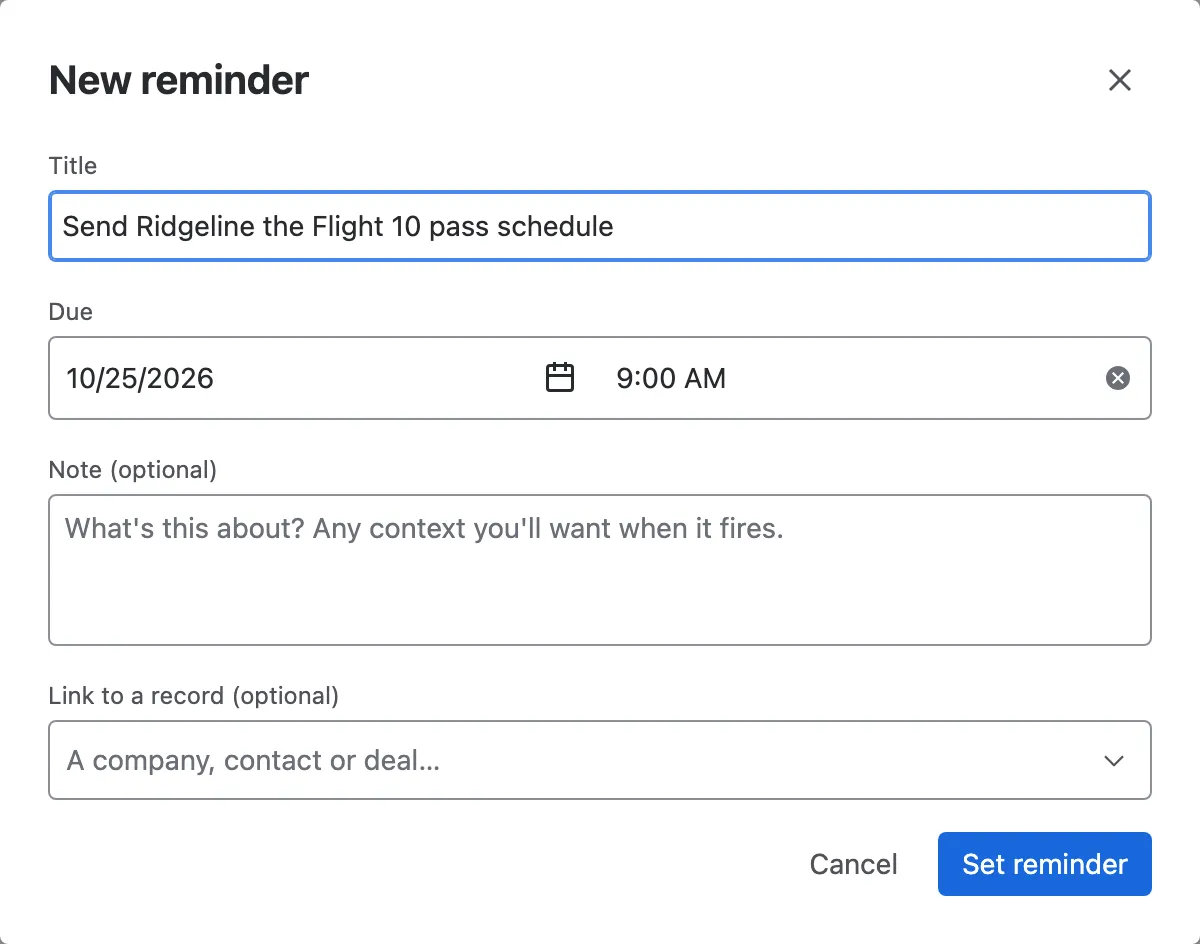
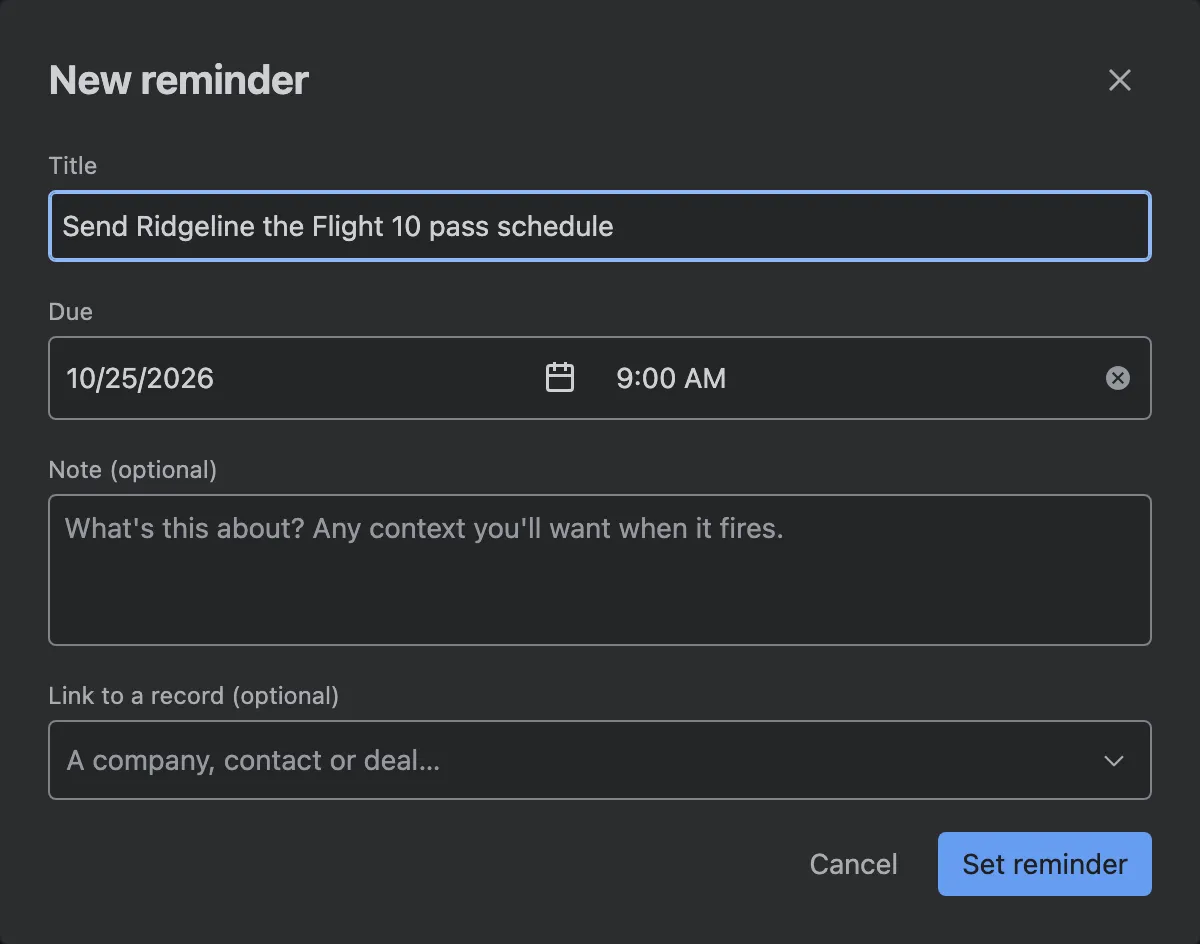
- Title. What you need to do.
- Due. A date and a time.
- Note, if it helps.
- Link to a record, so the reminder opens the deal, contact or company it’s about.
My Work
Section titled “My Work”My Work is your to-do list: every reminder you’ve set, across the whole CRM. The red count beside it in the navigation tells you how many are due.
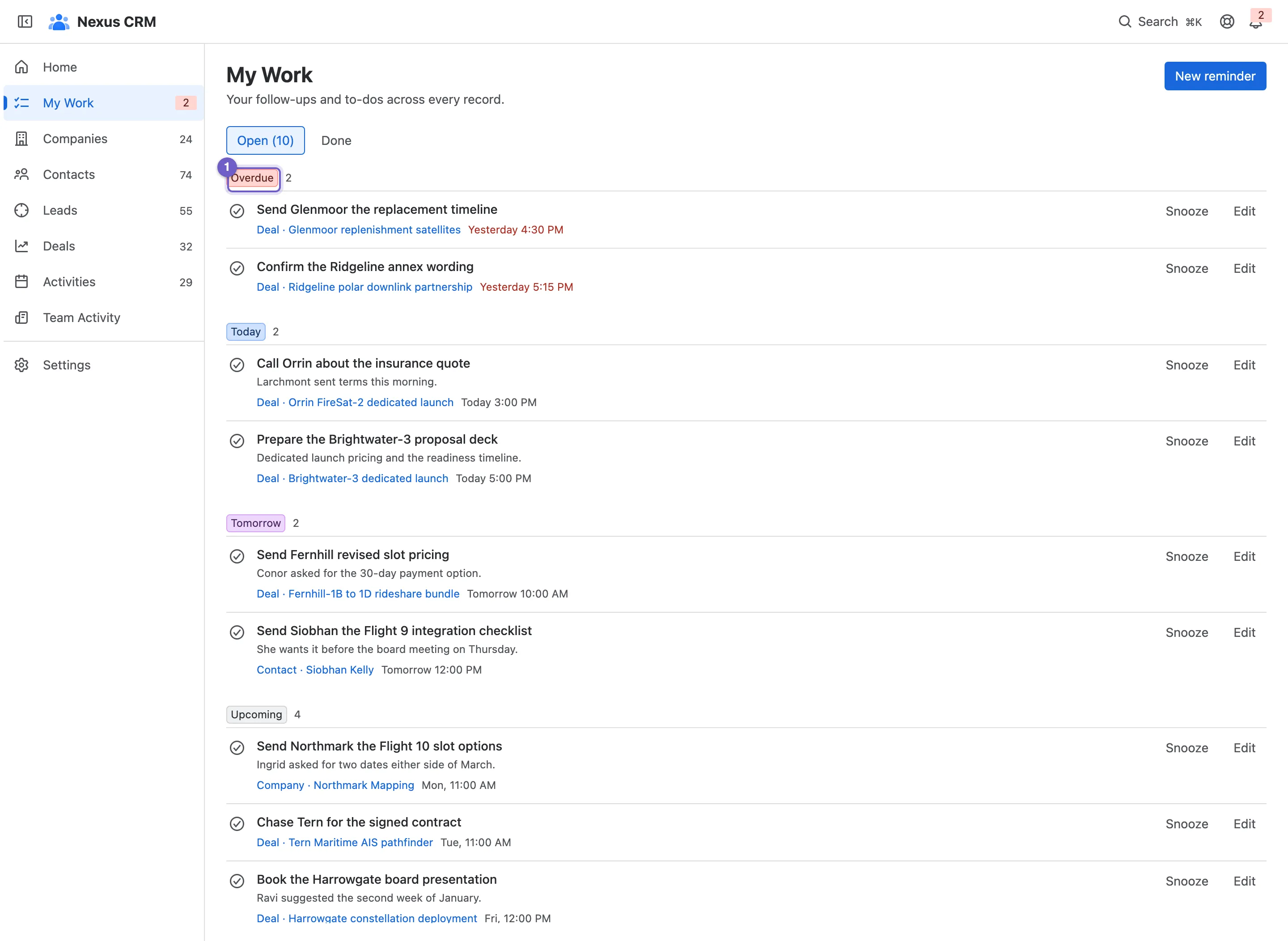
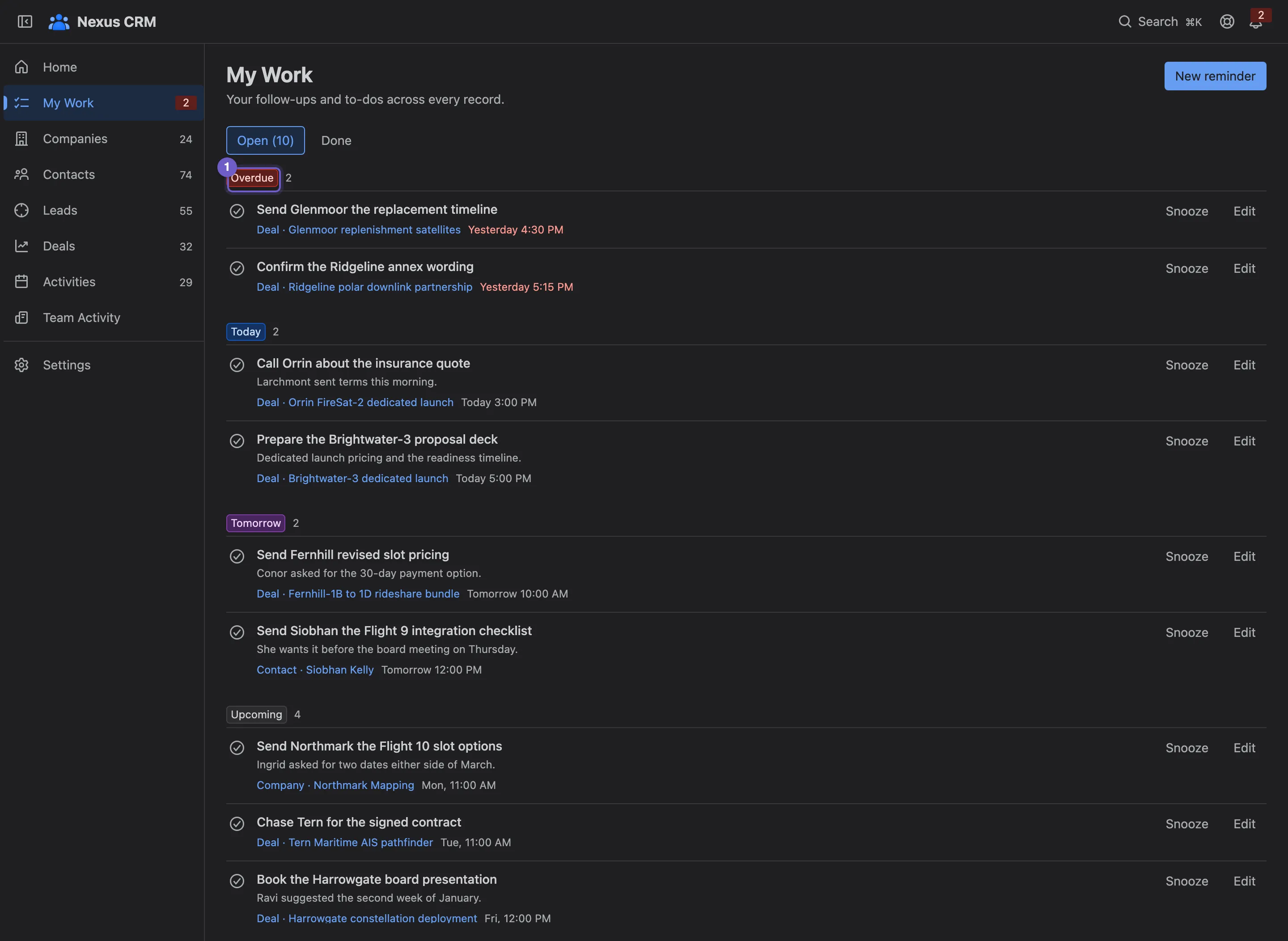
- Groups. Overdue, Today, Tomorrow and Upcoming, in your own time zone.
- Open and Done. Done reminders move to their own tab, and Reopen brings one back.
- A reminder, with its note, due time and the record it’s linked to.
- Mark done, Snooze and Edit.
- New reminder.
When a reminder falls due
Section titled “When a reminder falls due”Due reminders appear in the bell in the top bar. From there you can mark one done, snooze it for 1 hour, 3 hours, until tomorrow or for a week, or open its record. A snoozed reminder comes back by itself when the snooze ends. See Finding your way.
Follow-ups on a record
Section titled “Follow-ups on a record”A company’s, contact’s or deal’s Summary has a Follow-ups box with your reminders for that record. Overdue ones are red.


Team Activity
Section titled “Team Activity”Team Activity shows what the whole team has logged, newest first: a manager’s weekly review in one page.
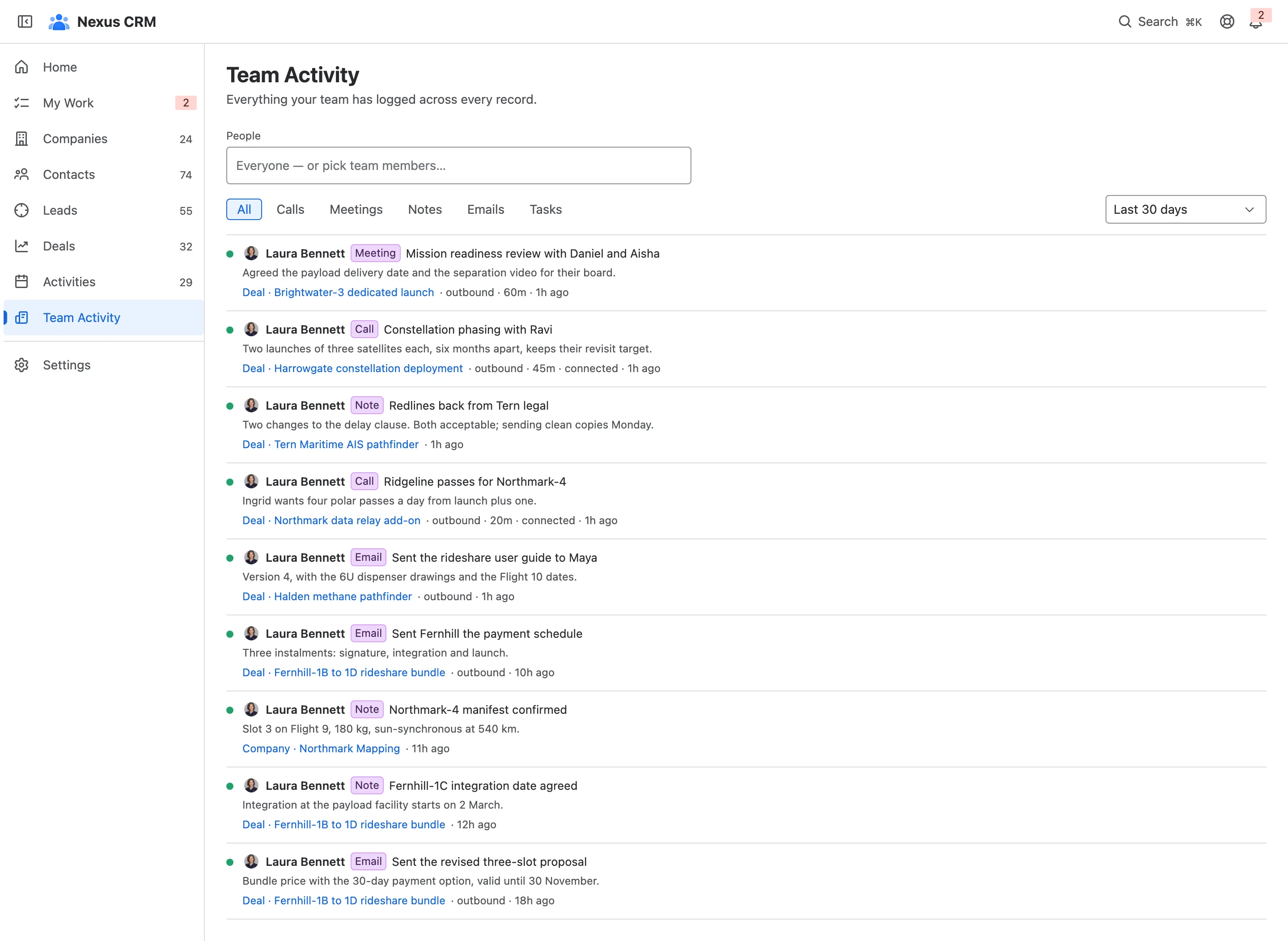
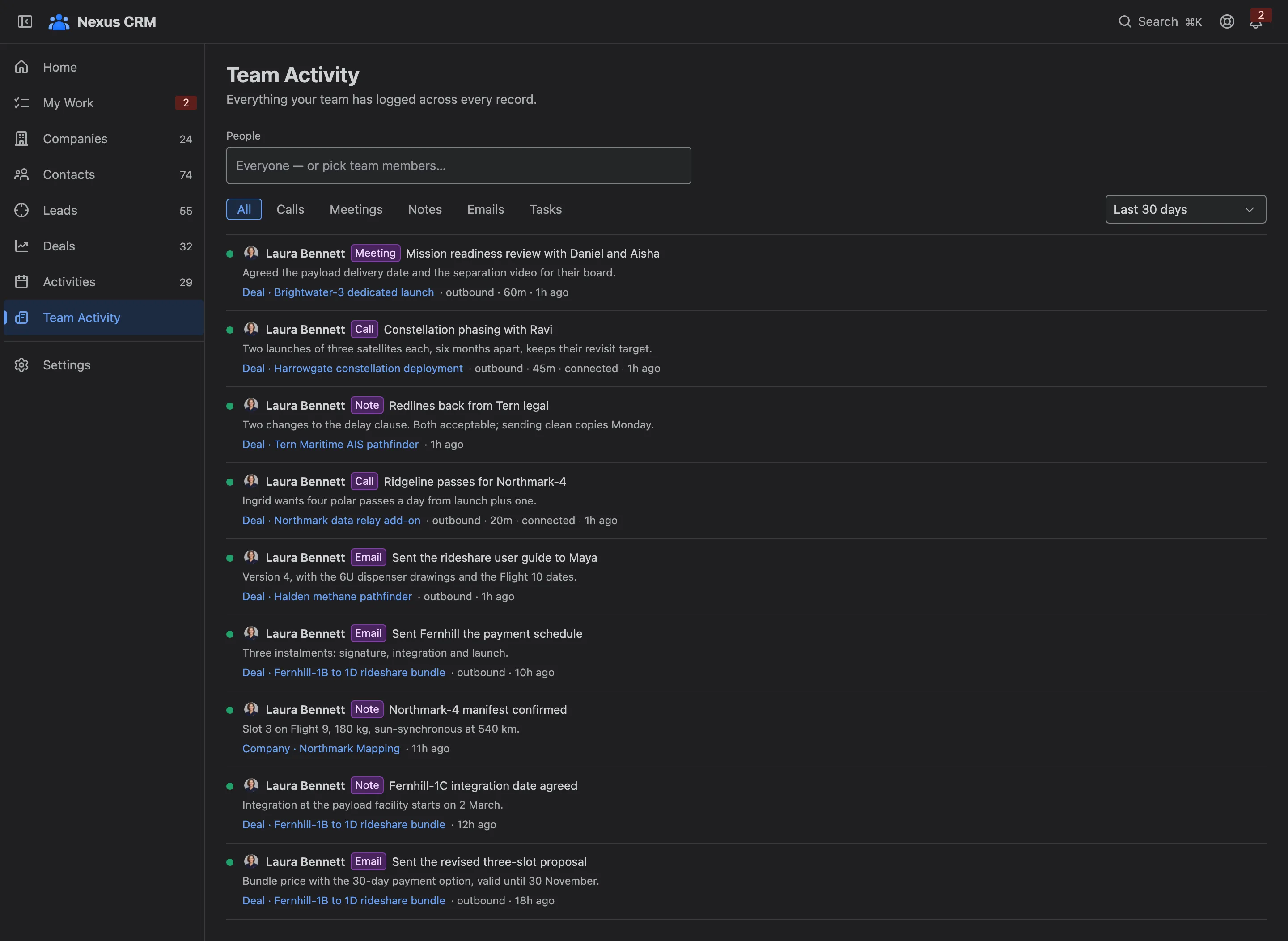
- People. Narrow to one or more teammates.
- Type. Calls, Meetings, Notes, Emails or Tasks.
- When. The last 7, 30 or 90 days, or all time.
- An entry. Who logged what, on which record, with its notes and outcome.
Team Activity is in the navigation for CRM admins (Settings: Admin) and Jira site admins.