
Custom fields
Every business tracks something the standard fields don’t cover. Atlas Orbital, for example, records a Sector on companies, and the Orbit and Payload mass on deals. Custom fields add those, and they work everywhere the built-in fields do.
Settings → Customize → Custom fields needs Settings: Admin.
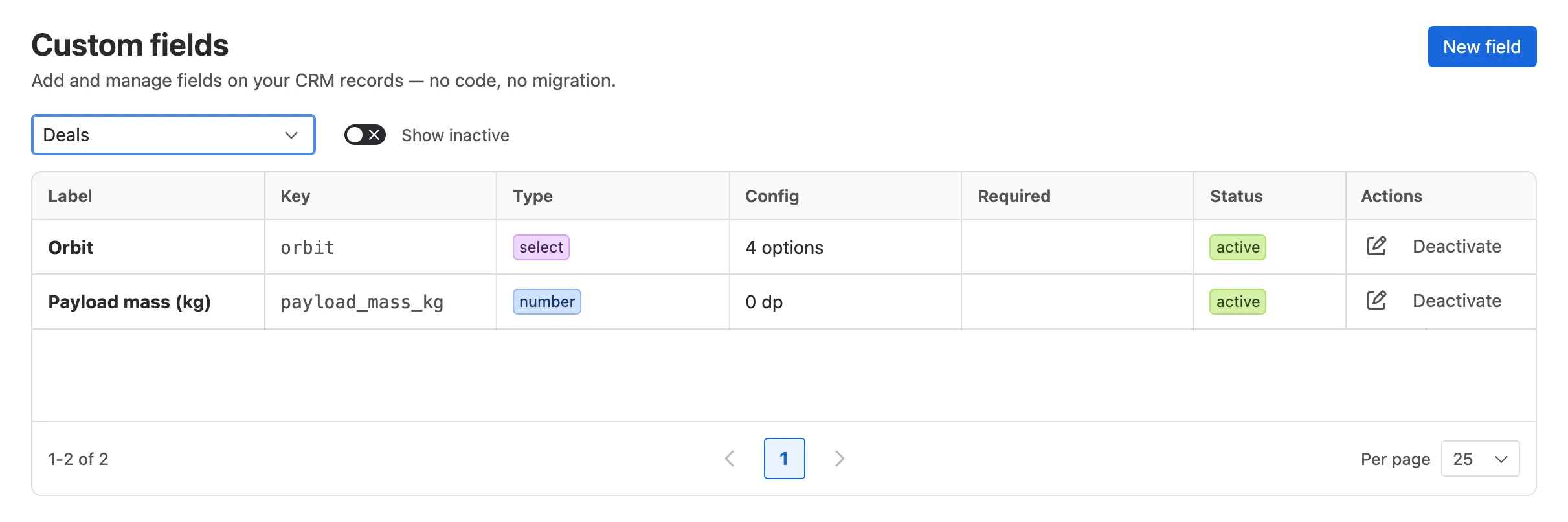
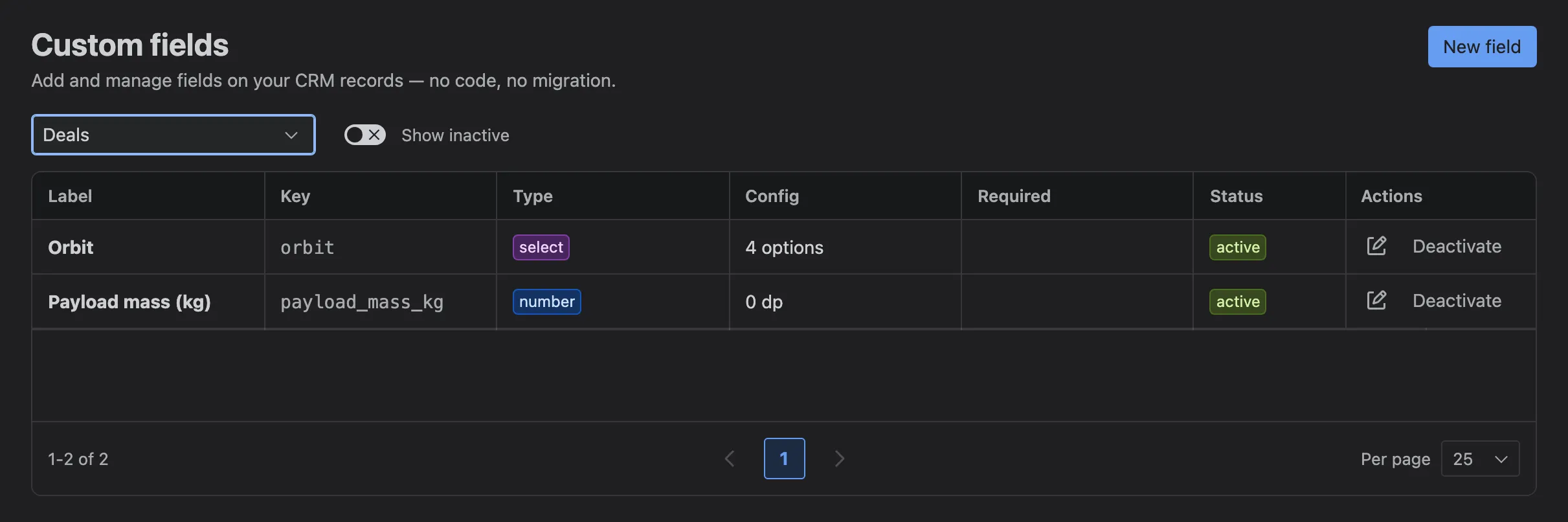
- The record type: Companies, Contacts, Leads or Deals.
- New field.
- A field, with its key, type, options and whether it’s required.
- Edit or Deactivate it.
- Show inactive lists deactivated fields too.
Adding a field
Section titled “Adding a field”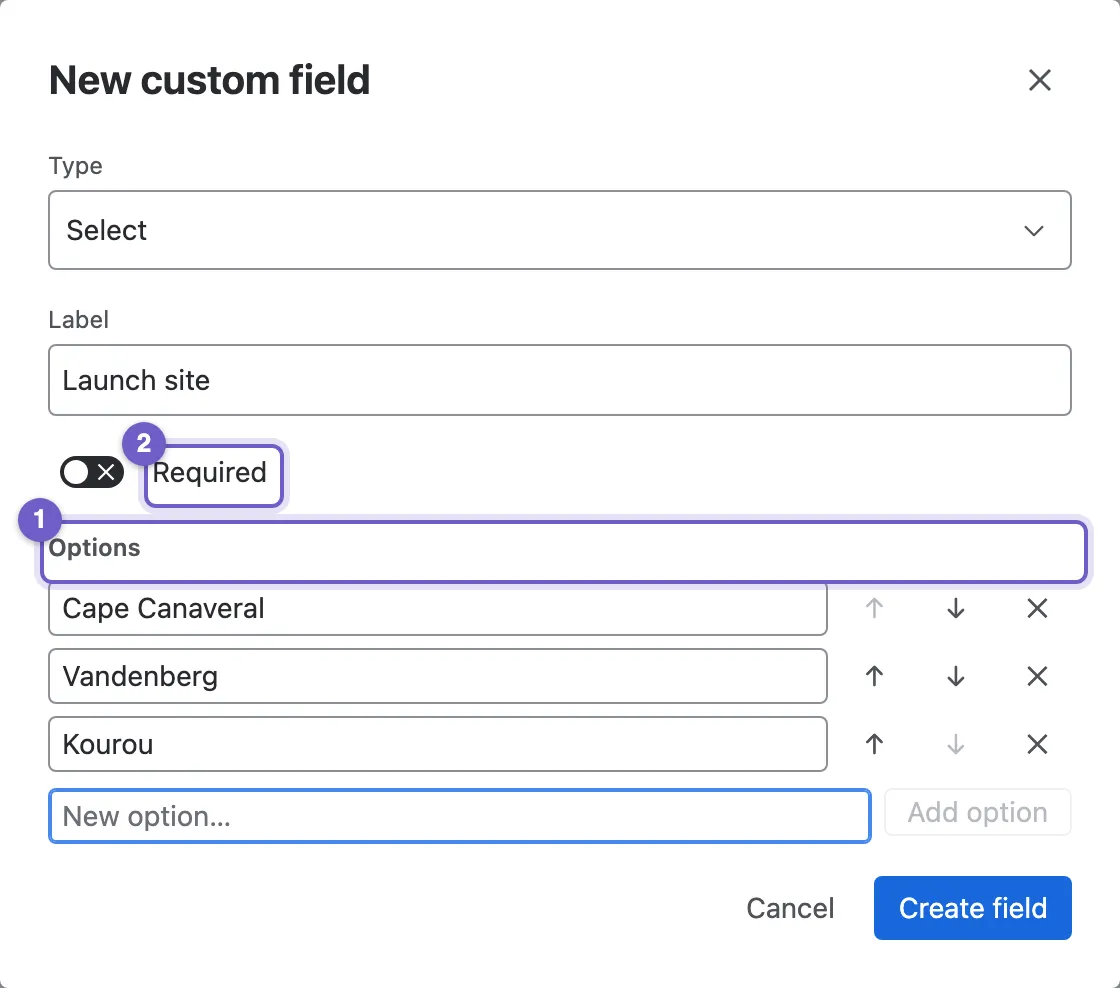
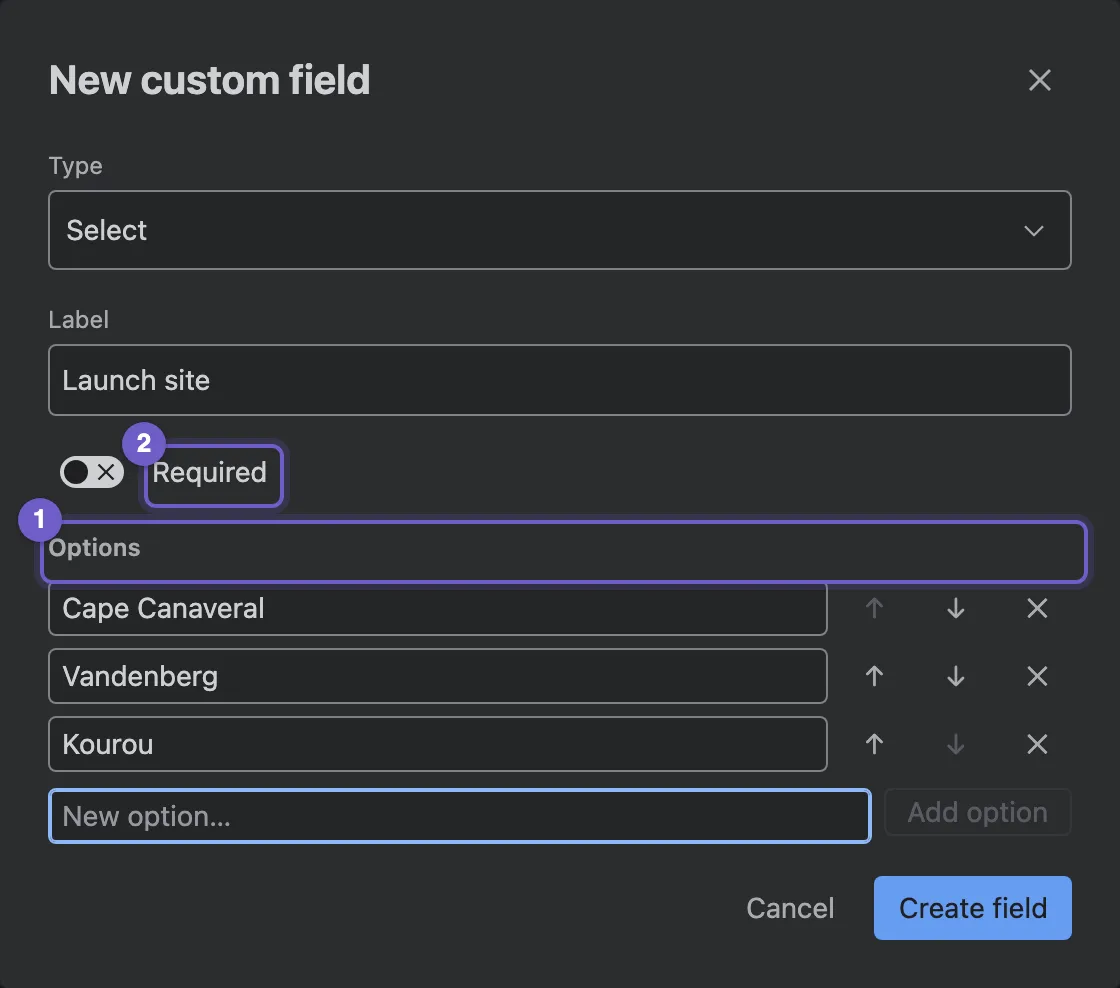
- Options, for Select and Multi-select. Add, rename and reorder them at any time.
- Required makes the field mandatory on every create and edit.
- Type. Text, Number, Date, Select, Multi-select, User, Currency, Email, Phone or URL. The type can’t change once the field exists.
- Label, as people see it on forms, lists and filters.
Currency fields take a currency, and Number and Currency fields a number of decimal places.
Where custom fields appear
Section titled “Where custom fields appear”Once created, a field shows on the record’s form and Information tab (place it with Record layouts), as a column in lists, in import and export, and on the activity form.
Fields can be used in filters too, with two limits: each record type has a set number of filterable custom fields, and Multi-select fields can’t be filtered.
Deactivating a field
Section titled “Deactivating a field”Deactivate hides a field from forms, lists and filters, but keeps every value already saved. Reactivate brings it back with its data. Fields can’t be deleted, so nothing is ever lost by accident.
Showing a Nexus CRM field on a Jira work item screen isn’t possible: Nexus CRM shows its fields in its own panel. Use the JQL functions to find work by customer.