
Jira issues and JQL
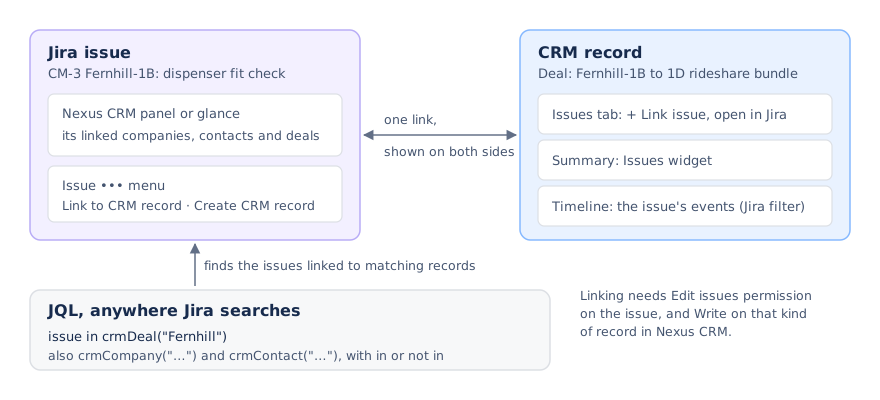
Because Nexus CRM lives in Jira, the work you do for a customer and the customer record stay connected, with no integration to set up. A link between a work item and a CRM record shows on both sides.
First, an admin turns Nexus CRM on for each space that needs it, and picks how it shows on that space’s work items: a panel or a glance. See Placement in work items.
On a work item
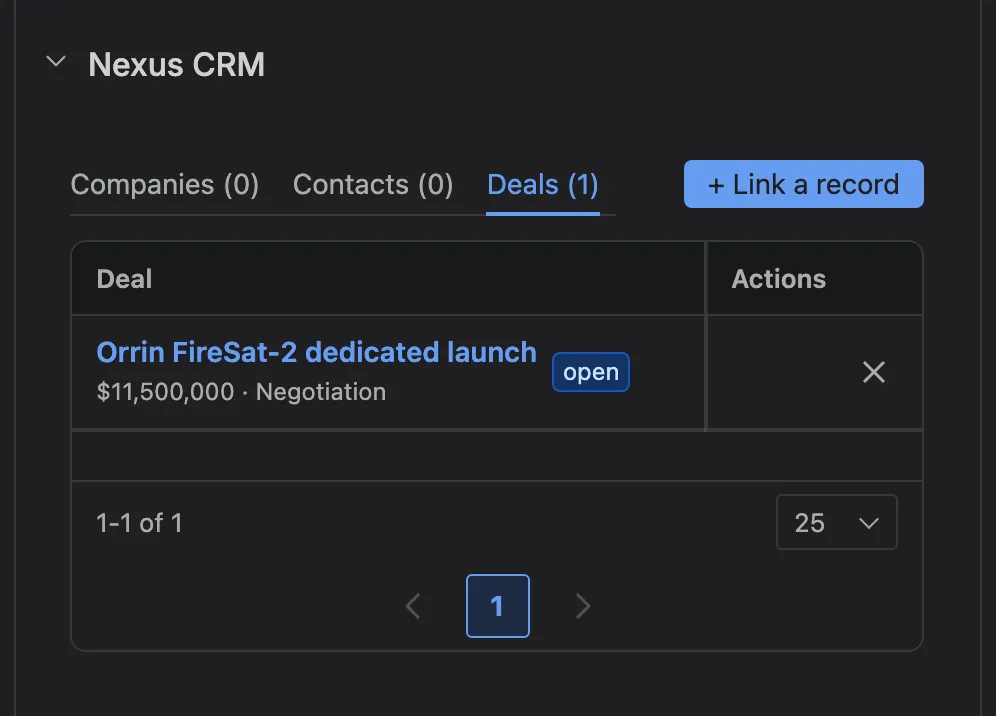
Section titled “On a work item”With the panel, Nexus CRM sits under the description.
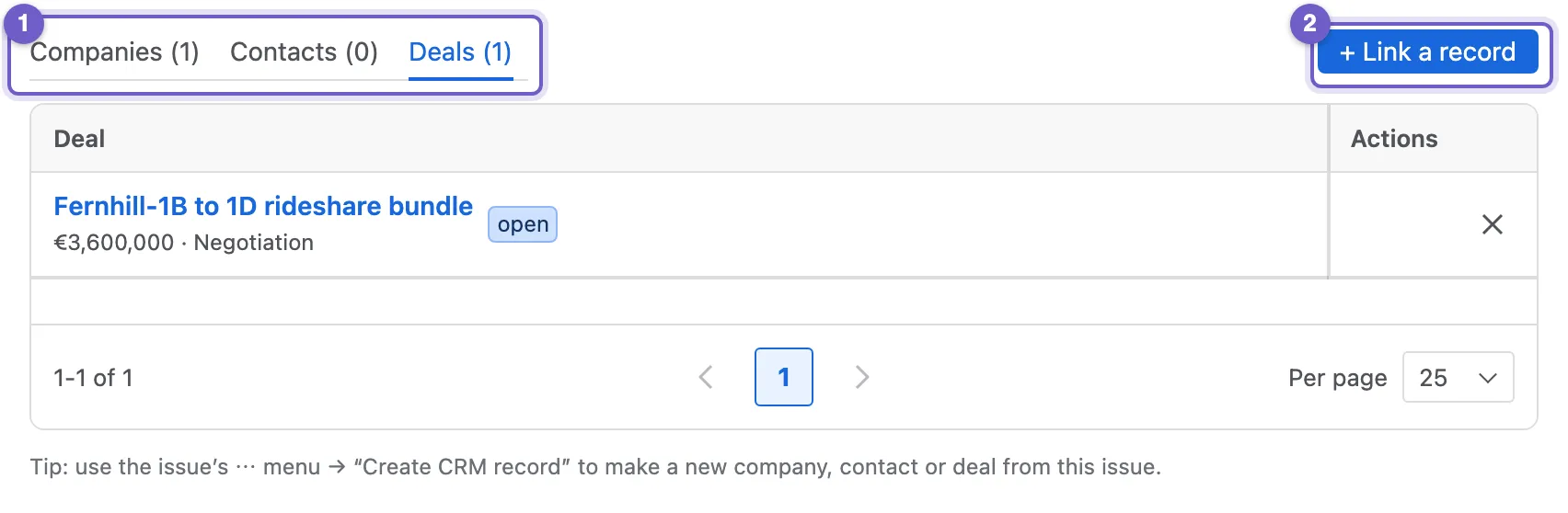
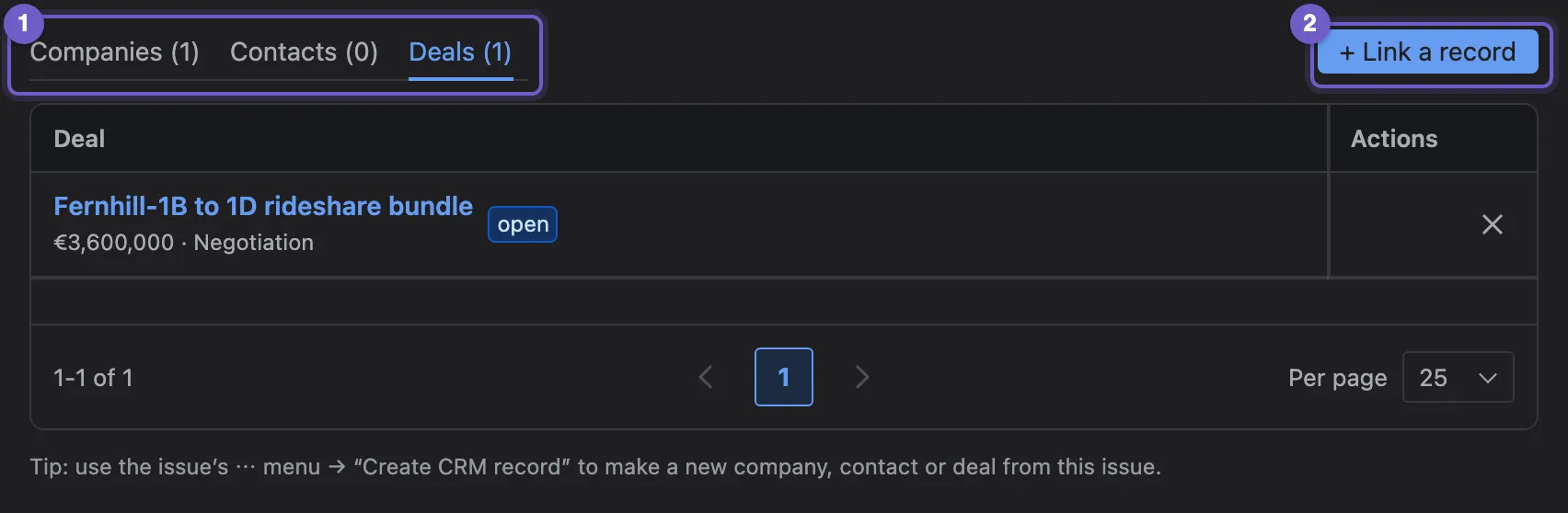
- Companies, Contacts and Deals, each with how many are linked.
- + Link a record searches the CRM.
- A linked record. Select it to open its details in a window over the work item, without leaving Jira.
- ✕ unlinks it.
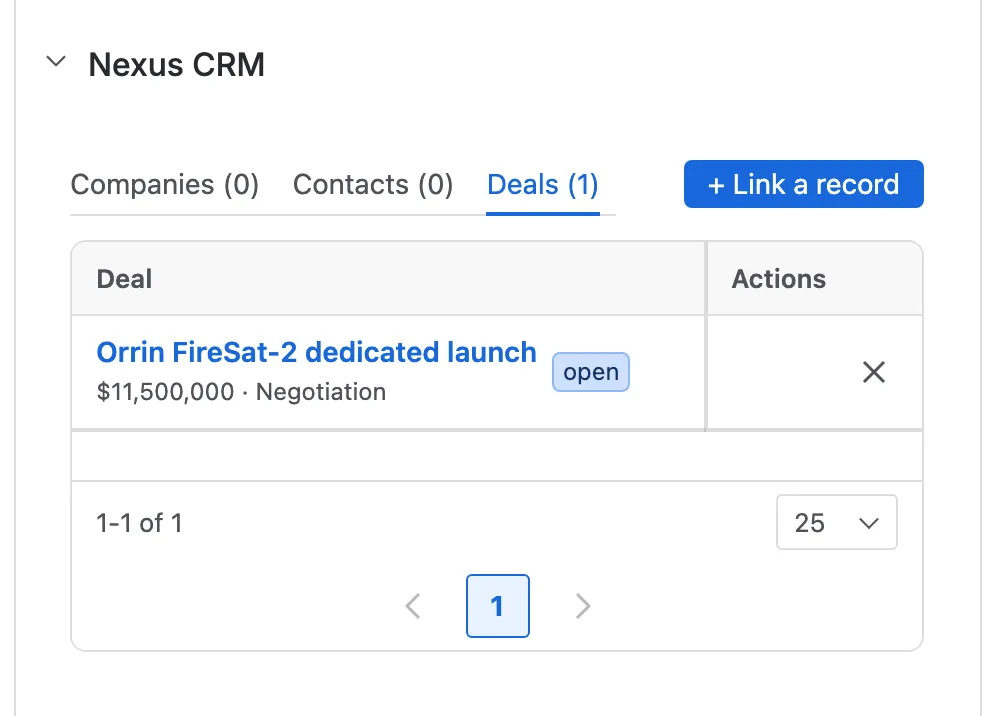
The glance puts a compact Nexus CRM entry in the work item’s details column instead, which opens the same tabs.
Linking a record
Section titled “Linking a record”+ Link a record searches companies, contacts and deals in one go. Type part of a name or an email.
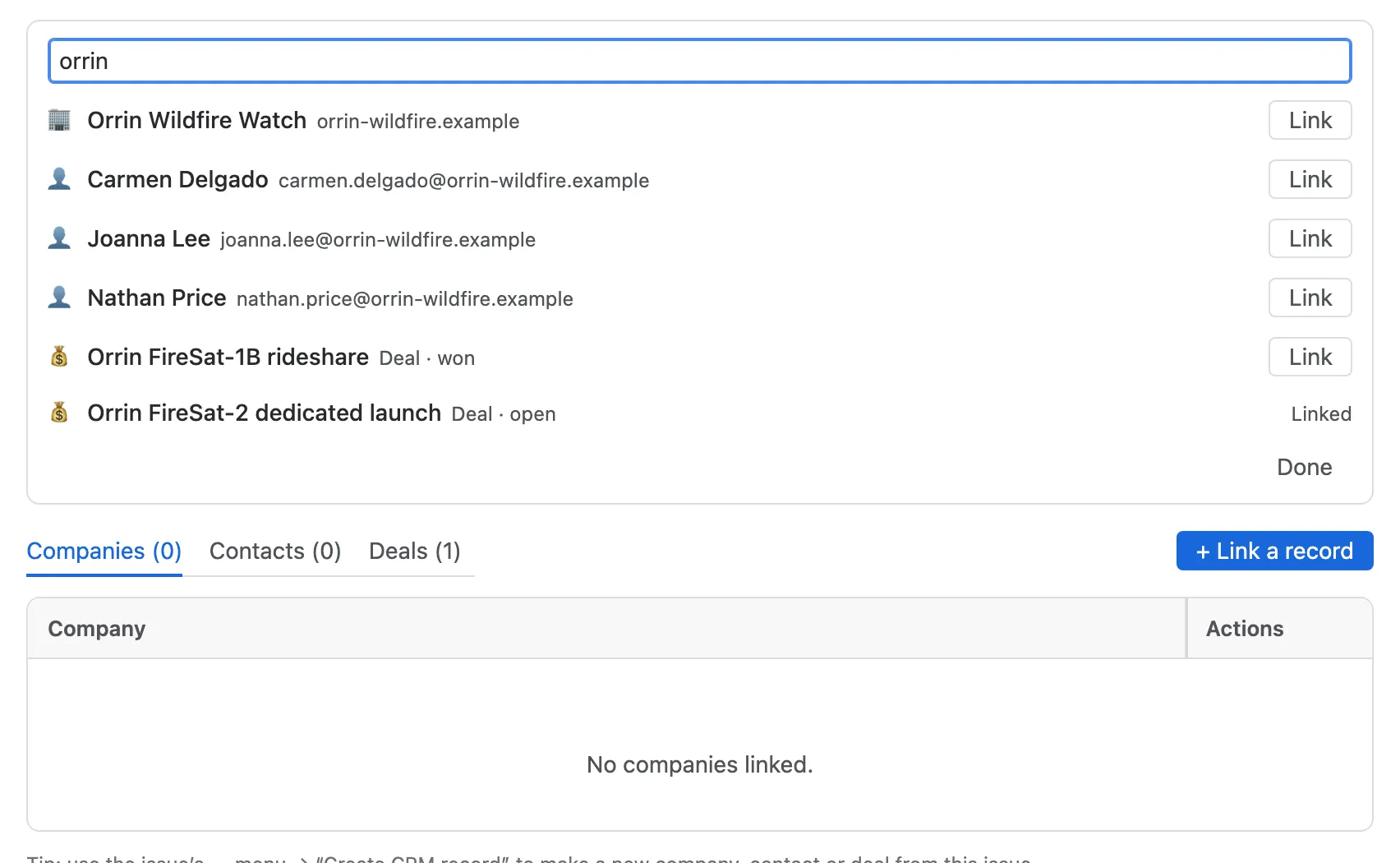
- The search.
- A result, with what kind of record it is. Link links it; Linked means it already is.
Seeing a record without leaving Jira
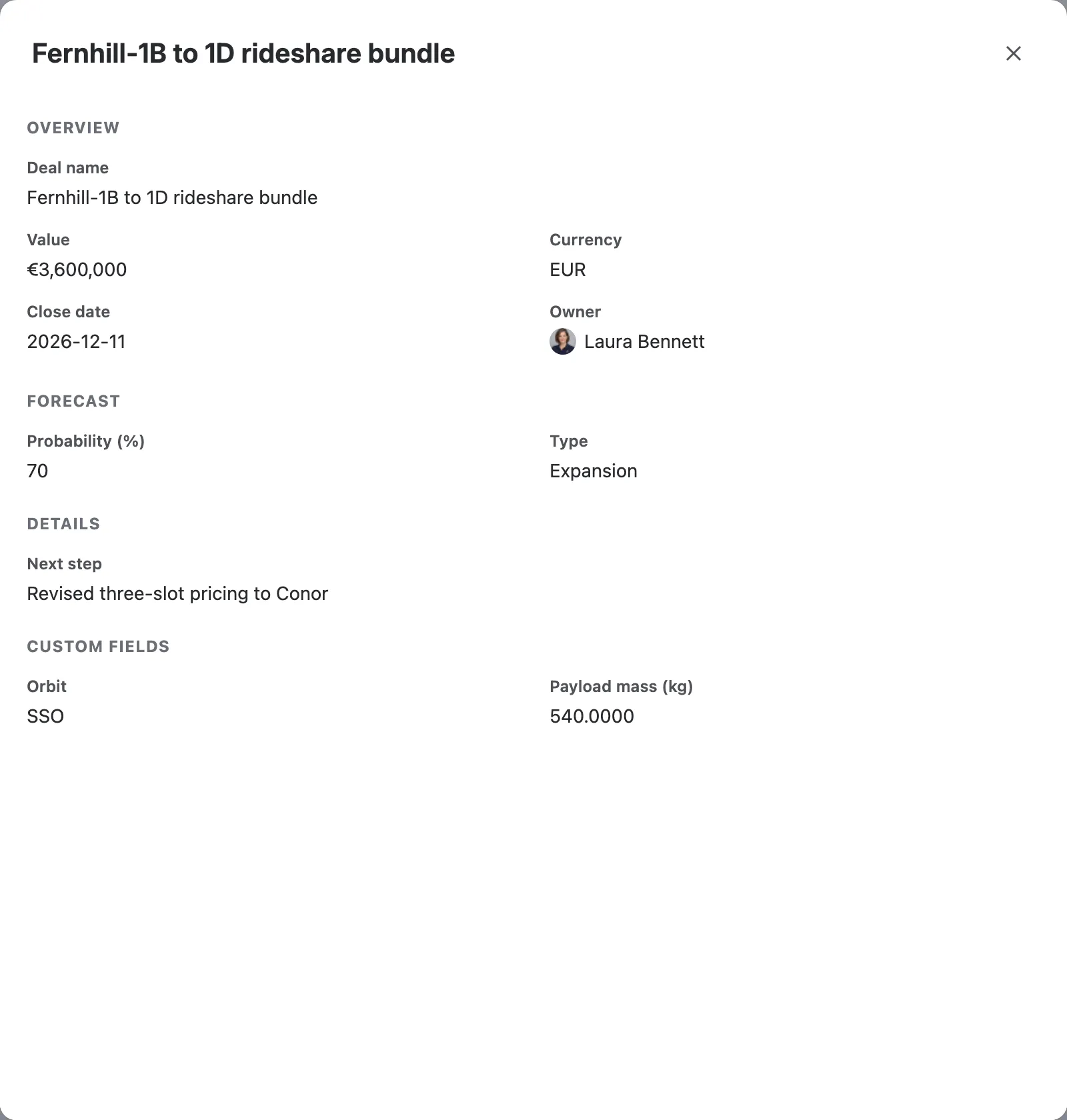
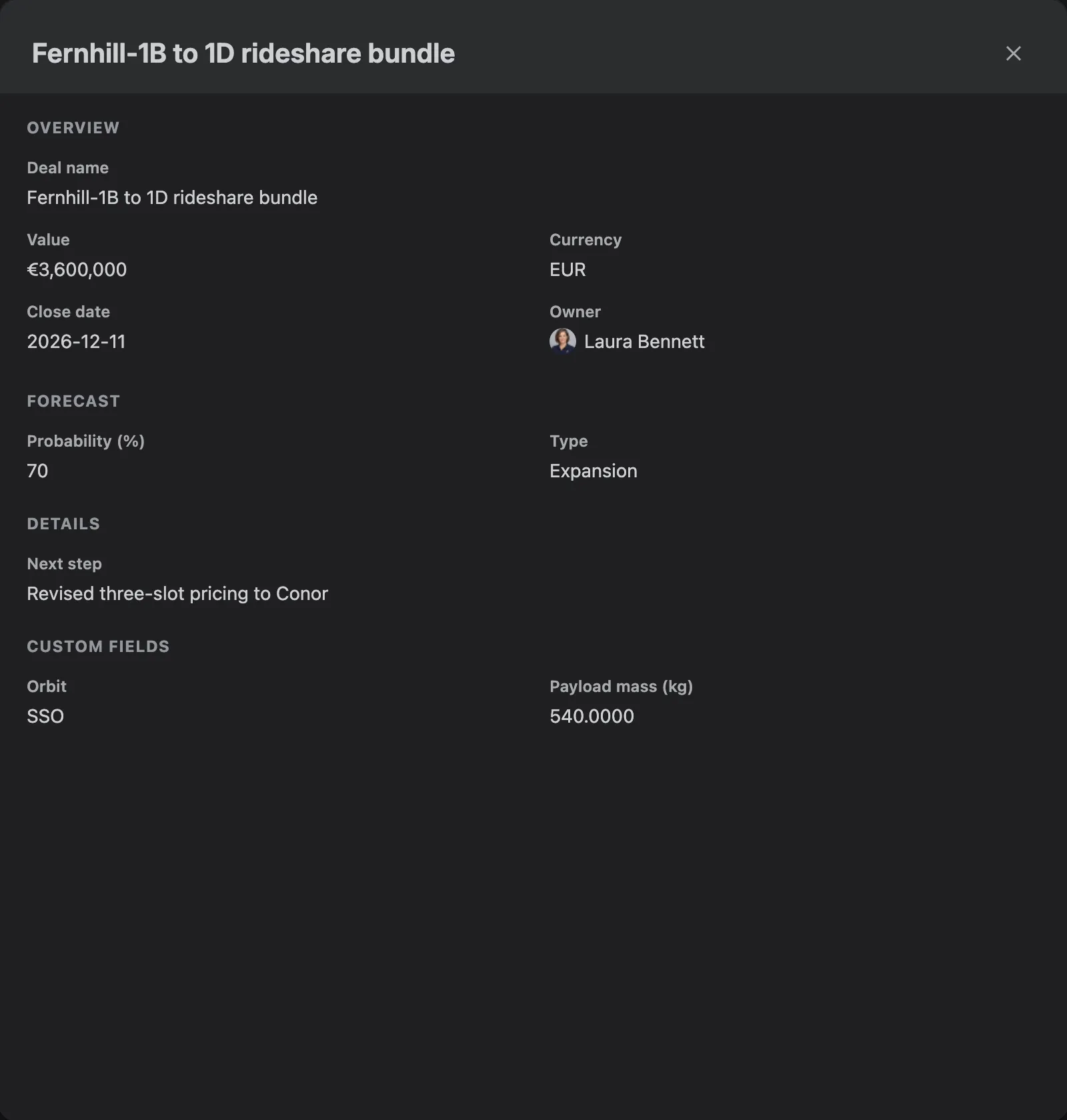
Section titled “Seeing a record without leaving Jira”Select any linked record to see its details in a window over the work item.
The ••• menu
Section titled “The ••• menu”Two actions in the work item’s ••• menu:
- Link to CRM record opens the same search as the panel.
- Create CRM record creates a contact, company or deal from the work item and links it in one step. The form starts filled in from the work item’s reporter and summary. If the record already exists, Nexus CRM offers to link that one instead.


Linking and unlinking need permission to edit the work item in Jira, and Write on that kind of record in Nexus CRM. People who can only view the work item see the links but can’t change them.
On a CRM record
Section titled “On a CRM record”Every company, contact and deal has an Issues tab.
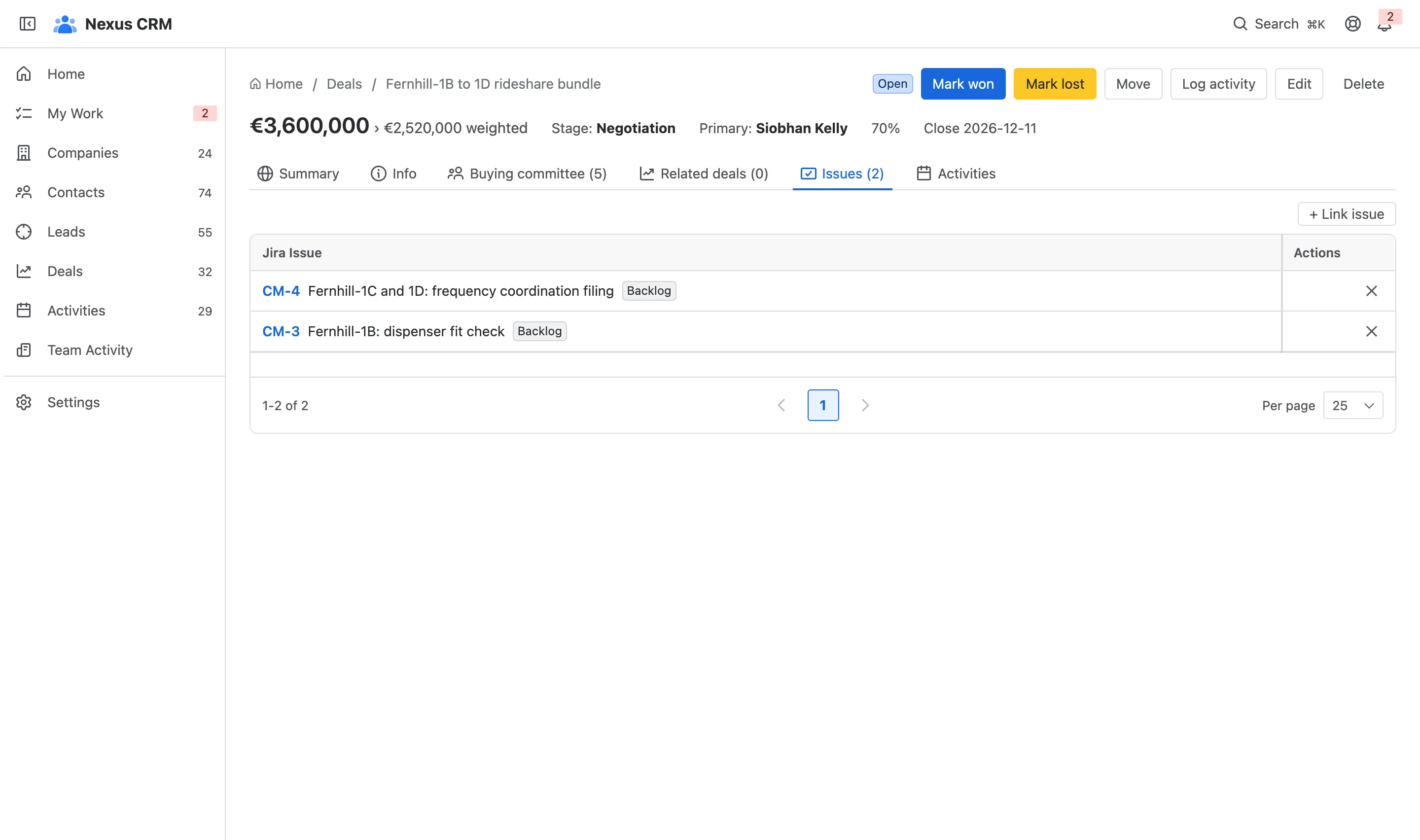
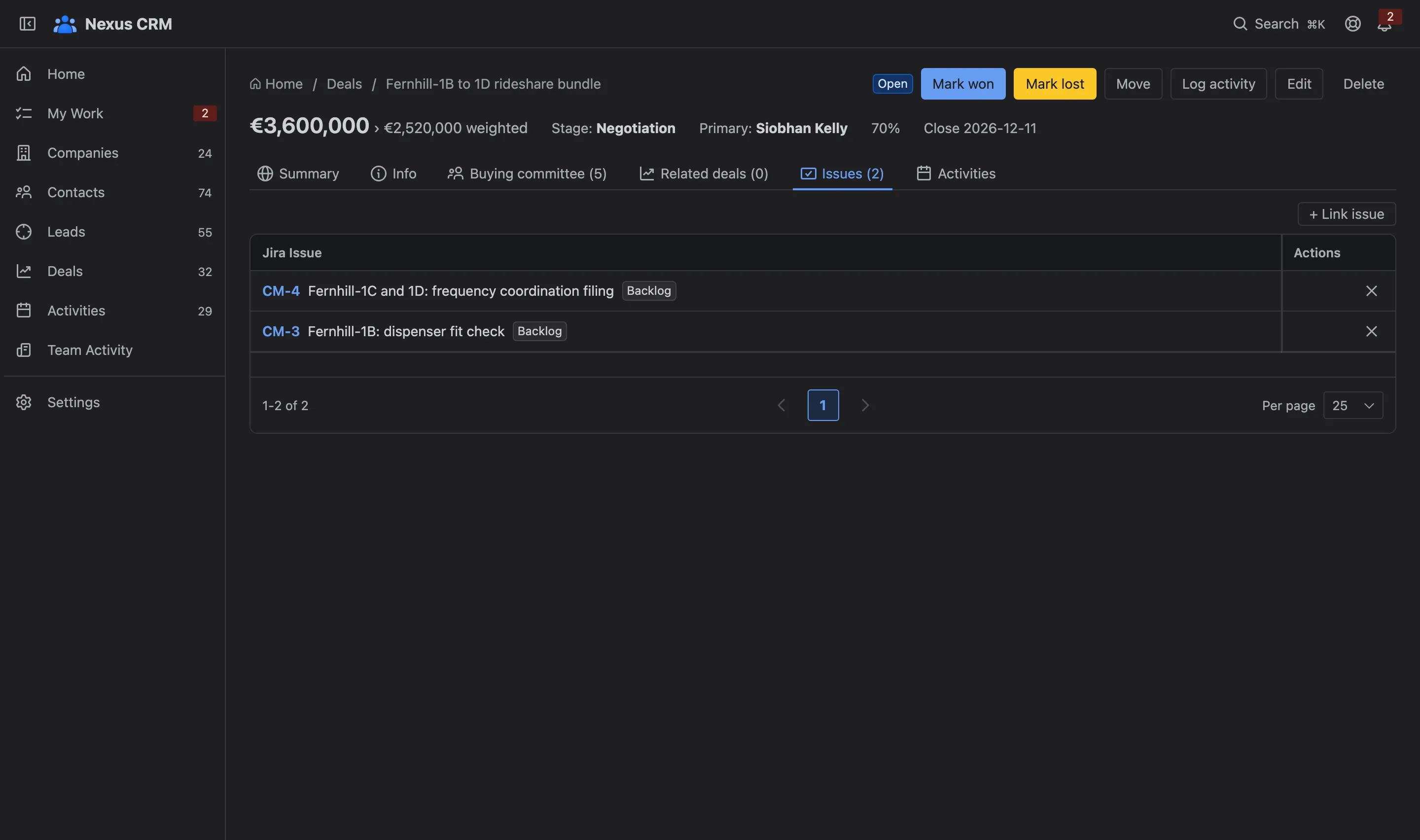
- + Link issue finds a work item by key or text.
- A linked work item, with its summary and status. Its key opens it in Jira.
- (no access) marks a work item you aren’t allowed to see in Jira.
Events on linked work items also appear on the record’s timeline, under the Jira filter.
Find work by customer with JQL
Section titled “Find work by customer with JQL”Nexus CRM adds three JQL functions. Each takes a name and returns the work items linked to the matching records:
issue in crmCompany("Fernhill")issue in crmContact("Siobhan Kelly")issue in crmDeal("Brightwater-3")Names match case-insensitively and in part, so crmCompany("fern") finds Fernhill Telecom. crmContact also matches email addresses. Use not in to exclude: issue not in crmCompany("Fernhill").
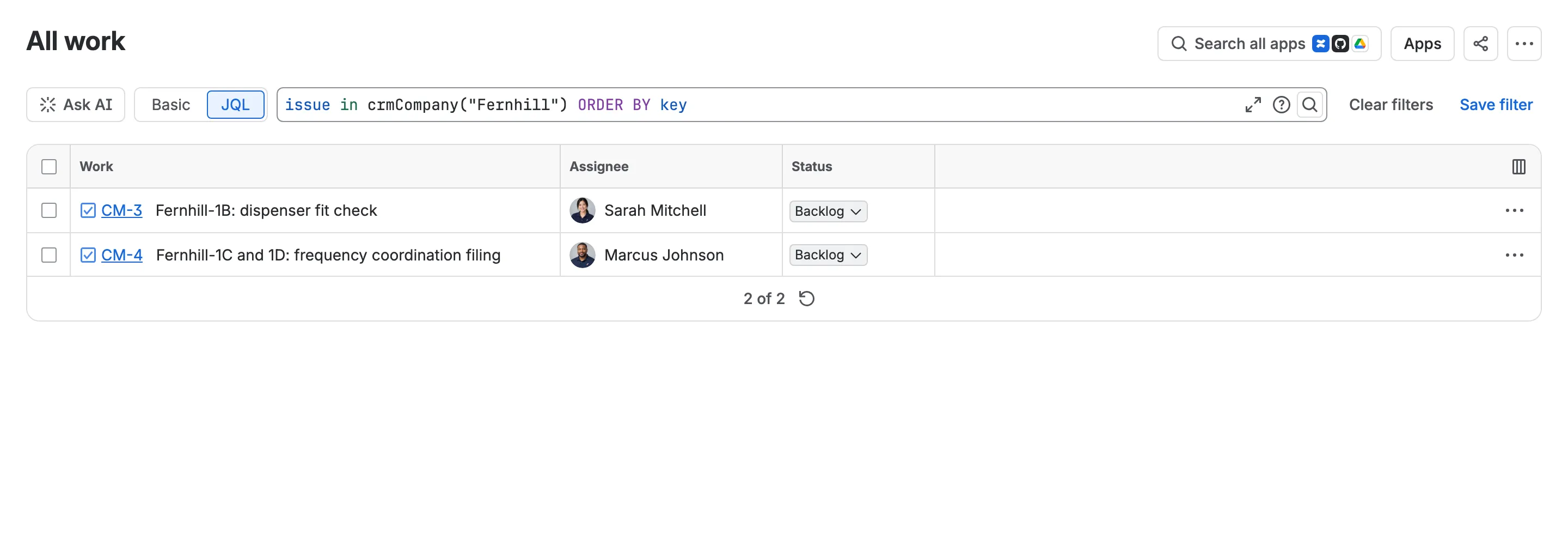
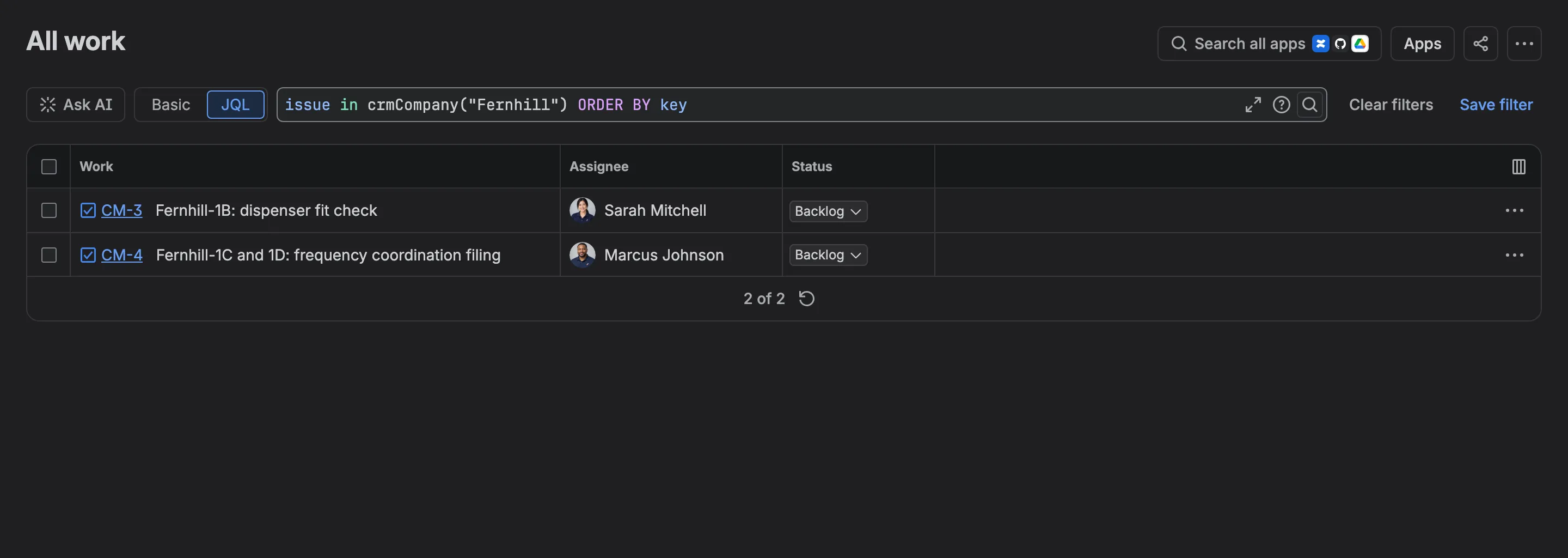
The functions work everywhere JQL does: search, saved filters, boards, dashboards and service desk queues. Jira keeps each function’s answer, and Nexus CRM refreshes it a few seconds after a link changes or a record is renamed.