
Pipelines and stages
A pipeline is one sales process, such as new business, renewals or partnerships. Each has its own ordered stages, its own default currency and, if you want, its own team. Every deal sits in exactly one pipeline.
Settings → Customize → Pipelines needs Pipelines: Admin.
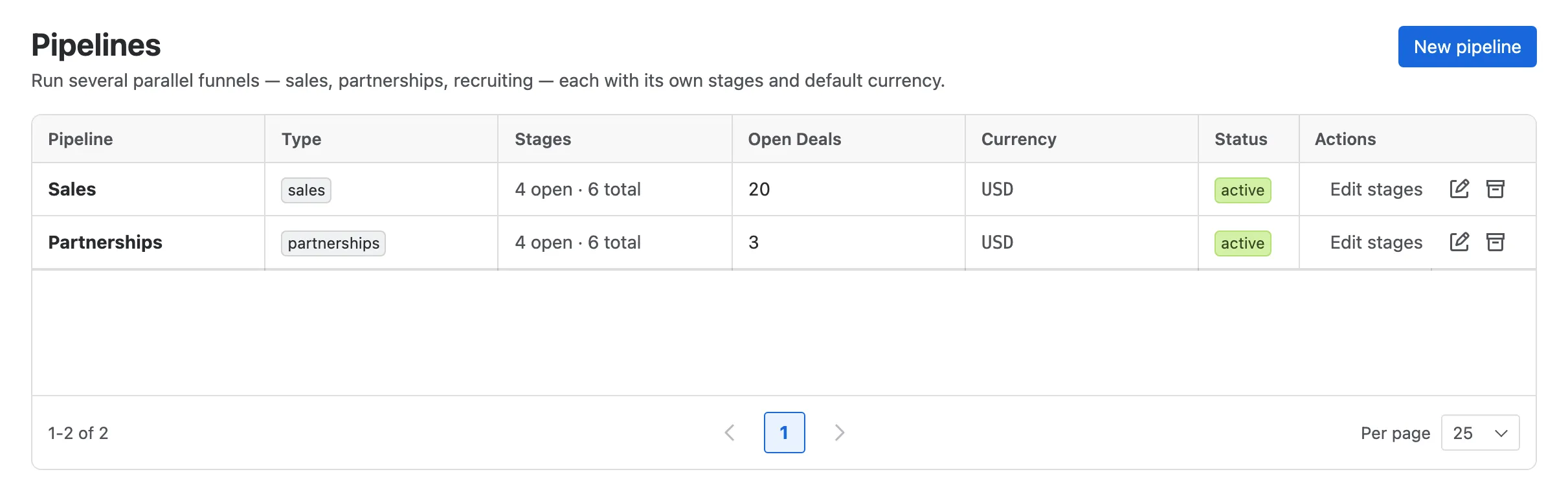
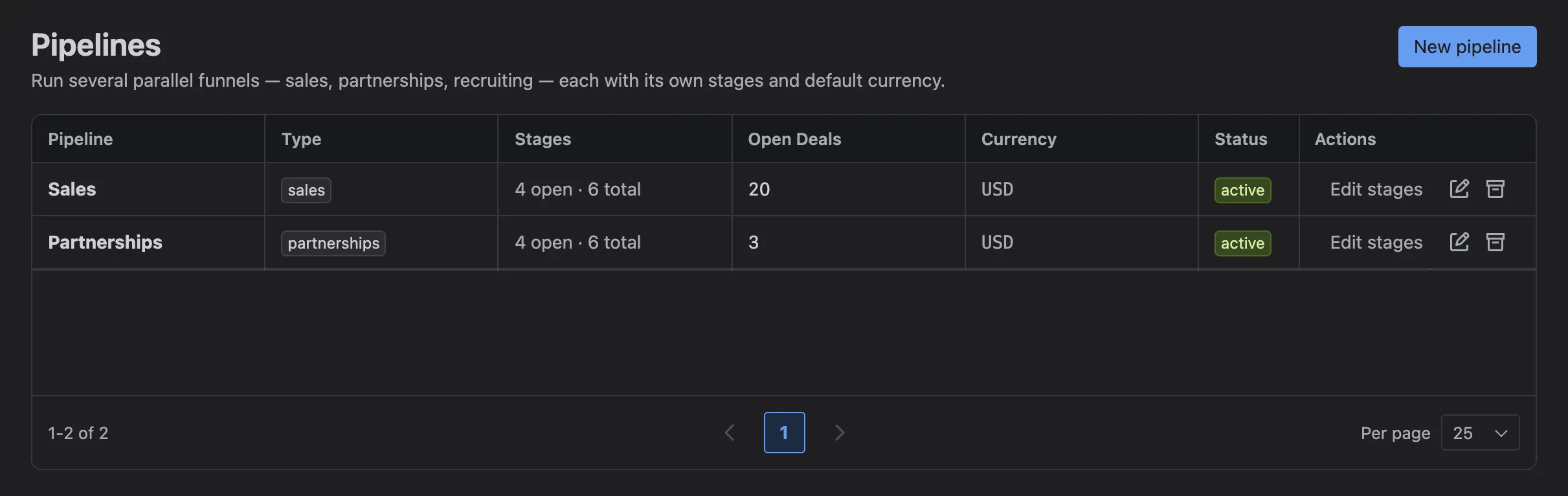
- New pipeline.
- A pipeline, with its type, stages, open deals, default currency and status.
- Edit stages.
- Rename the pipeline or change its default currency.
- Archive it.
Starting a pipeline
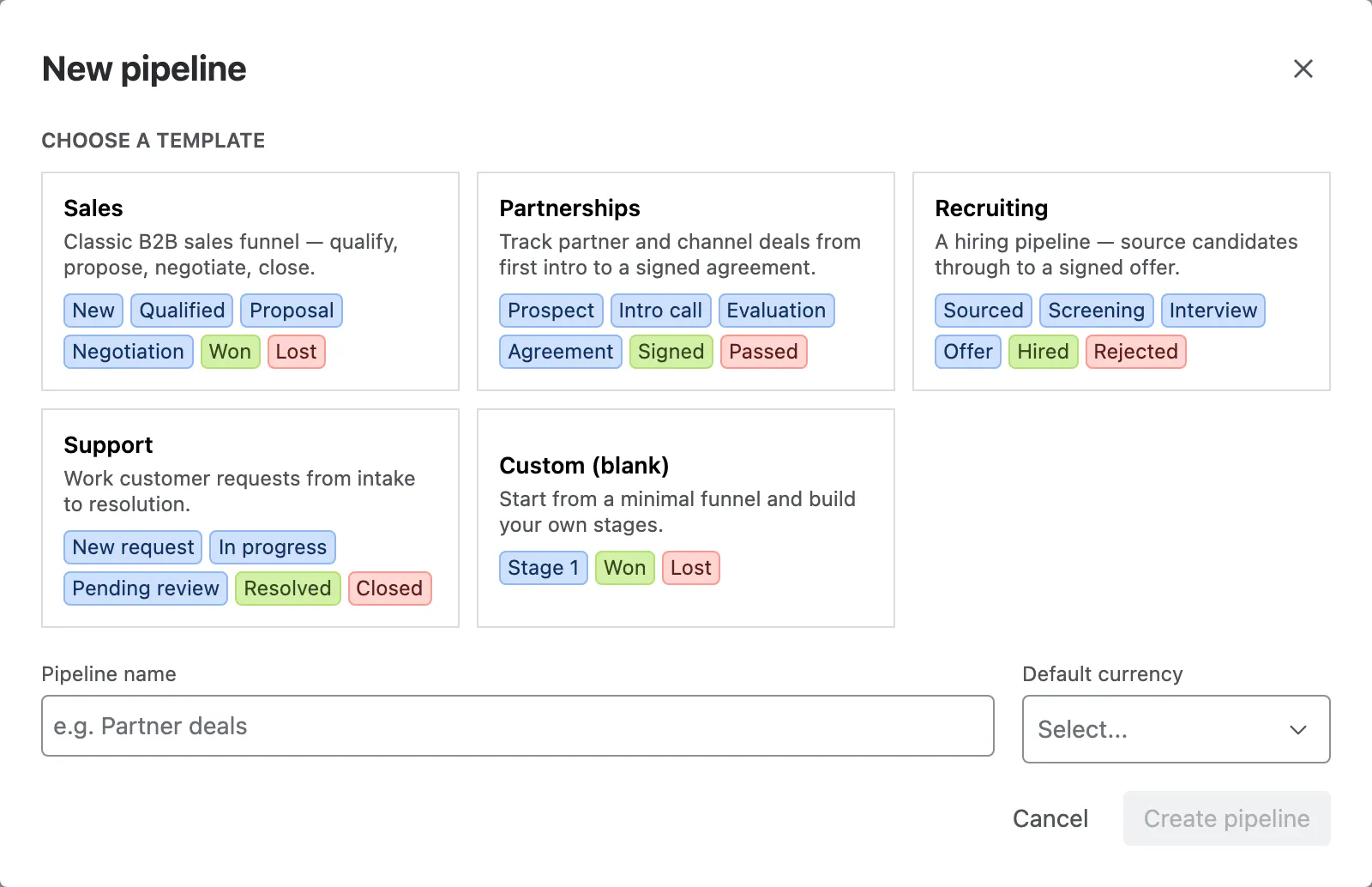
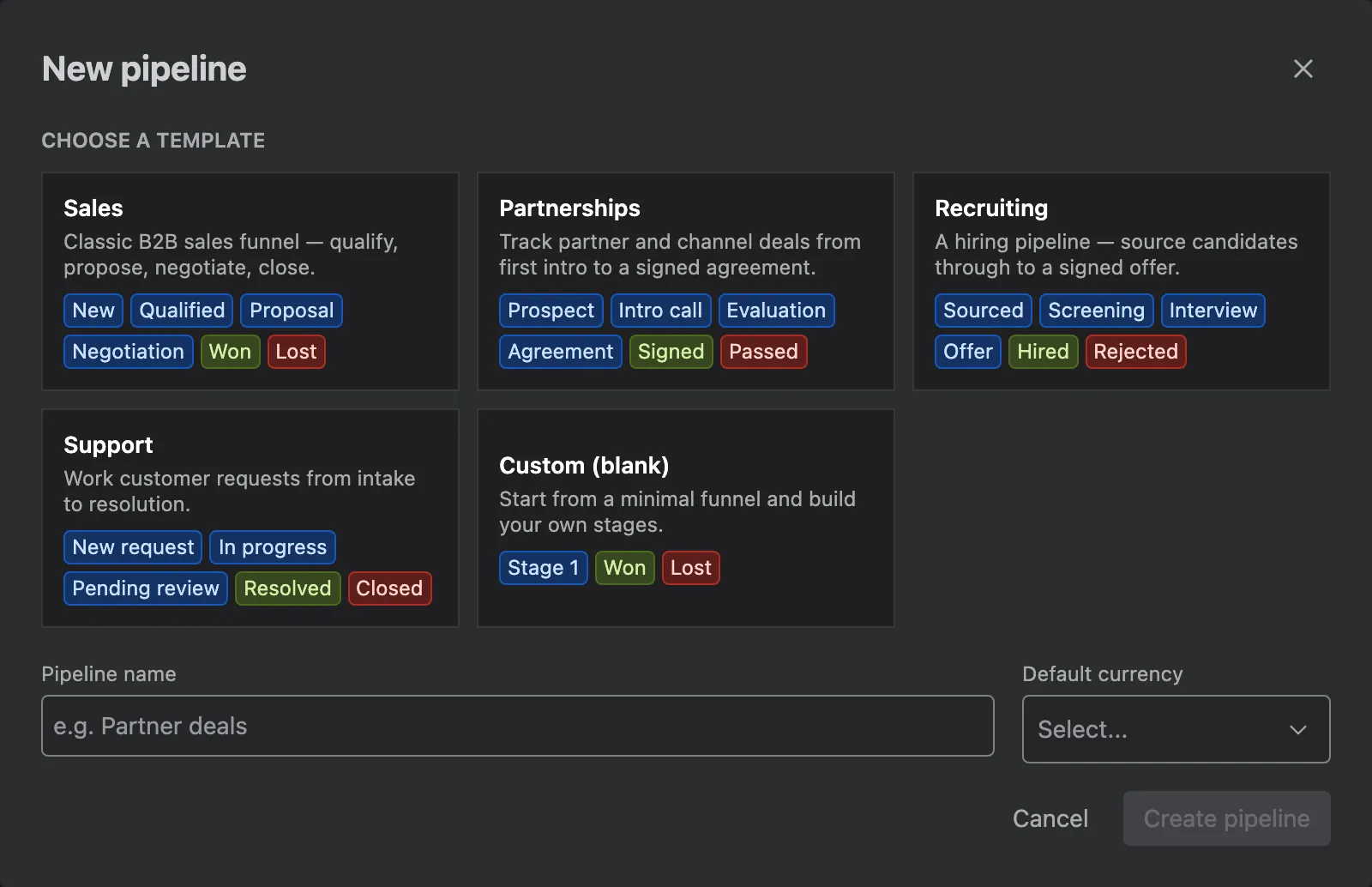
Section titled “Starting a pipeline”New pipeline starts from a template. Give it a name and a default currency.
| Template | Stages |
|---|---|
| Sales | New, Qualified, Proposal, Negotiation, Won, Lost |
| Partnerships | Prospect, Intro call, Evaluation, Agreement, Signed, Passed |
| Recruiting | Sourced, Screening, Interview, Offer, Hired, Rejected |
| Support | New request, In progress, Pending review, Resolved, Closed |
| Custom (blank) | Stage 1, Won, Lost |
Stages
Section titled “Stages”Edit stages opens the stage editor.
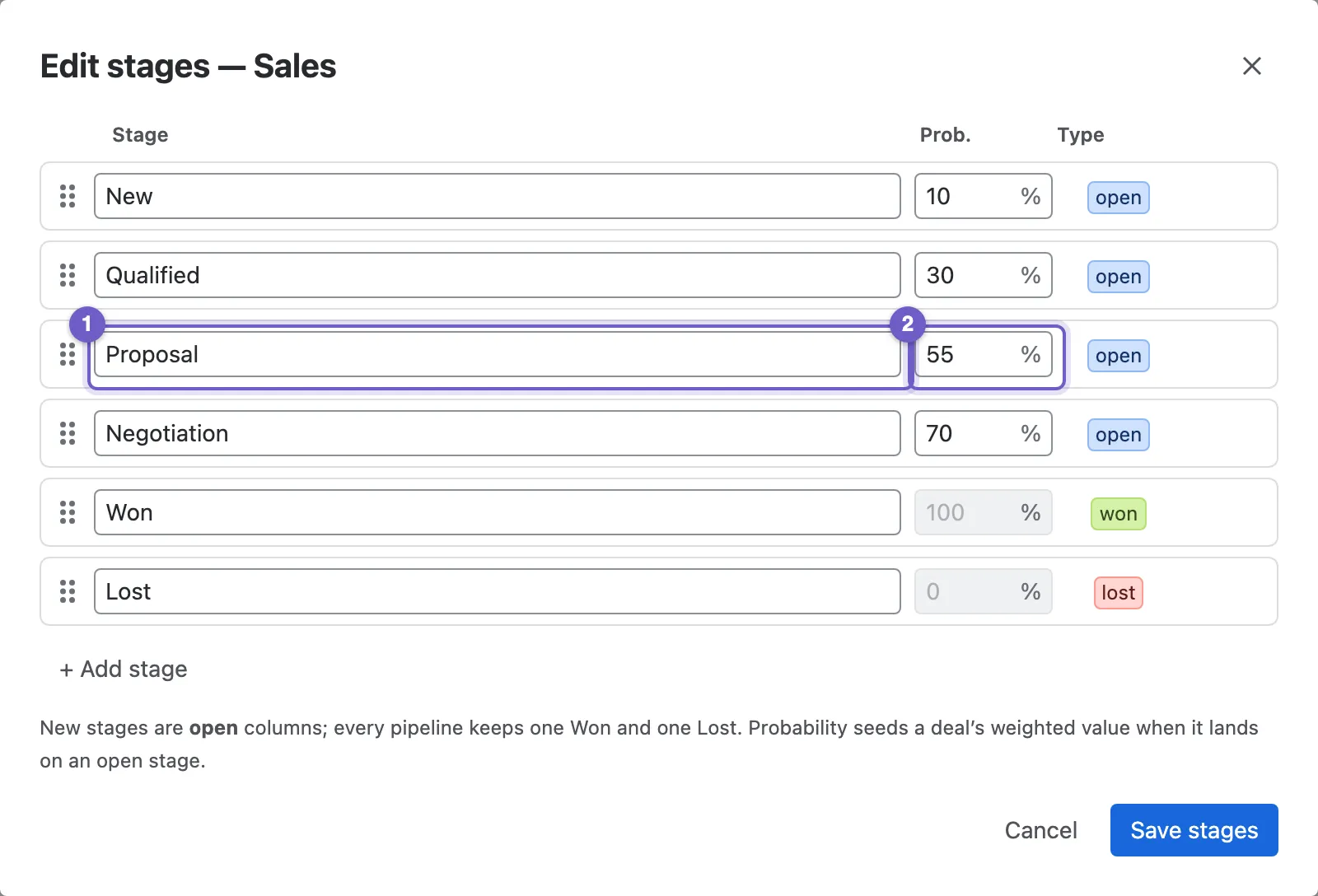
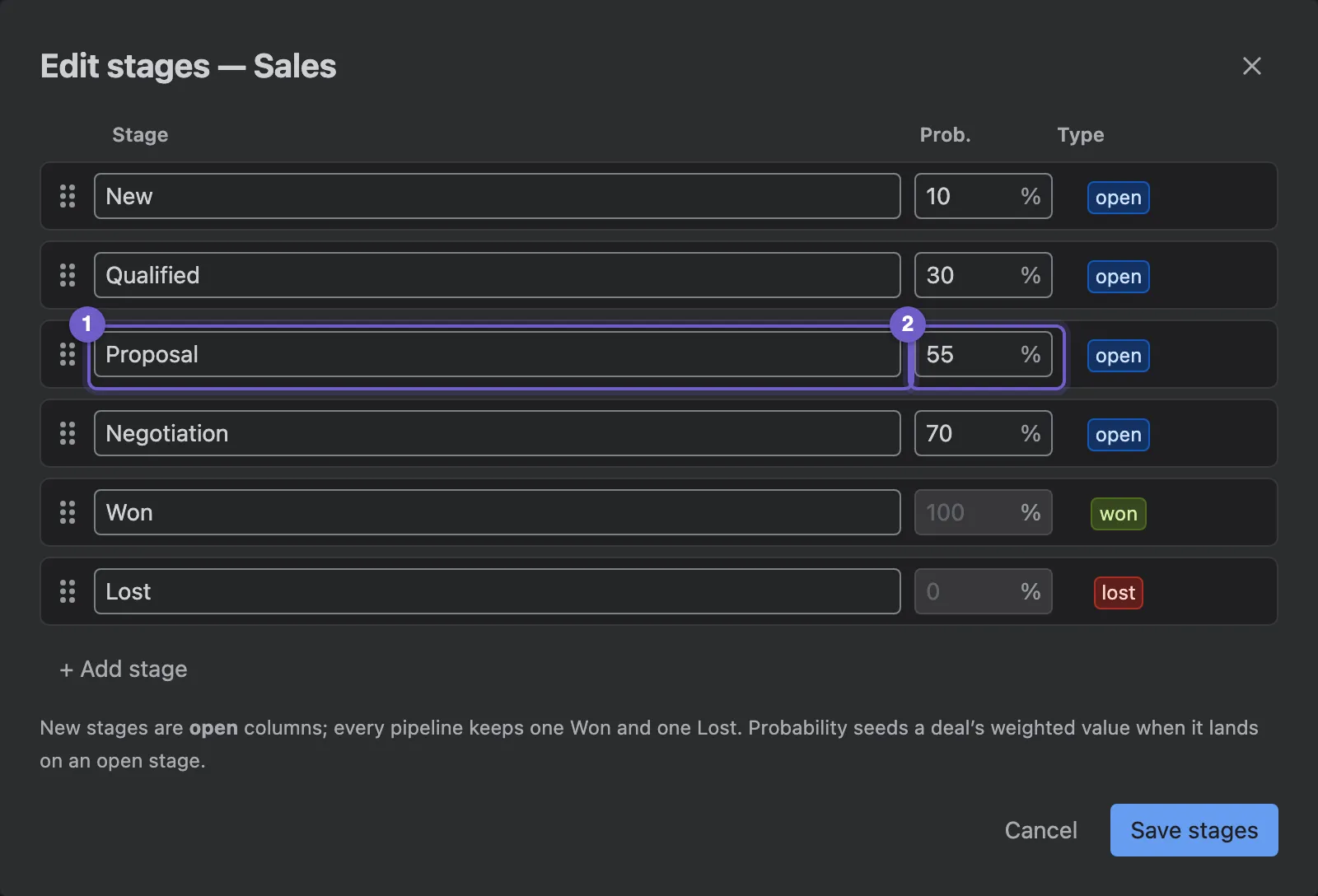
- A stage. Rename it in place.
- Default probability. A deal moved into the stage takes this probability, which drives weighted value.
- Reorder by dragging, or with the arrows.
- + Add stage.
Every pipeline has exactly one Won and one Lost stage, and at least one open stage. Won and Lost stay at the end. Stages can’t be deleted, so deals never lose their place: rename a stage you no longer use instead.
Archiving
Section titled “Archiving”Archive takes a pipeline off the board’s switcher. If it still has open deals, Nexus CRM asks where to move them first. You can’t archive the last active pipeline. An archived pipeline can be restored, and deleted once it holds no deals at all.
Pipeline teams
Section titled “Pipeline teams”A pipeline can be private to the people who work it. Open the board, pick the pipeline, and select Team.
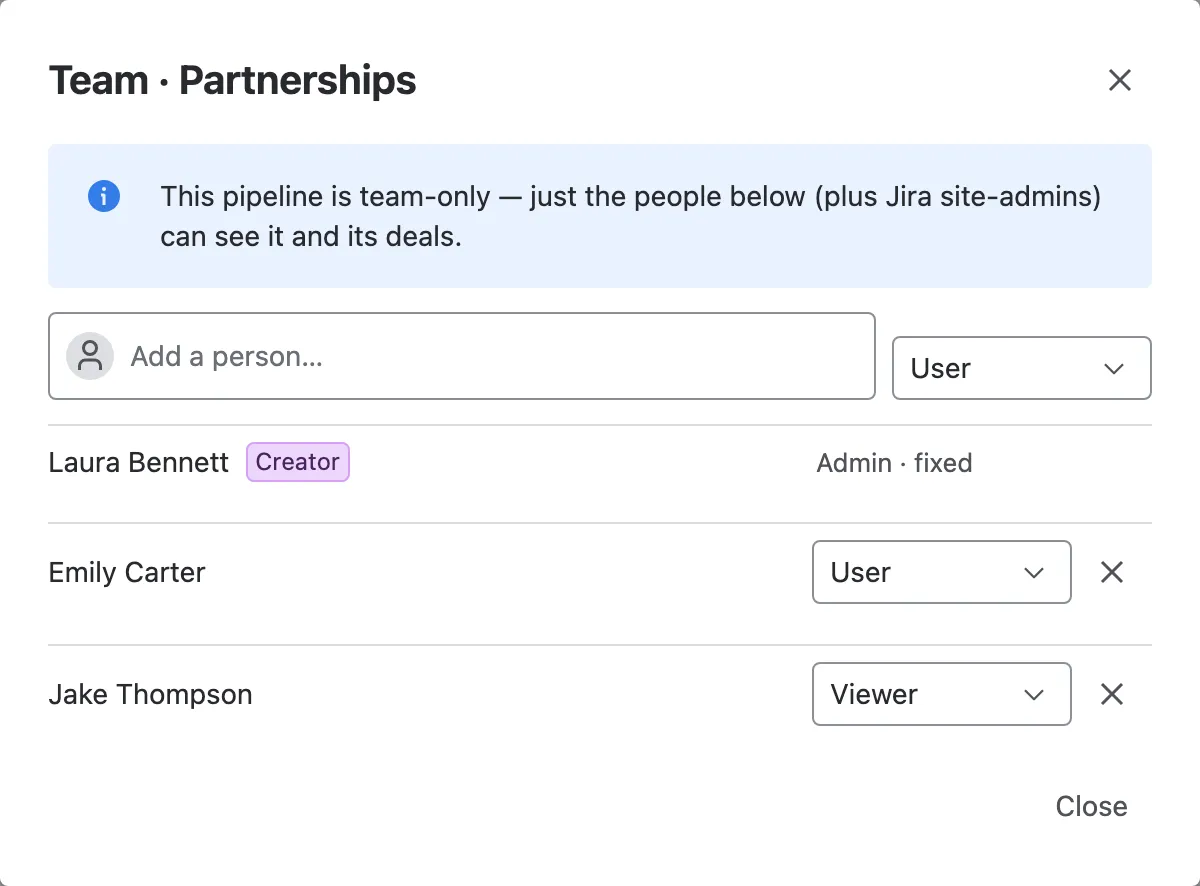
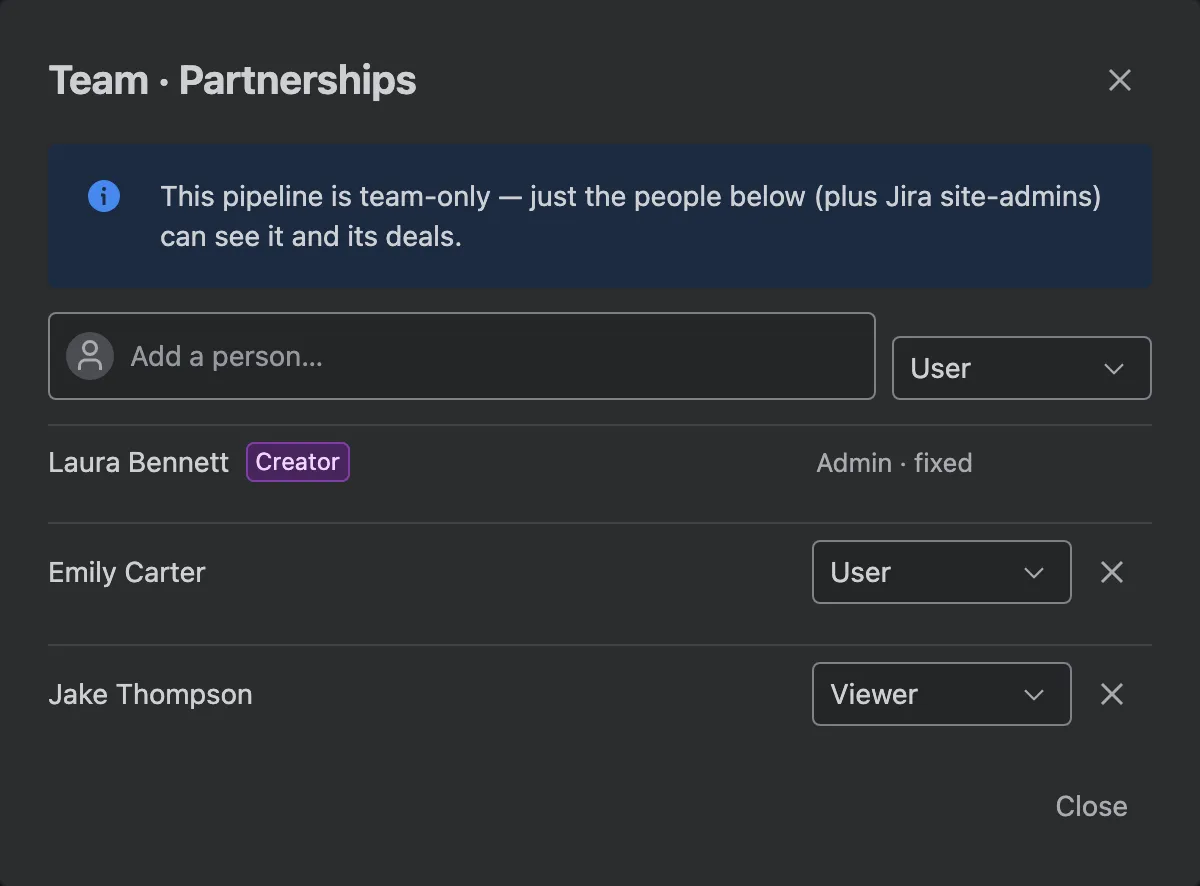
- Add a person as the pipeline’s Admin, User or Viewer.
- Change someone’s level, or remove them.
- The creator is always an admin of the pipeline, and the last admin can’t be removed.
While a team is empty the pipeline is open to everyone. Once it has a member, only its members see it and its deals. Jira site admins and roles with Pipelines: Admin always see every pipeline. Viewers see the board with a View only label and can’t move cards.