
Lead sources and segments
Lead sources
Section titled “Lead sources”A lead’s source says where it came from. It carries over to the deal when the lead converts, so you can see which channels actually bring in revenue.
Settings → Customize → Lead sources needs Settings: Admin.
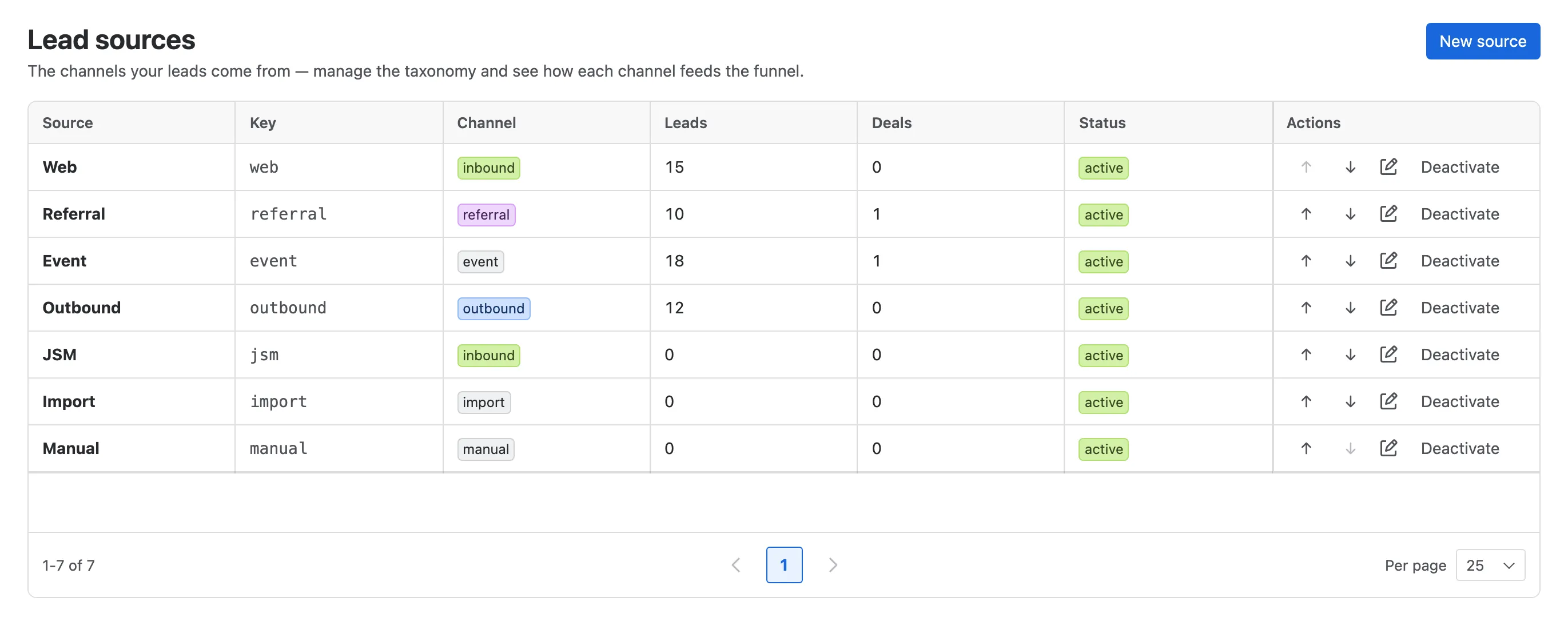
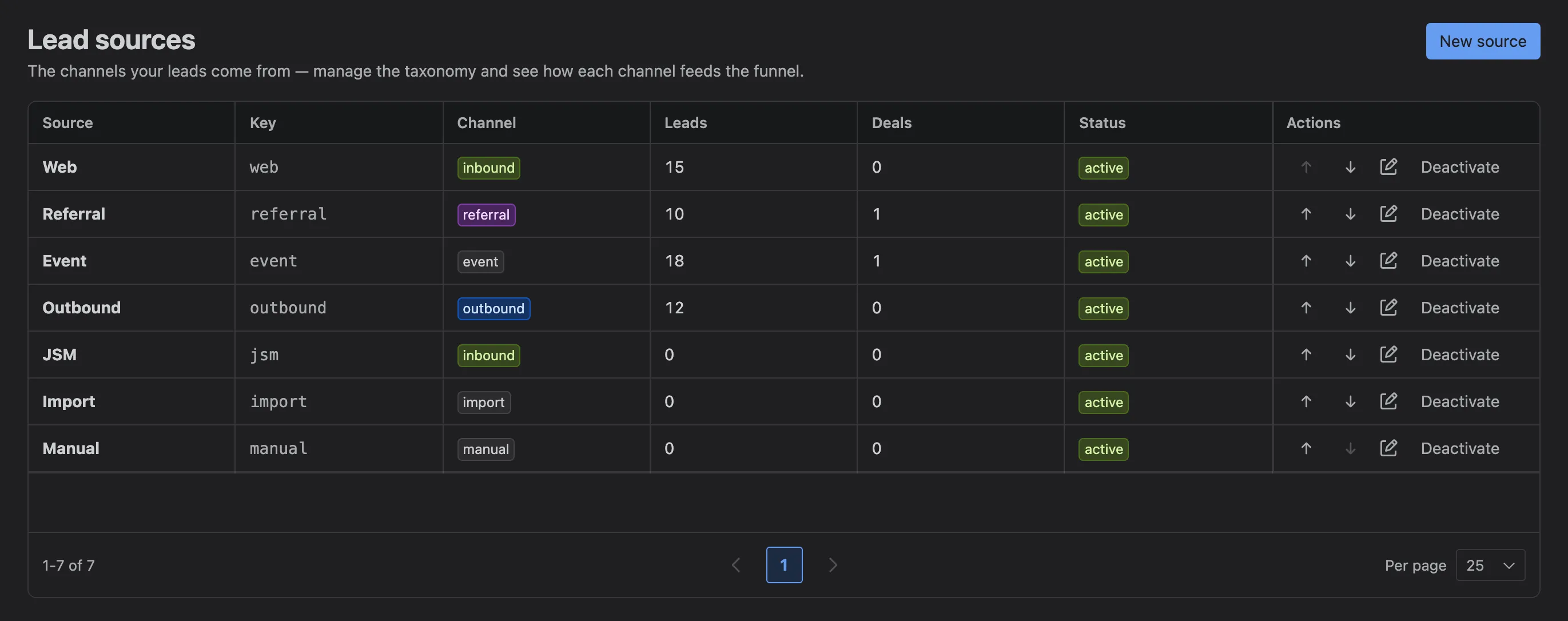
- New source, with a name and a channel.
- A source, with how many leads and deals came from it.
- Rename it, or move it up and down the list.
- Deactivate a source you no longer use. Records keep it; new records can’t pick it.
Nexus CRM starts with Web, Referral, Event, Outbound, JSM, Import and Manual. A source that appears on records but isn’t in the list (from an import, say) is listed too, so you can tidy it up.
Segments
Section titled “Segments”Segments are the groups, labels and roles contacts are tagged with, such as Finance, Launch newsletter or Champion. People add them on a contact’s Segments tab; this page is where admins keep them tidy.
Settings → Customize → Segments needs Settings: Admin.
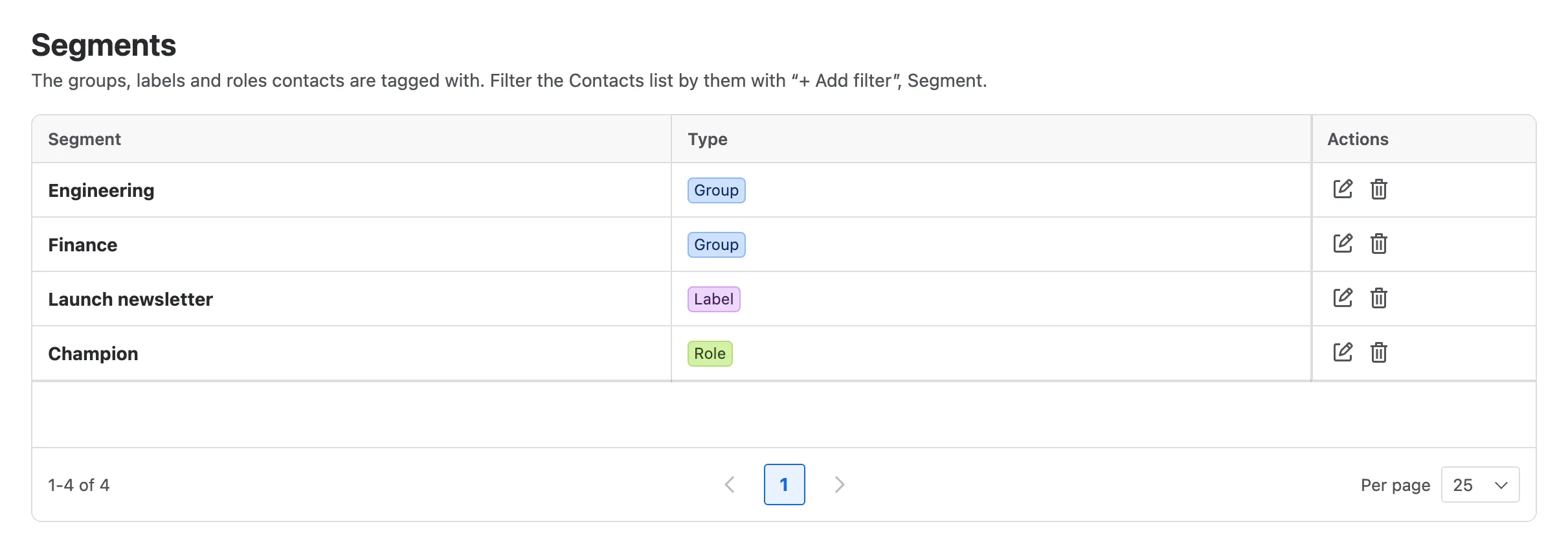
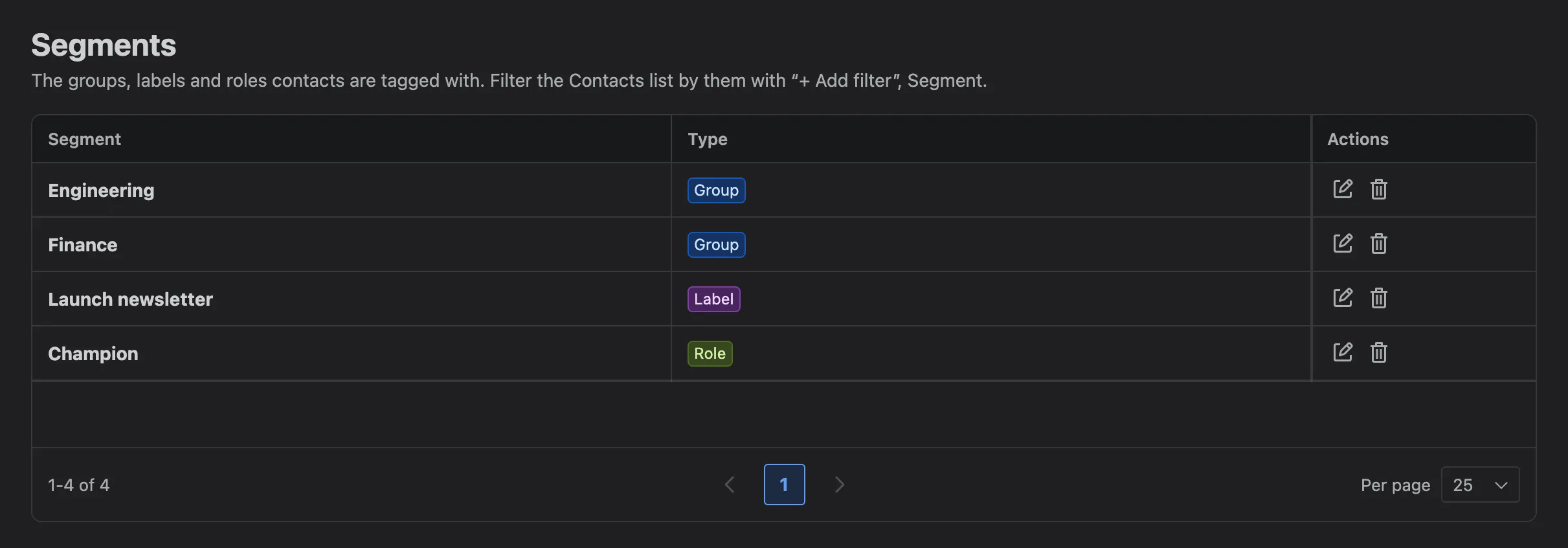
- A segment, with its kind.
- Rename it everywhere at once.
- Delete it, which removes it from every contact.