Record templates
A template is a starting point for a new record. Atlas Orbital’s Rideshare slot deal template fills in USD, New business and a sun-synchronous orbit, so a rep only types what’s different.
Settings → Customize → Record templates needs Settings: Admin.
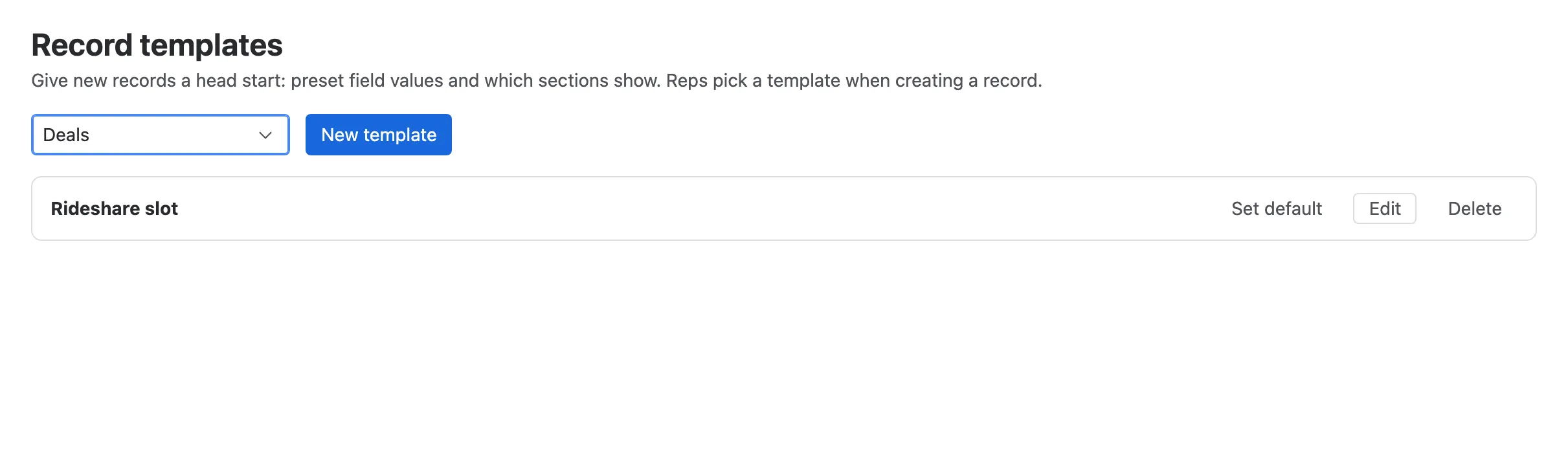
- Record type.
- New template.
- A template. Edit it, Set default, or delete it.
Making a template
Section titled “Making a template”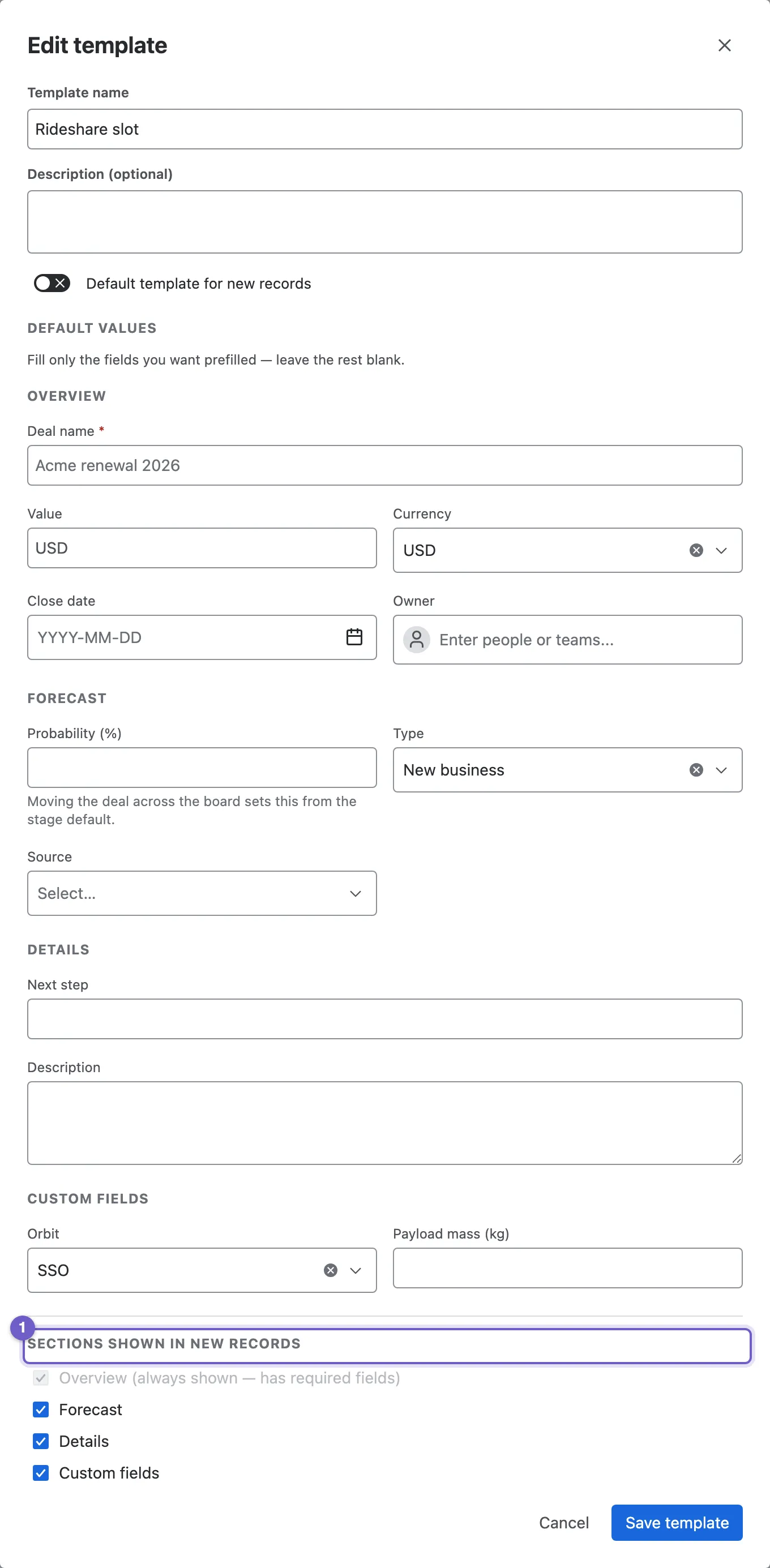
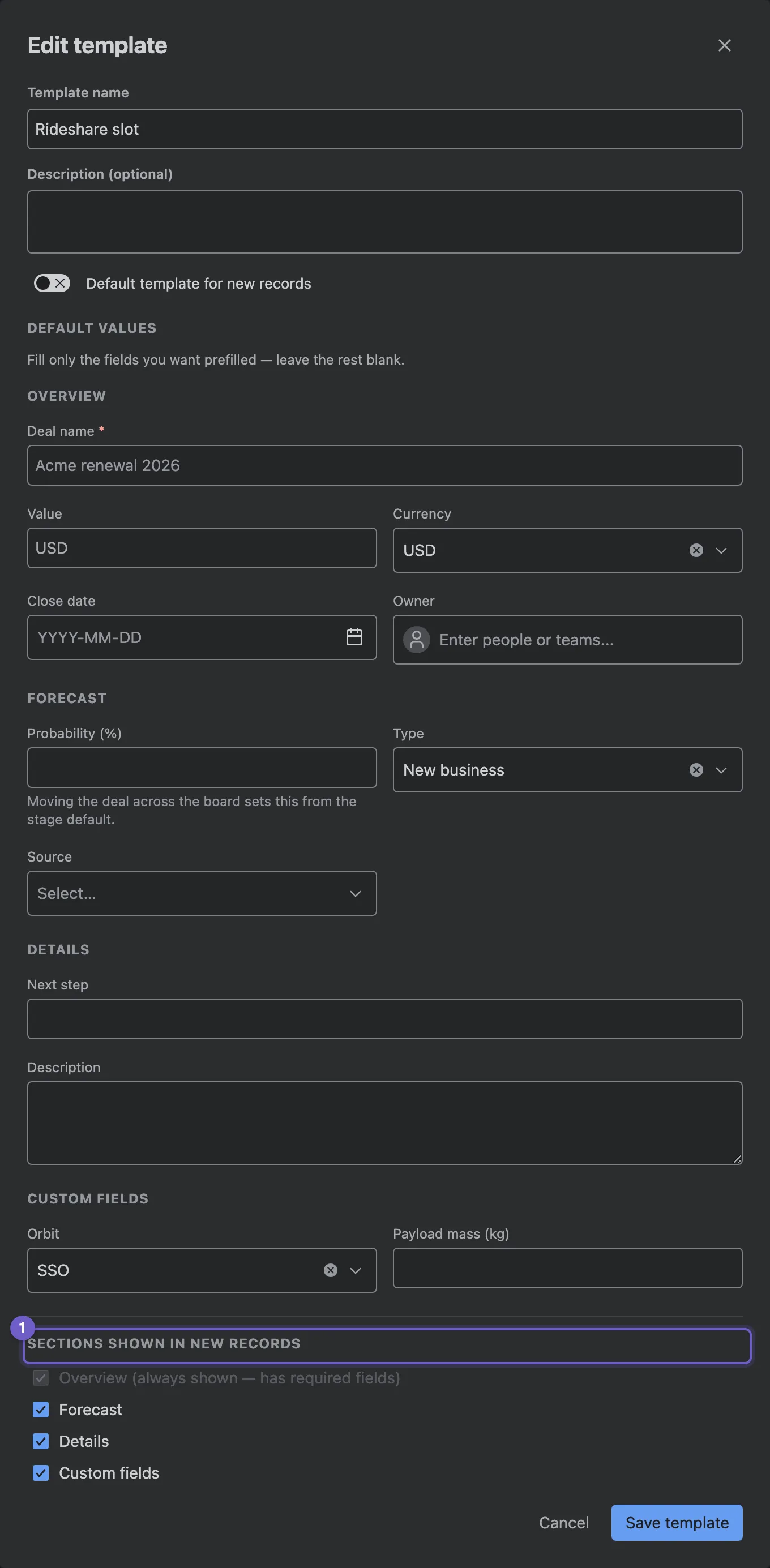
- Sections shown in new records. Hide the sections a quick create doesn’t need. Sections that hold a required field always stay.
- Name and description, as people see them when they pick a template.
- Default values for any field, custom fields included.
- Default template for new records preselects this template.
If a template refers to a field that has since been removed, the editor says so.
Using a template
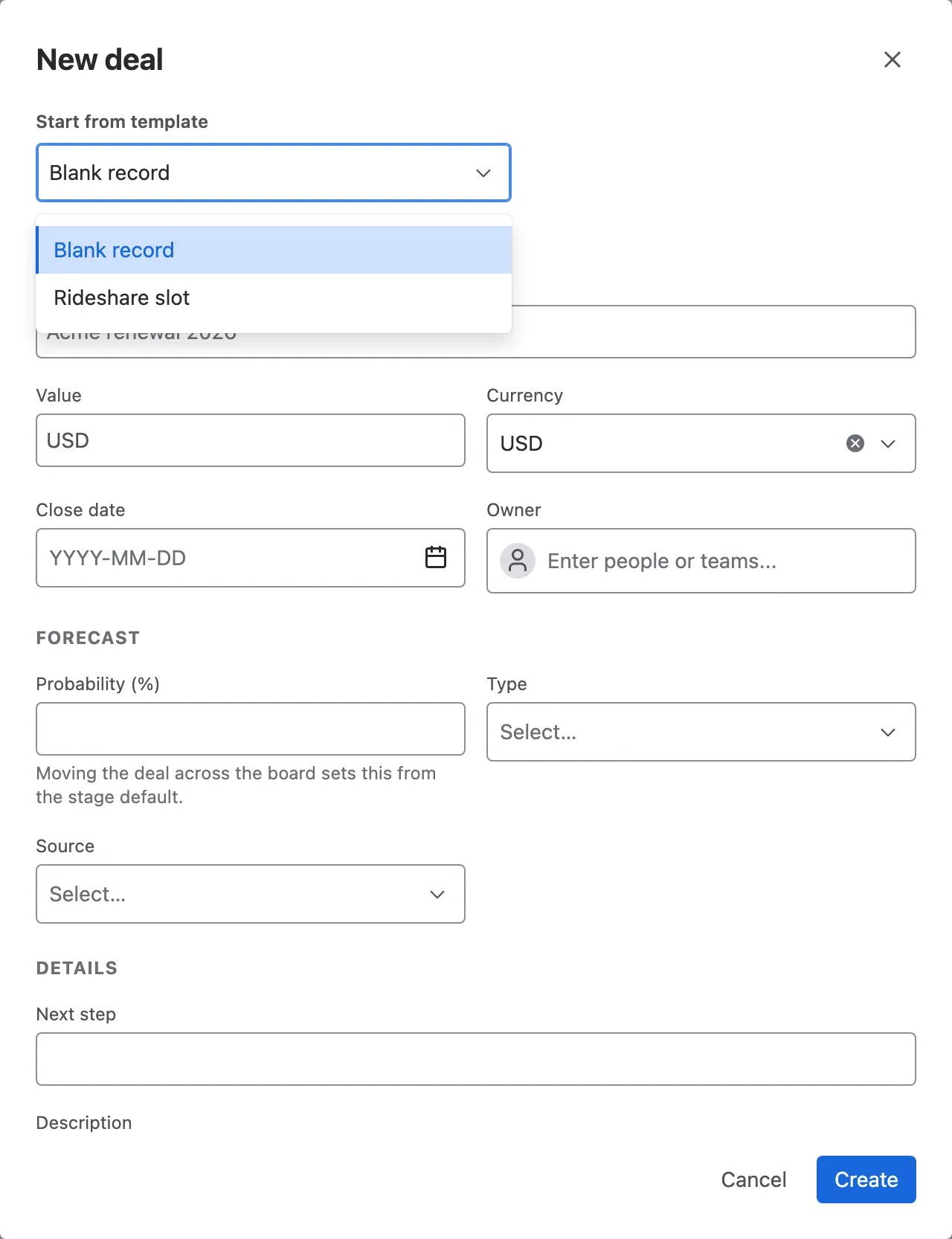
Section titled “Using a template”Every create form starts with Start from template: Blank record, or any template for that record type. The default template is already picked. Choosing one fills in its values; everything stays editable.