
Audit log
Every create, update and delete in Nexus CRM is recorded: which record, what happened, who did it and when.
Settings → Data and access → Audit Log needs Settings: Read. Restoring a record needs Settings: Admin.
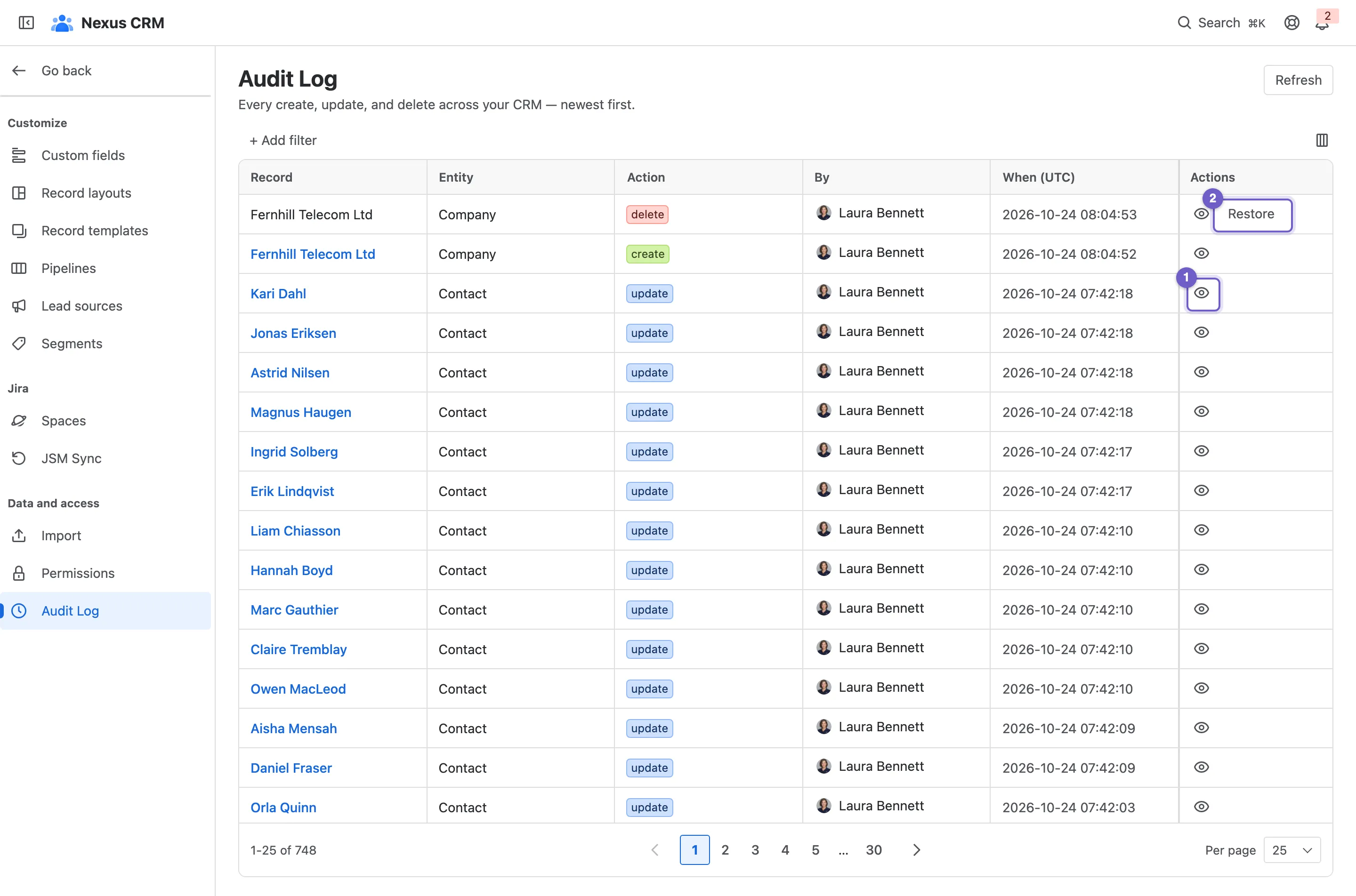
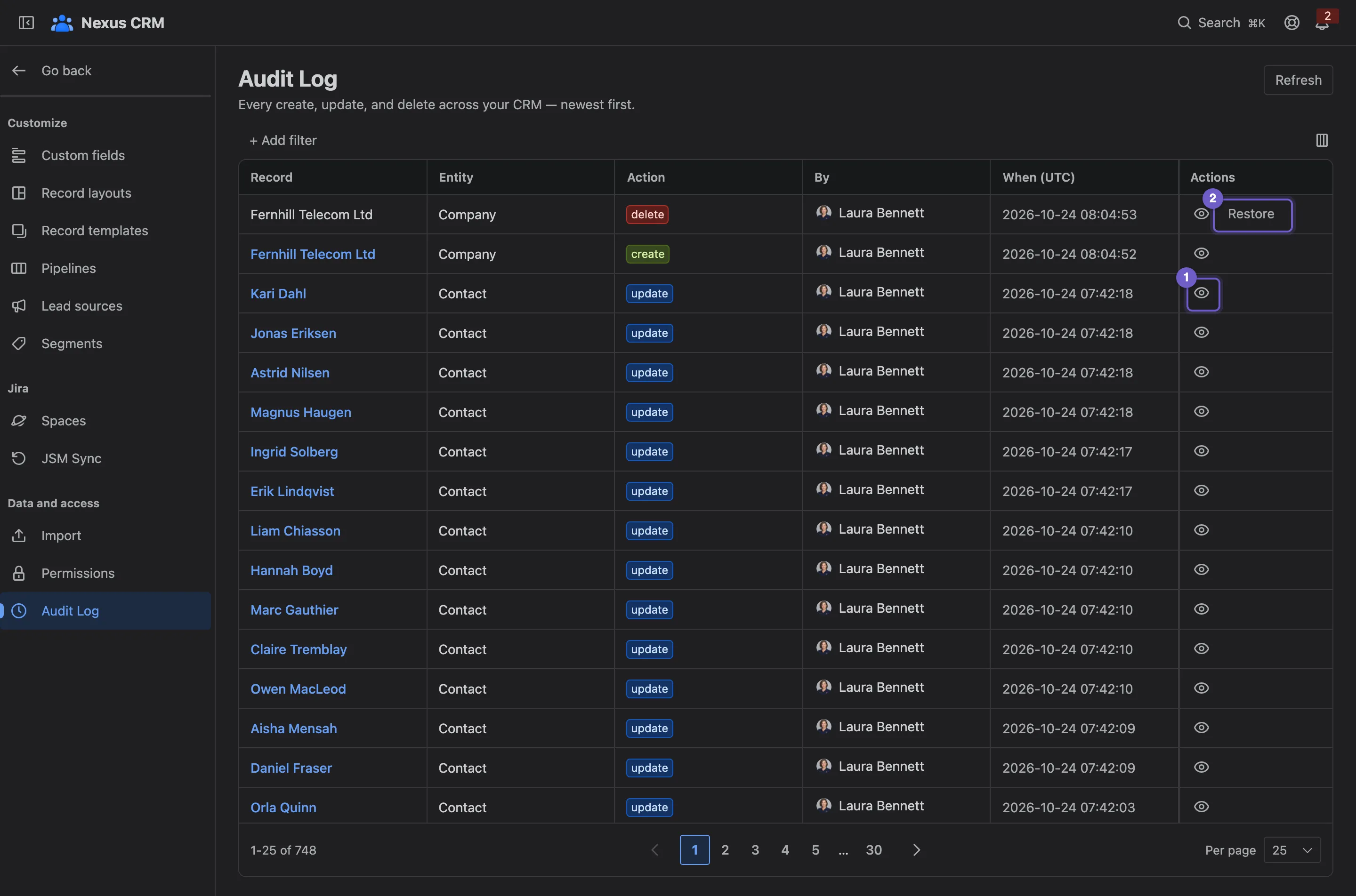
- View changes shows what changed.
- Restore brings back a deleted record.
- + Add filter by record type, action, person or date.
- Columns to show and reorder.
- A change: the record, its type, the action, who and when (in UTC).
- Refresh loads changes made since you opened the page.
What changed
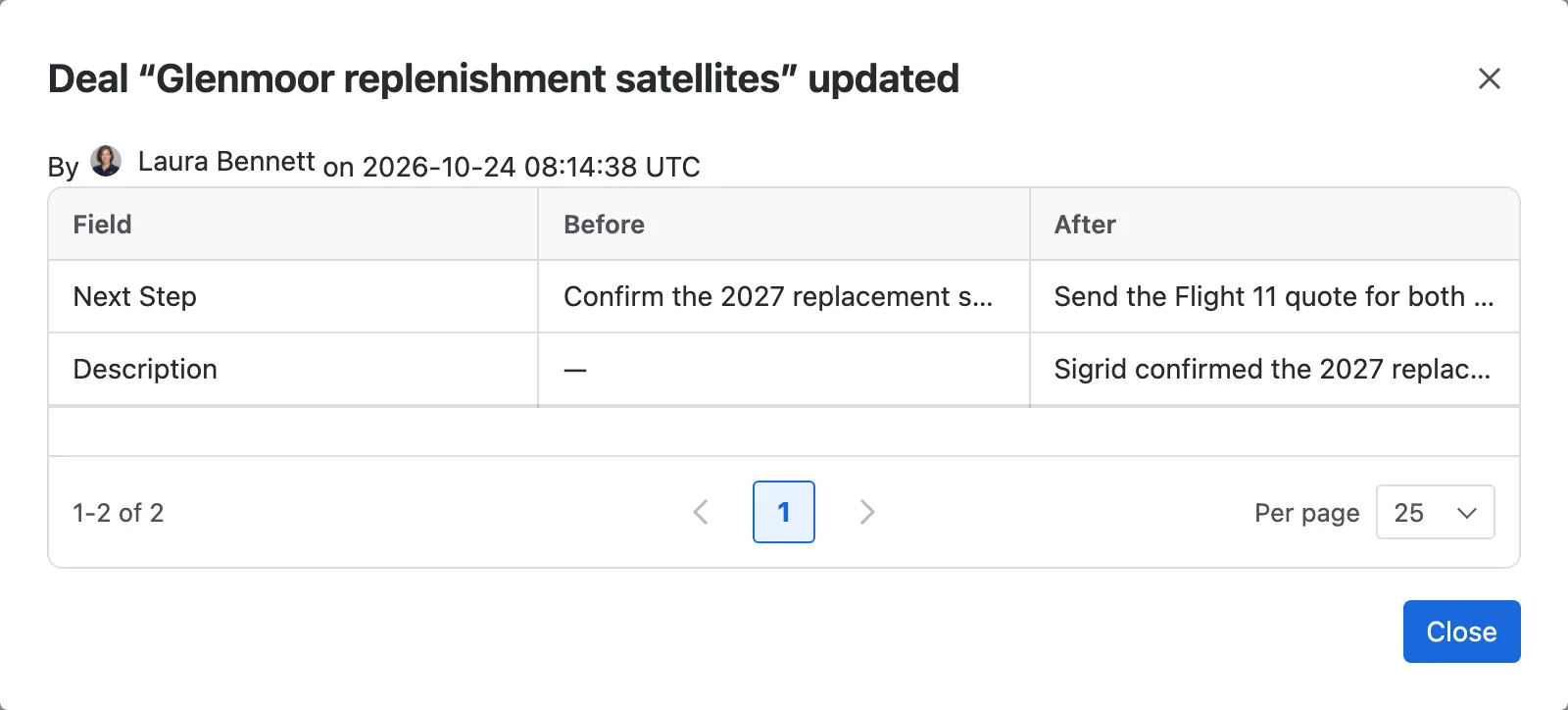
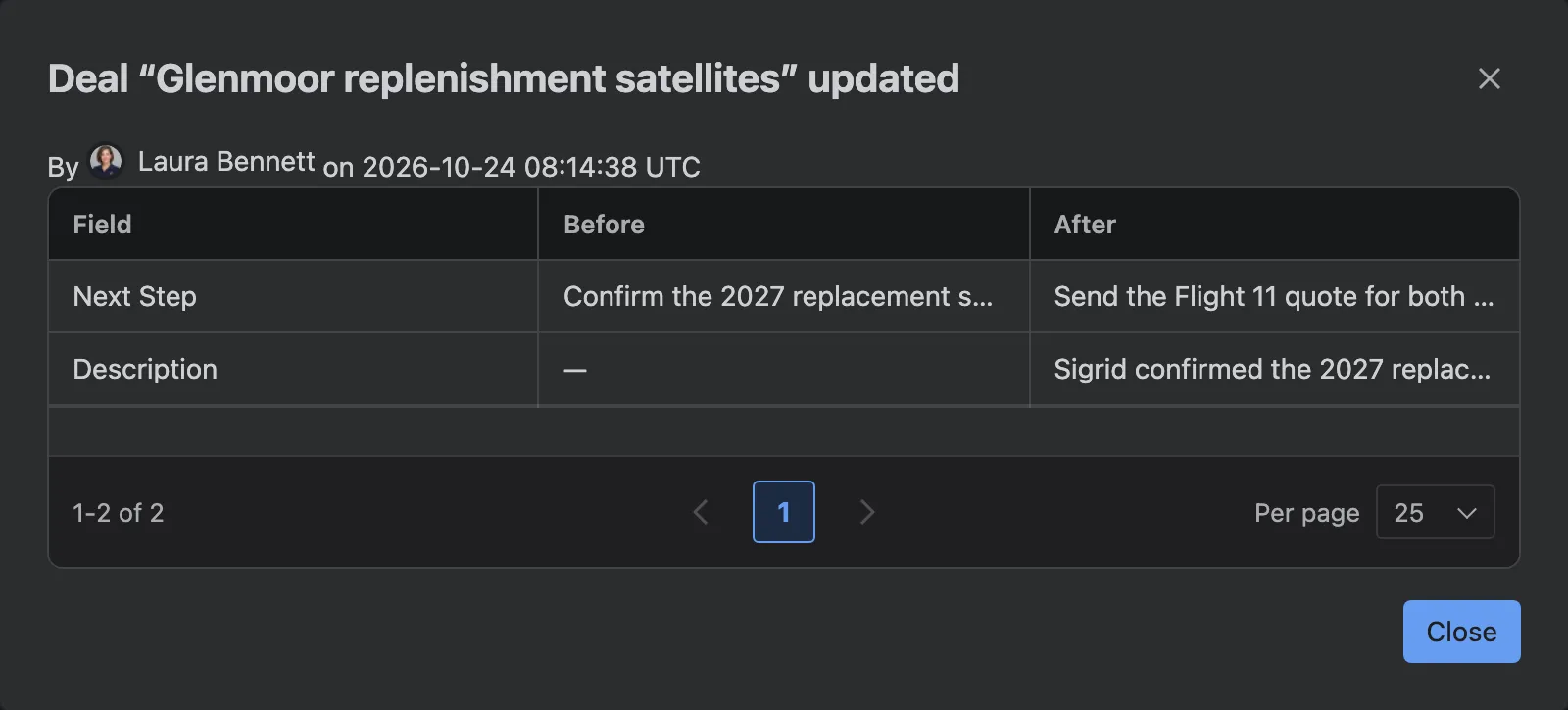
Section titled “What changed”View changes lists each field that changed, with its value before and after.
Restoring a deleted record
Section titled “Restoring a deleted record”A delete has a Restore button while the record is still gone. The record comes back with its original ID and created date, and the restore is logged as a new create. Restoring something that’s already back does nothing.
A restore brings back the record itself, not everything that hung off it. The confirmation lists exactly what won’t return:
| Record | Not restored |
|---|---|
| Company | Its links to contacts, and the company on its deals |
| Contact | Its company links, its roles on deals, and its segments |
| Deal | Its buying committee and its related deals |
| Activity | The records it was logged against |
Links to Jira work items, attachments and reminders don’t come back either.
How long entries are kept
Section titled “How long entries are kept”Entries are kept for 180 days, then removed automatically. A record’s own changes also show on its timeline, under the Changes filter.