
Dashboards
Home and the Summary tab of every company, contact, lead and deal are dashboards: a grid of widgets, each showing one view of your data.
| Dashboard | Starts with |
|---|---|
| Home | Counts of deals, leads, contacts and companies; Deals by status; Recent deals; Recent activity |
| Company Summary | Record card; four numbers (open deals, contacts, issues, weighted pipeline); Deals; Follow-ups; Issues; Activity |
| Contact Summary | Record card; three numbers; Deals; Follow-ups; Activity |
| Deal Summary | Record card; two numbers; Buying committee; Follow-ups; Issues; Activity |
| Lead Summary | Record card; Activity |
Editing a dashboard
Section titled “Editing a dashboard”On Home, select ⋯ at the top right, then Edit dashboard. On a record, hover over the Summary tab’s icon and the same ⋯ appears there.
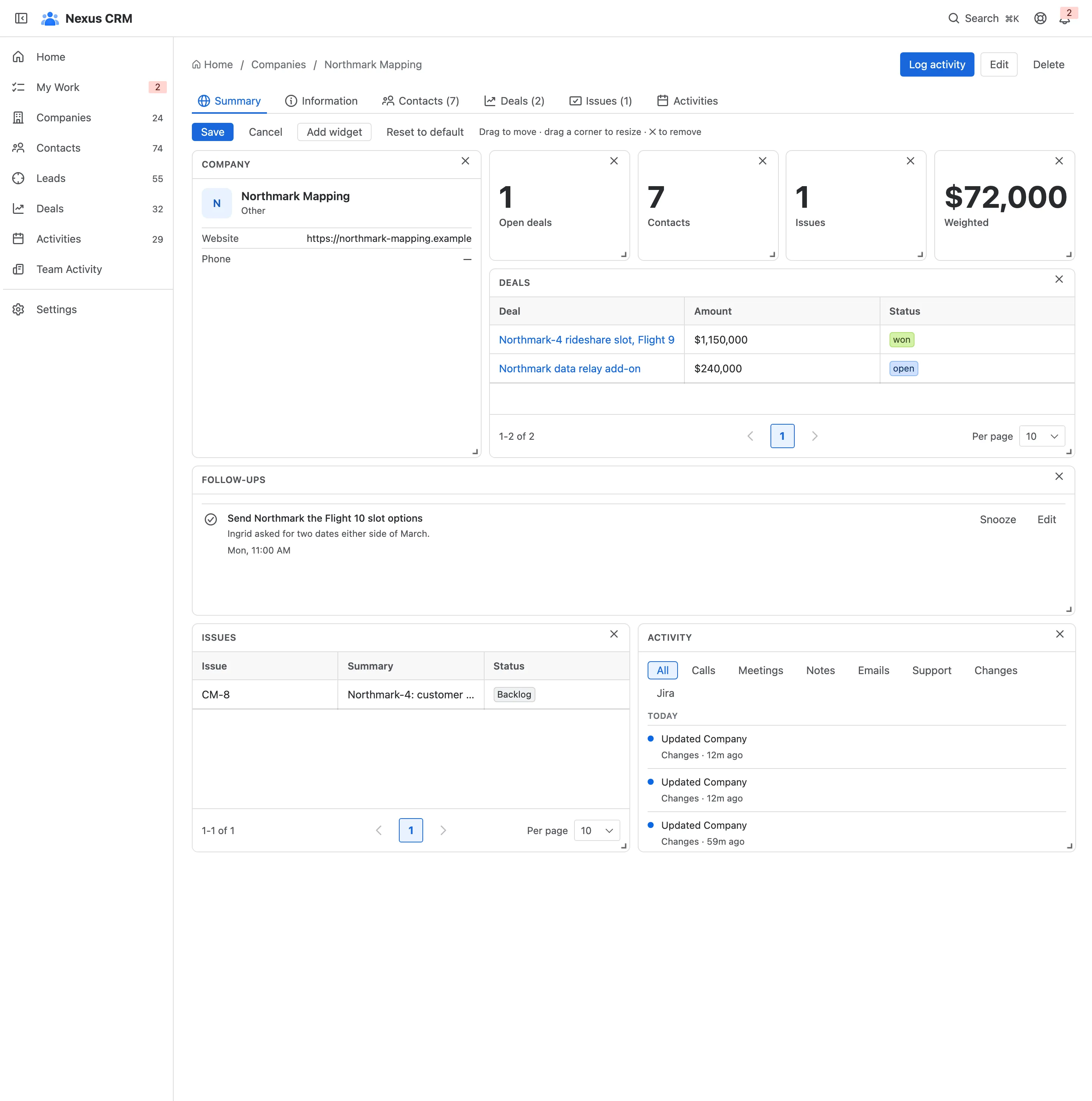
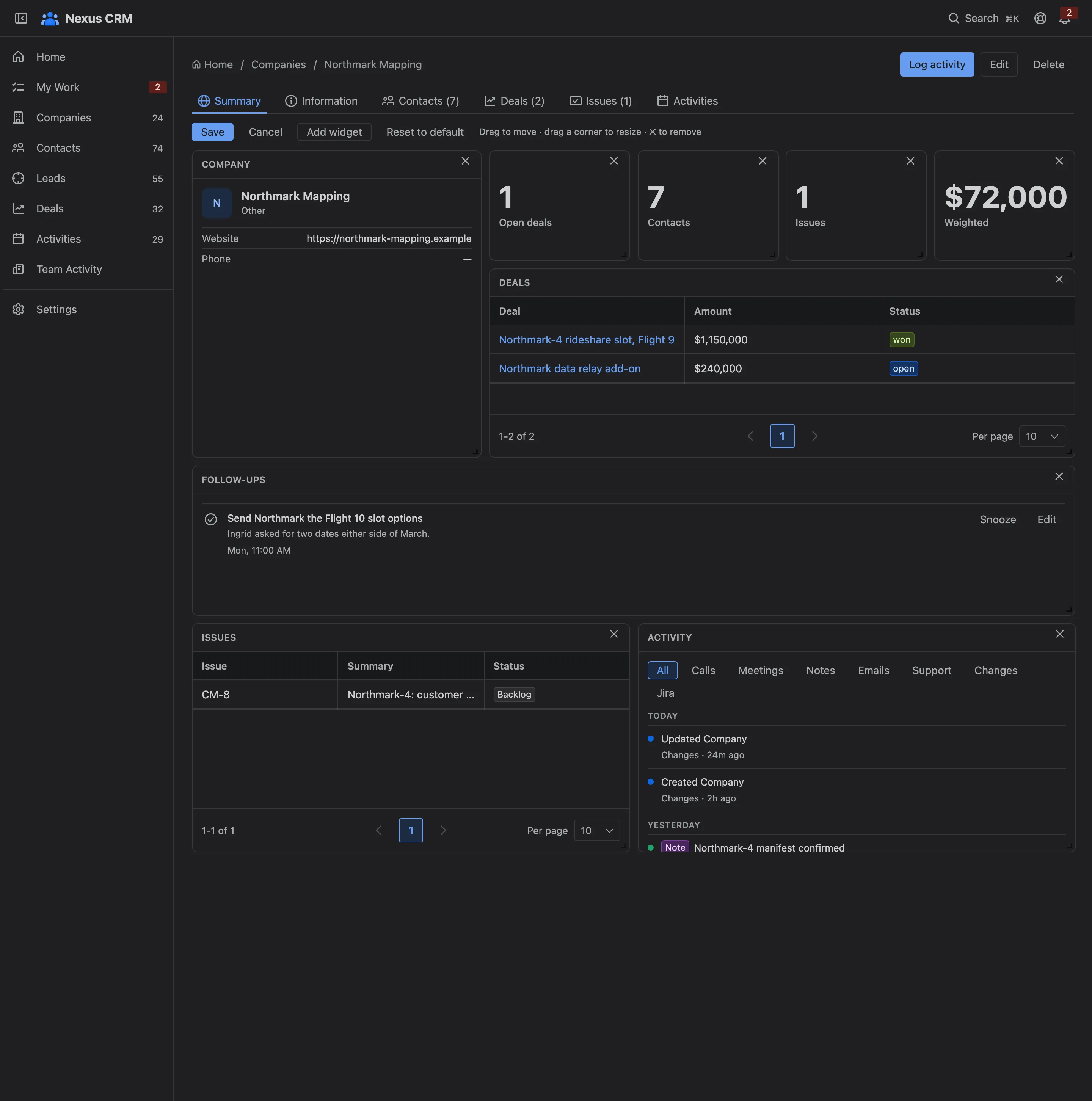
- Drag a widget by its body to move it, and by its corner to resize it.
- ✕ removes a widget.
- Add widget offers the widgets this dashboard can show that aren’t on it yet.
- Reset to default goes back to the layout Nexus CRM started with.
- Save, or Cancel to throw your changes away.
A record dashboard’s layout applies to every record of that type: arrange the company Summary once and every company shows it that way. Saving needs Settings: Admin.
Widget types
Section titled “Widget types”| Widget | Shows |
|---|---|
| Record card | The record’s key fields |
| Metric | One number, a count or an amount of money |
| Grid | A short list, ten rows a page, each row opening its record |
| Chart | A bar or pie chart, such as deals by status |
| Timeline | The record’s activity timeline |
| Follow-ups | Your reminders for the record |